I updated joomla to version 5.1.1, but I encountered a problem inserting articles from the frontend with the JCE editor: inserting images into the text (as in ) inserting preview images (as in figura2 [https://drive.google.com/file/d/174xjRoGEIp4eqfCJmq1At53yskStl19E/view?usp=sharing]) contacted JCE editor support and they responded like this: Your template is missing the required styles for the Joomla 5 dialog. I have copied these styles from the Cassiopeia template, into a custom.css file in your template's css folder, and made a small adjustment so the dialog will open at a suitable width and height. This is what Templatemonster replied to me:
Hello, thank you for writing to us and it's good that you were able to solve it.
Let's put ourselves in context, although the popularity of that editor is true, but they are the ones who use the core dialogs, therefore they are the ones who have to see how their editor loads everything necessary to function.
If it doesn't work in our template or in all Helix templates, unless it is included in a new framework update, we promise to contact the Helix developers to see if they include it, because we haven't removed anything.
Greetings
Staff replied
Helix Framework
problem with JCE editor
4 replies

Ofi Khan Staff
Hello PIERLUIGI
You have to contact with your template provider. Only they can fix the issue. Alternatively, you can download Helix Ultimate template from us and check the issue with it. If there is any issue, then we will help you. We can't help you with third-party templates made with Helix Ultimate.
Best regards

Paul Frankowski Senior Staff
2 years ago
· edited
Ciao.
- JoomShaper Support Policy rule 8.8 - for @Ofi response, why we cannot help.
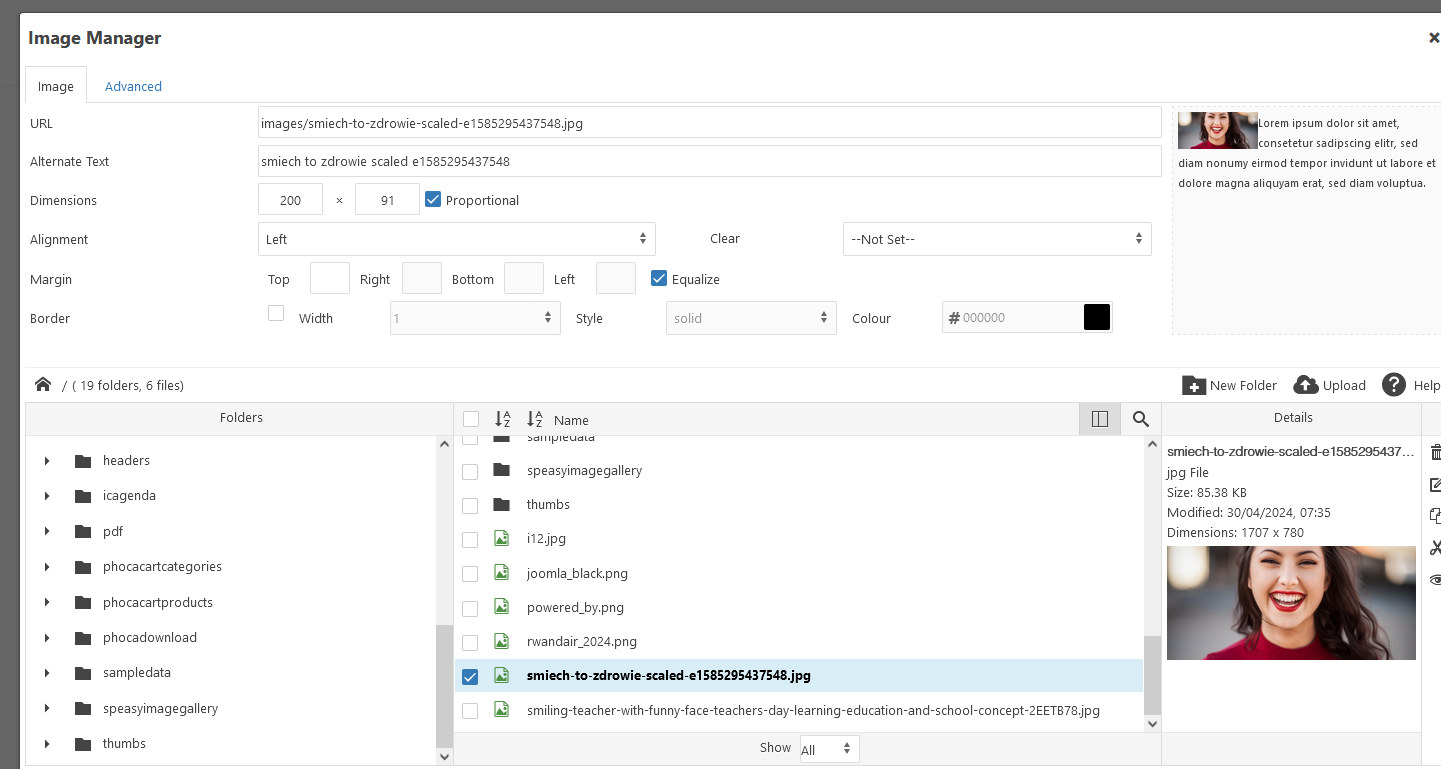
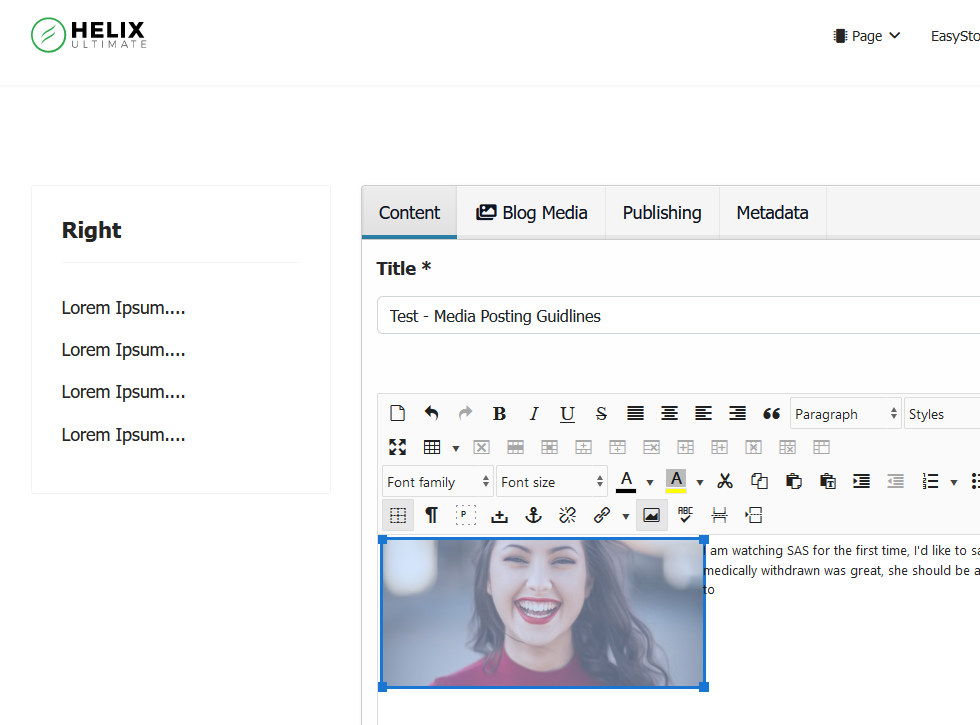
- I tested in raw Helix Ultimate 2.1.1 (new), J5.1.1, PHP 8.3 and I was able to edit article on front-end, using JCE toolbar: upload, choose, and insert image. Evidence:
PIERLUIGI Asked this
The problem occurs when inserting a preview image (as seen in photo 2) for insertion into the article everything works.
Paul Frankowski Senior Staff
It would be better if you would record a short video.
Include using your template and then switch to Cassiopeia template, and also show a difference.
But as you know we cannot fix your template, we can only suggest something for raw Helix Ultimate.
Log in to reply.