The icons in kreativa template are not visible.
Only on gallery page (footer subscription) below the icon shows. But on all the other pages the icon isn't visible.
When I add the icon in backend nothing happens.
The icons in kreativa template are not visible.
Only on gallery page (footer subscription) below the icon shows. But on all the other pages the icon isn't visible.
When I add the icon in backend nothing happens.
Hi there,
Thank you for reaching out, and I apologize for any inconvenience caused by this oversight. To better address the issue, could you kindly provide Joomla administrator access? This will enable me to thoroughly investigate the matter and provide you with a prompt resolution.
I appreciate your cooperation and will ensure to get back to you as soon as possible.
Best regards,
Toufiqur Rahman (Team Lead, Support)
Or add this css code inside the custom.css file. If you don't have custom.css file inside the templates/your_template/css. Please create a custom.css file and put this css code.
@font-face {
  font-family: 'icomoon';
  src:  url('fonts/icomoon.eot?8mhsf0');
  src:  url('fonts/icomoon.eot?8mhsf0#iefix') format('embedded-opentype'),
    url('fonts/icomoon.ttf?8mhsf0') format('truetype'),
    url('fonts/icomoon.woff?8mhsf0') format('woff'),
    url('fonts/icomoon.svg?8mhsf0#icomoon') format('svg');
  font-weight: normal;
  font-style: normal;
  font-display: block;
}

[class^="icon-"], [class*=" icon-"] {
  /* use !important to prevent issues with browser extensions that change fonts */
  font-family: 'icomoon' !important;
  speak: never;
  font-style: normal;
  font-weight: normal;
  font-variant: normal;
  text-transform: none;
  line-height: 1;

  /* Better Font Rendering =========== */
  -webkit-font-smoothing: antialiased;
  -moz-osx-font-smoothing: grayscale;
}

.icon-vector-44:before {
  content: "\e90c";
}
.icon-vector-45:before {
  content: "\e90d";
}
.icon-vector-46:before {
  content: "\e90e";
}
.icon-twitter:before {
  content: "\e90b";
}
.icon-vector-12:before {
  content: "\e909";
}
.icon-vector-13:before {
  content: "\e90a";
}
.icon-Vector-9:before {
  content: "\e900";
}
.icon-Vector-1:before {
  content: "\e901";
}
.icon-Vector-2:before {
  content: "\e902";
}
.icon-Vector-3:before {
  content: "\e903";
}
.icon-Vector-5:before {
  content: "\e904";
}
.icon-Vector-6:before {
  content: "\e905";
}
.icon-Vector-7:before {
  content: "\e906";
}
.icon-Vector-8:before {
  content: "\e907";
}
.icon-Vector:before {
  content: "\e908";
}Hi Toufiq,
Below my credentials.
Please check now. Thanks
Yes, it is visible now. Thank you very much.
You are most welcome! We appreciate your feedback and are delighted to hear that you're satisfied with our service.
To officially close this forum post, mark it as accepted. If you have any more questions or need further assistance in the future, please don't hesitate to reach out to us.
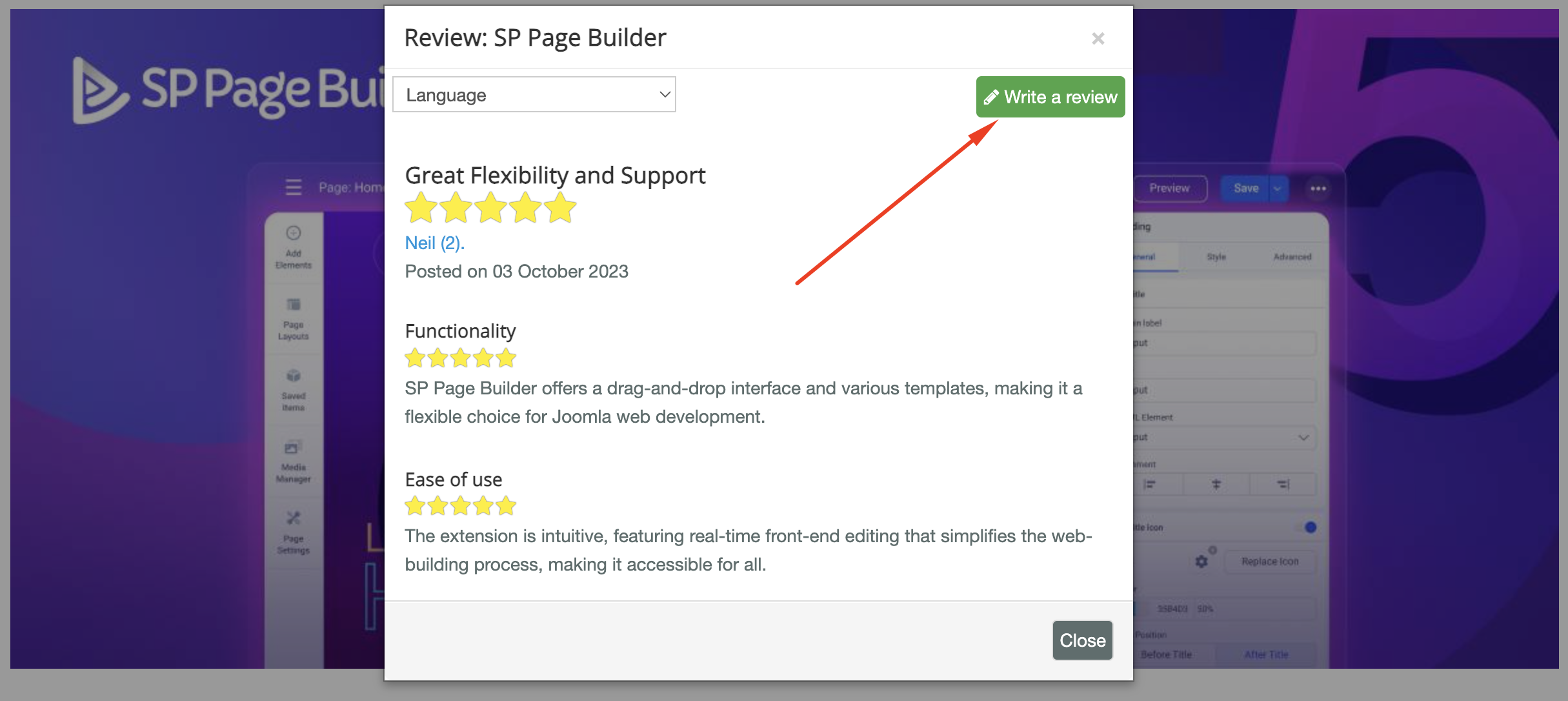
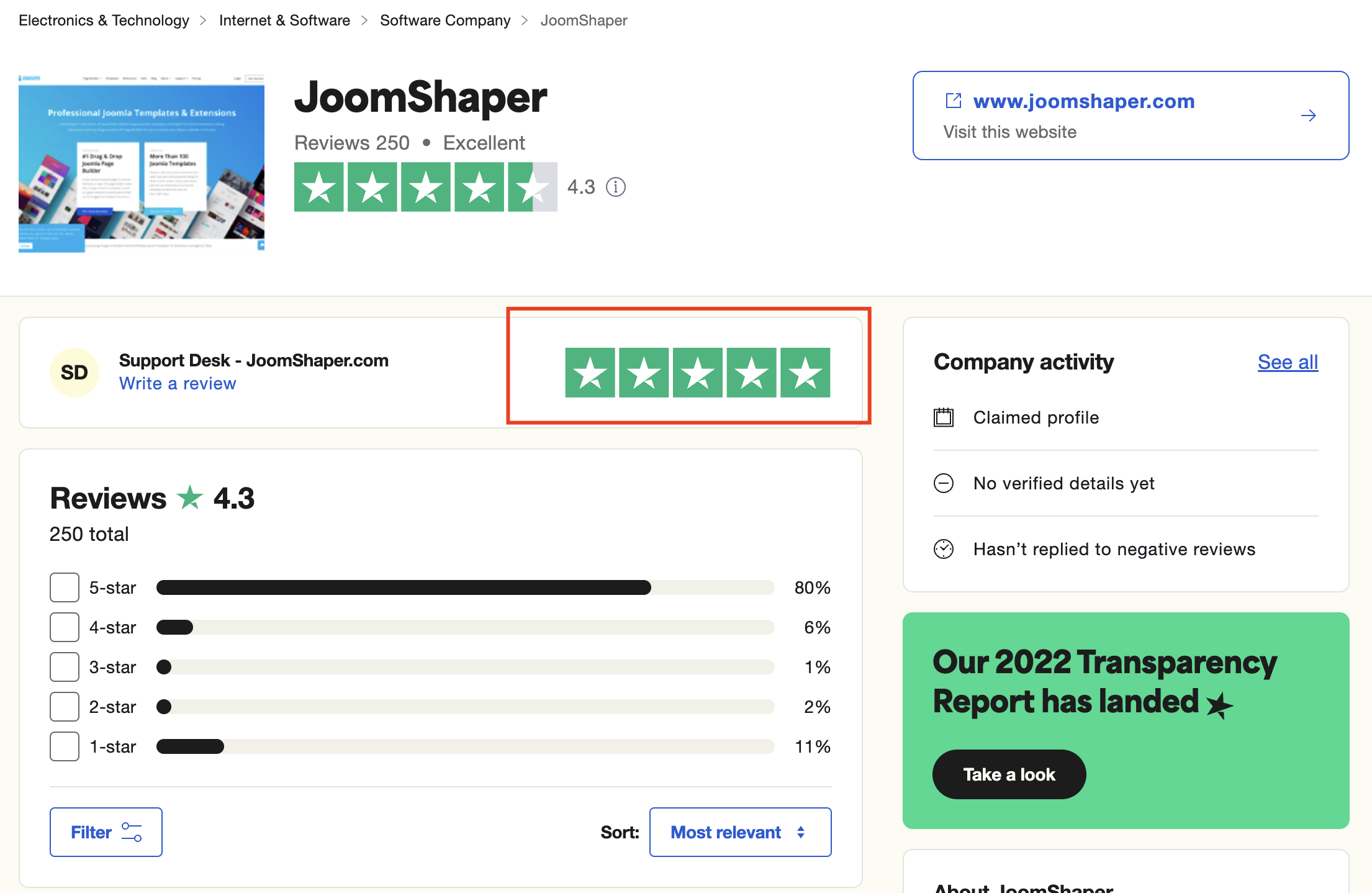
As for writing a review about our product and support quality, we would greatly appreciate it! Your feedback helps us improve and serves as a valuable reference for others. Please take a moment to share your thoughts about your experience with our product and the support you received. Your input is valuable to us and the community. Thank you in advance for your time and support.
We're here to assist you with any further questions or requests you may have. Once again, thank you for choosing our product and for being a part of our community.
Best regards,
Toufiqur Rahman
Team Lead, Tech Support (JoomShaper)
