
Hi,
Details here : https://www.joomlacontenteditor.net/support/forum/97604-jce-file-browser-shows-404-error-in-frontend-edit#reply-97614
Could you apply the patch on your side?
Thanks
L.
Hi,
Details here : https://www.joomlacontenteditor.net/support/forum/97604-jce-file-browser-shows-404-error-in-frontend-edit#reply-97614
Could you apply the patch on your side?
Thanks
L.
Thank you for sharing it. I have just talked with the developers. This issue is fixed on the upcoming Helix 2.0.
Hello Laurent
Thanks for the information. I will share it with the developers.
Best regards
Hello Laurent,
Thanks for informing the issue. We will inform the developer team about the issue and will get back to you.
-Regards
ok thank you, do you have an idea when?
approx?
because I have to give a feedback to my customers.
I will update as soon as I get the response from the developers. Just to be sure. Please clarify the error scenario. I assume that frontend editor stops working when JCE editor is enable. Please correct me if I am wrong.
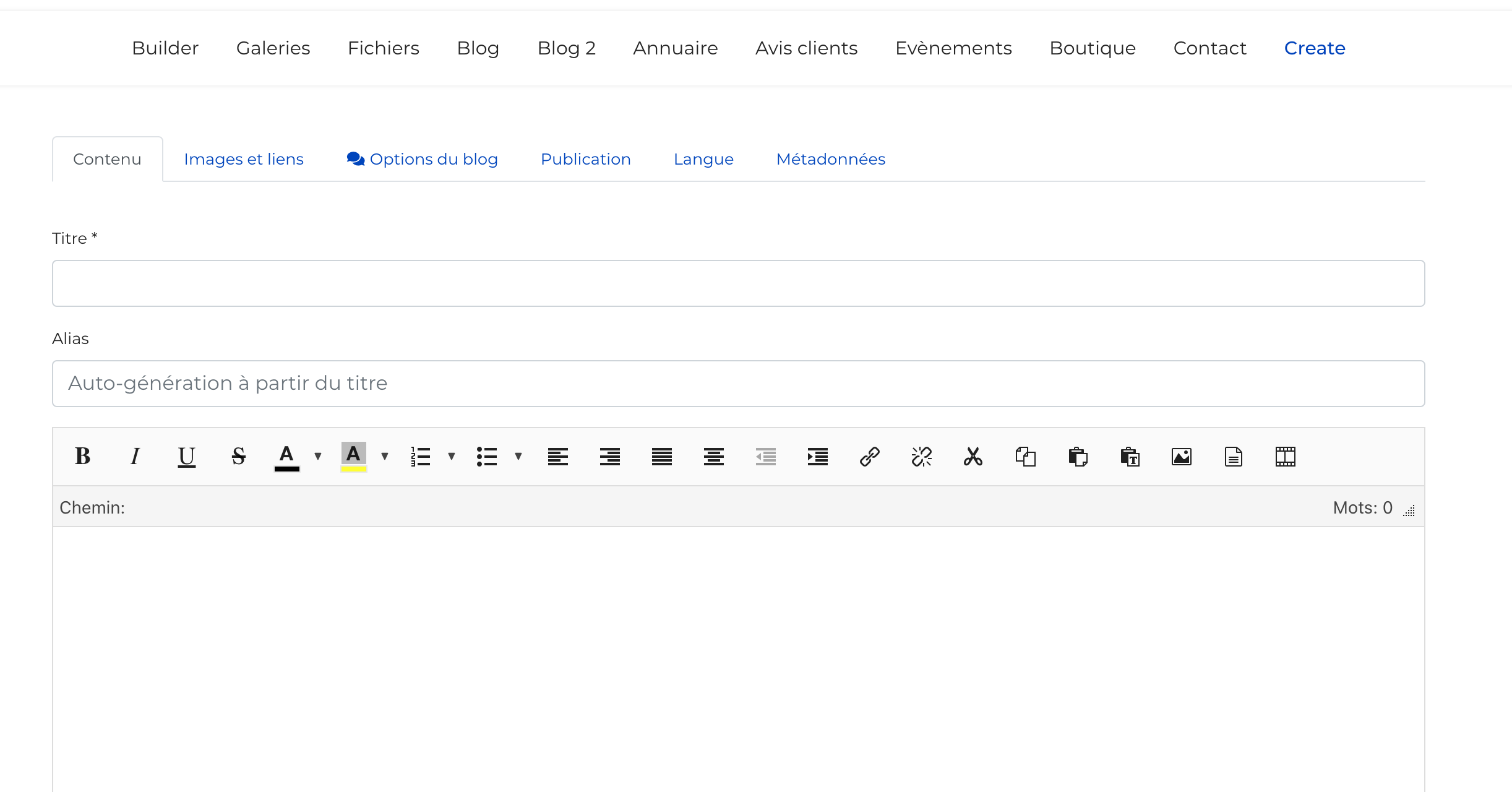
I have created a menu item to submit an article from website front end.
but from website front-end I get this error : https://prnt.sc/1jh7bhx
and If I apply the solution proposed here : https://www.joomlacontenteditor.net/support/forum/97604-jce-file-browser-shows-404-error-in-frontend-edit#reply-97614 then works fine.
I have tried with JCE free version and did not find the issue. Could you please share any access credentials to check?
OK done in Hidden Content area
and for info, when I modify the file as explained here https://www.joomlacontenteditor.net/support/forum/97604-jce-file-browser-shows-404-error-in-frontend-edit#reply-97614 then works fine.
So this means the problem comes from this file : plugins/system/helixultimate/html/layouts/form/field/media.php
I have taken a full site backup and checked on my localhost. Create Article menu works okay with the defalut media.php file from Helix Ultimate quickstart.
This is the default file from the quickstart. You can check with this file.
Hi Ofi,
Thanks for the feedback.
I never said that article creation does not work.
The problem is I get a 404 error when I click on select button to browse images.
See below :
But when I edit this file plugins/system/helixultimate/html/layouts/form/field/media.php following this topic : https://www.joomlacontenteditor.net/support/forum/97604-jce-file-browser-shows-404-error-in-frontend-edit#reply-97614
So there is a problem on helix file I guess.
Thanks for your clarification. Yes, now I get the issue. I will share the findings with the developers.
ok perfect thank you for the clarification.
L.

