Joomla 4.x, Helix Ultimate 2.x, Bootstrap 5 & ... JQuery? - Forum | JoomShaper
Solved Helix Framework

Joomla 4.x, Helix Ultimate 2.x, Bootstrap 5 & ... JQuery?

Asked by Steve 5 years ago Last activity 5 years ago

So, trying to be diligent and at least take advantage of current technologies and trends, I've been steering clear of JQuery, mainly because it's nearly impossible to get PageSpeed to give me any love and I'm tired of dealing with it.

My understanding was that a significant difference between Bootstrap 4 & Bootstrap 5 is that Bootstrap 5 is now JQuery independent.

Helix 2.0 offered options to disable JQuery:
https://www.joomshaper.com/documentation/helix-framework/helix-v2/advanced

I realize that's been a while, but I don't see anywhere in settings to disable JQuery at all, no current version documentation regarding JQuery, Forum posts or even least some justification why it's necessary considering prevailing technologies.

Will someone please point me in the right direction please?

Accepted answer

Marked as the solution
Pavel
5 years ago · edited

Hi.

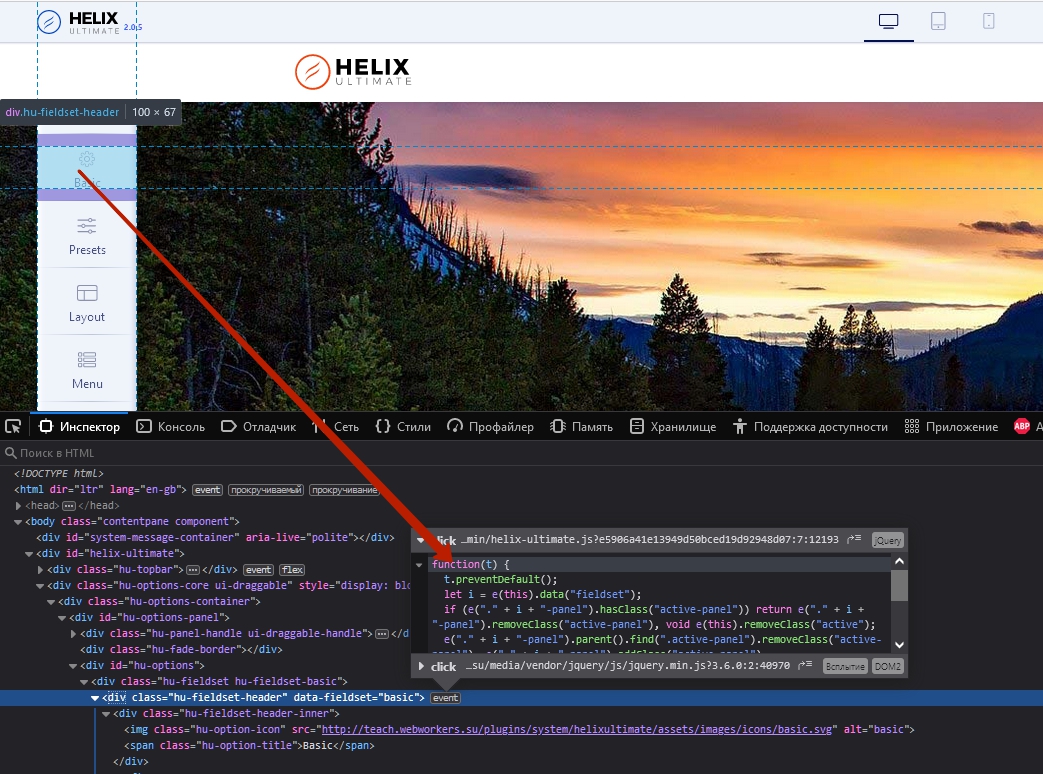
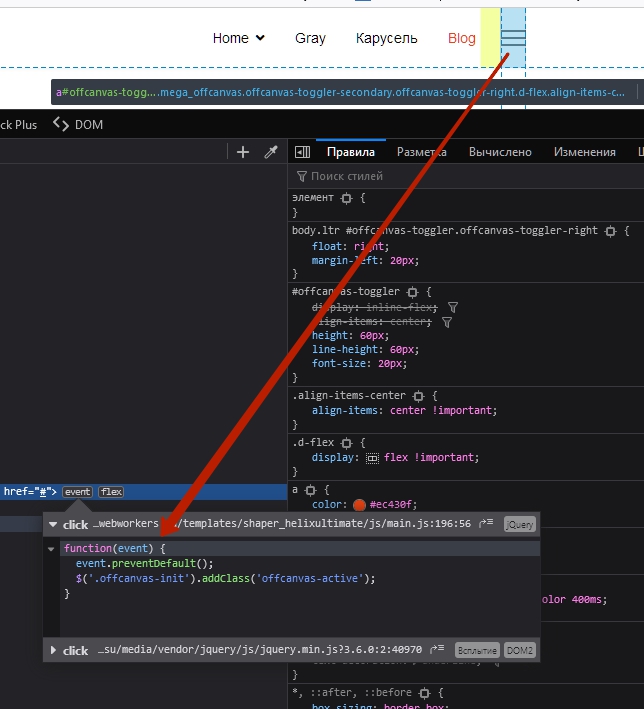
SP Page Builder can not work without jQuery. Helix Ultimate can not work without jQuery.
If you take a look at the code of any interactive interface element, you will see jQuery there

A strange statement from Ariba that jQuery there is no more. As far as I know, all Joomshaper products use jQuery still.

7 more replies

Ariba Staff

Hello

Thank you for your query. There is actually no option to disable jQuery as it is not a requirement in Bootstrap 5 like you mentioned as well. And in our new helix framework this is not included, so by default there is no option to disable.

Steve Asked this

Please explain this code buried in the head of my document.
If JQuery is not includes, then this should not be here.

-script src="/media/vendor/jquery/js/jquery.min.js?3.6.0">-/script>
-script src="/media/legacy/js/jquery-noconflict.min.js?04499b98c0305b16b373dff09fe79d1290976288">-/script>
-script src="/components/com_sppagebuilder/assets/js/jquery.parallax.js?39e0d58090a096acb7dc9fe41c38917d">-/script>
-script src="/components/com_sppagebuilder/assets/js/sppagebuilder.js?39e0d58090a096acb7dc9fe41c38917d" defer>-/script>
-script src="/components/com_sppagebuilder/assets/js/jquery.magnific-popup.min.js">-/script>

Yes, I know the code is malformed, so before we go down THAT rabbit hole, it's on purpiose because your "forum" doesn't allow me to post code (even using the cute little icon)

So, these lines are in the head of my document, and by your statement, they should NOT be there, hence my question: how do I turn it off (again)

Steve Asked this

Anything?

Steve Asked this

THIS HAS NOT BEEN ADDRESSED.

KEEP IGNORING IT

Paul Frankowski Senior Staff
5 years ago · edited

Hi,
as you may seen ...

  1. components/com_sppagebuilder/assets/js/jquery.magnific-popup.min.js
  2. components/com_sppagebuilder/assets/js/jquery.parallax.js

-- are from SP Page Builder component - not from Helix template itself.

Some features and related file you can disabled from SP Page Builder Options - but not all, some of them are needed for the component. As you know SPPB 3.7 has to work for both J3 and J4. In SPPB 4.x big code changes are planned.

As always code customization is on your hands only.

Steve Asked this

Thank you for the clarification.
Looking forward to being JQuery free.

Paul Frankowski Senior Staff

Ping me next week, I will try to get know more about "JQuery" in SPPB 4.x if it would be or not.

You're welcome.

Log in to reply.