Blog View
Joomla 4, 5, 6
Updated 23 Jun 2025
1 min read
The blog view includes several basic settings:
Blog Layout
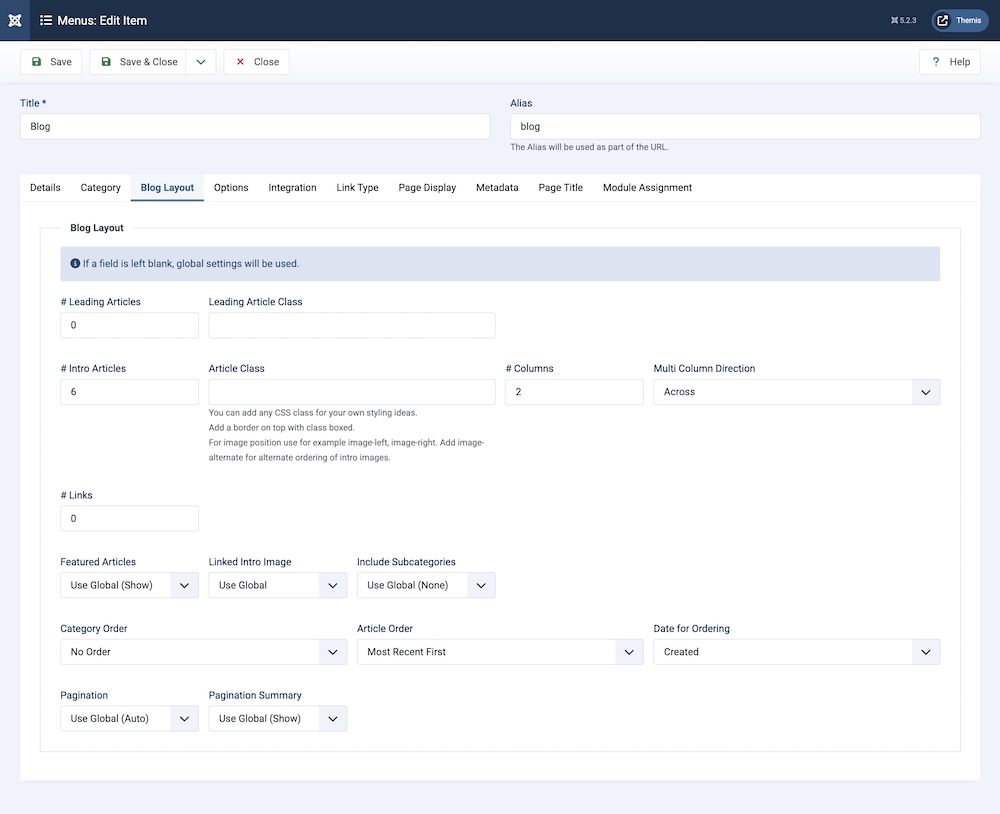
To access this, go to All Menu Items > Pages > Blog > Blog Layout. You will find the following items:
Blog Header
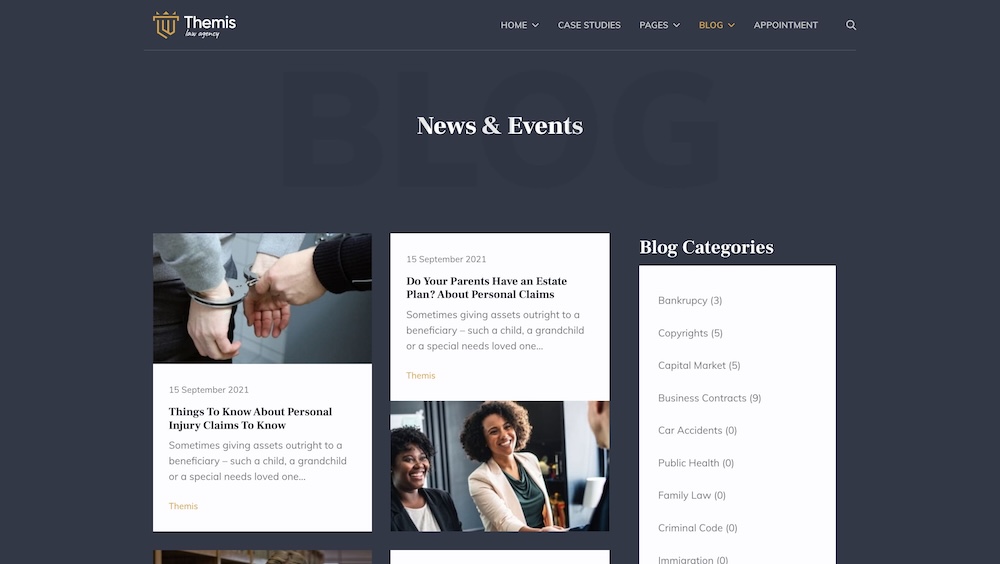
You can set the blog page's title and subtitle by going to Blog > Page Title.
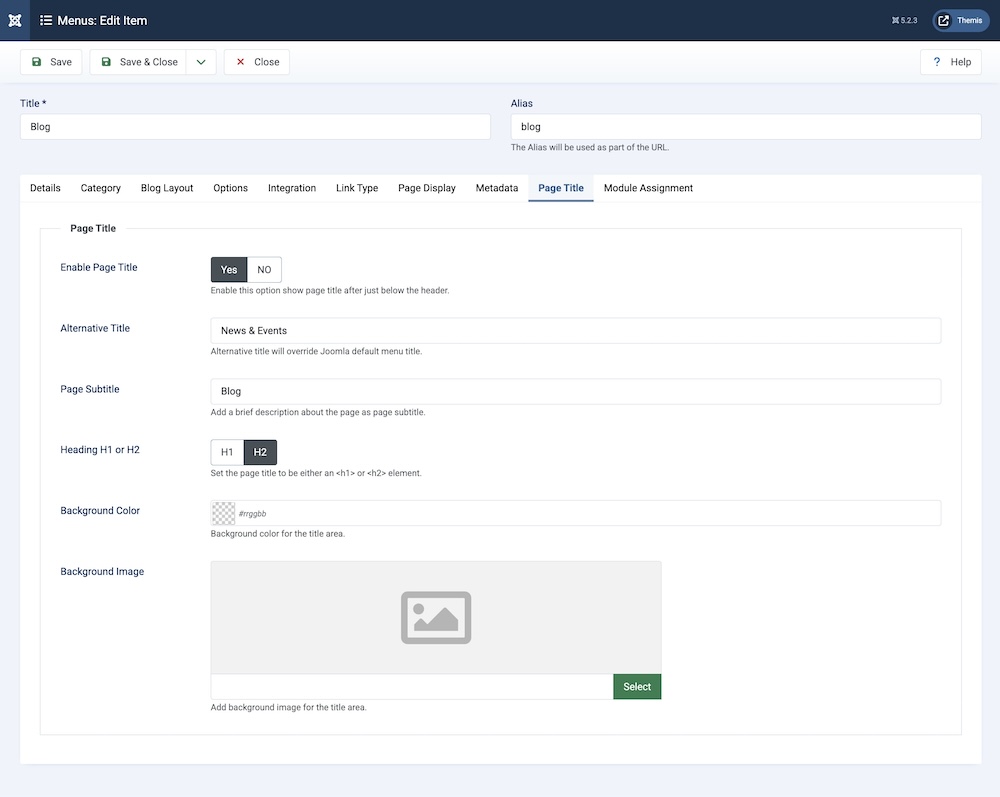
After you have filled those fields, the blog page should look like the screenshot provided below:
Sidebar Modules
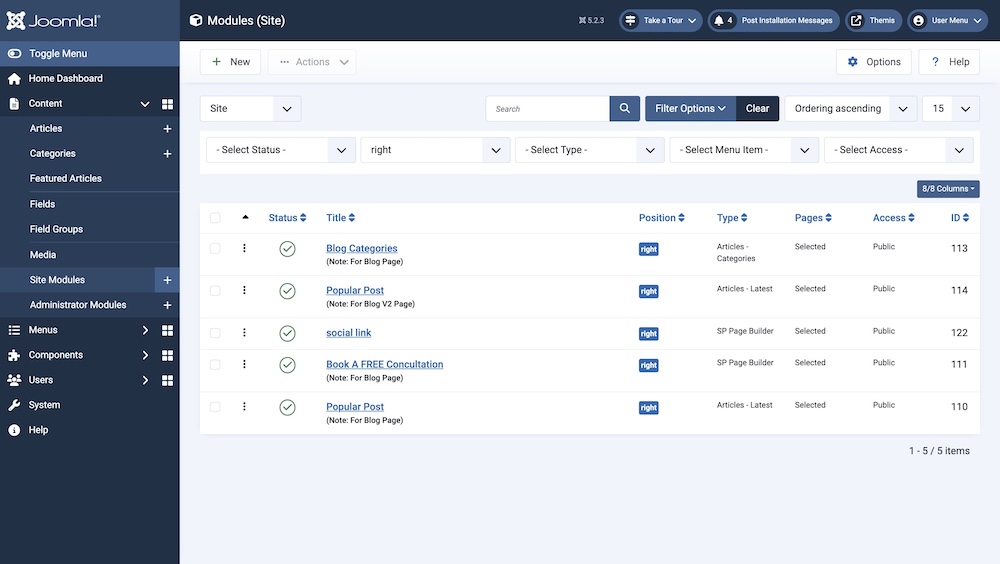
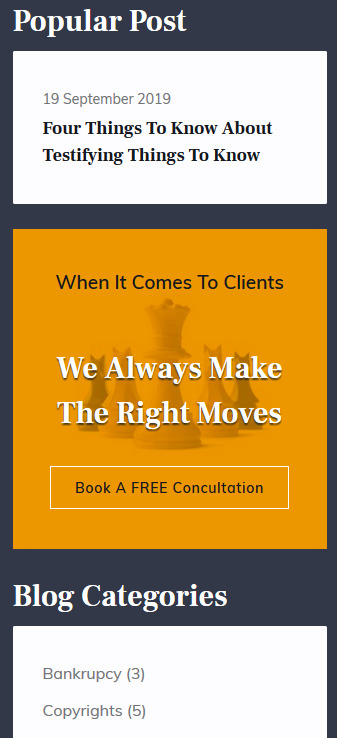
You can find Sidebar modules, such as Popular Post, and customize their position on the page.