

Joomla Template Empty
R
Raphael
Hi,
I installed this template for a new project. (Joomla 4)
https://www.joomshaper.com/joomla-templates/keynote
After installing, I inspected SP Page Builder and the modules to figure out how it was set up, but unfortunately everything is empty.
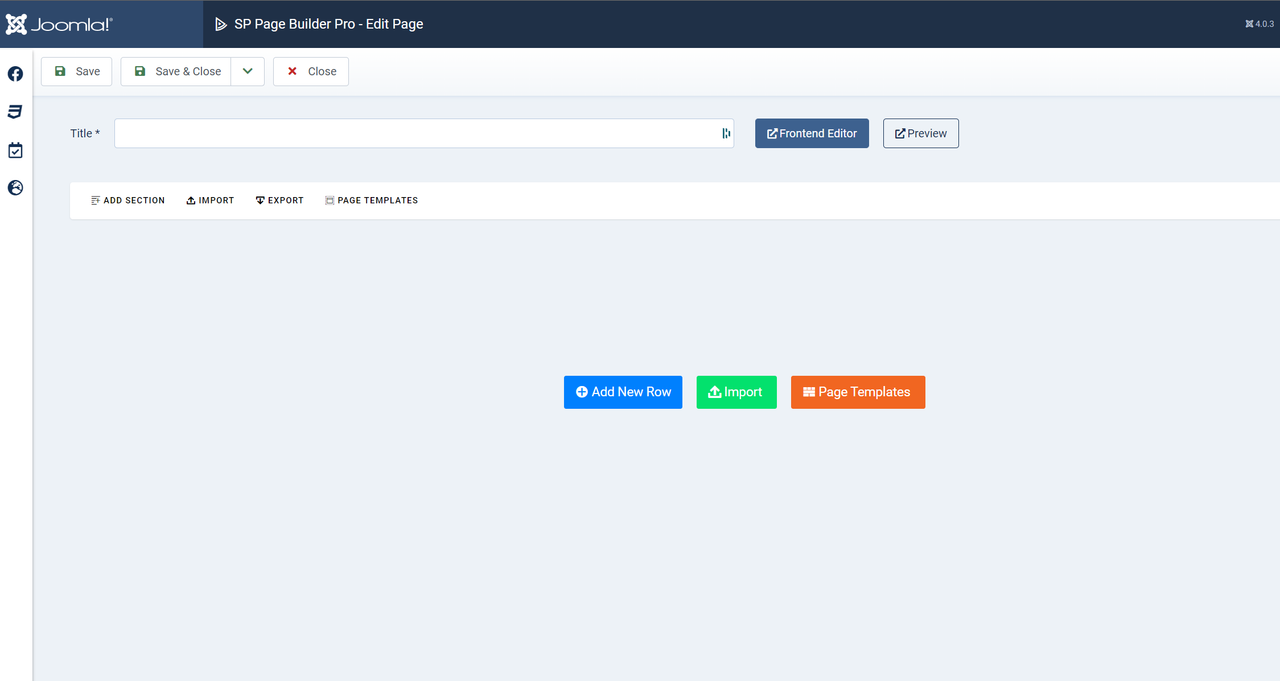
This is the "Home Default" Page in the Backend In the frontend editor it looks fine.
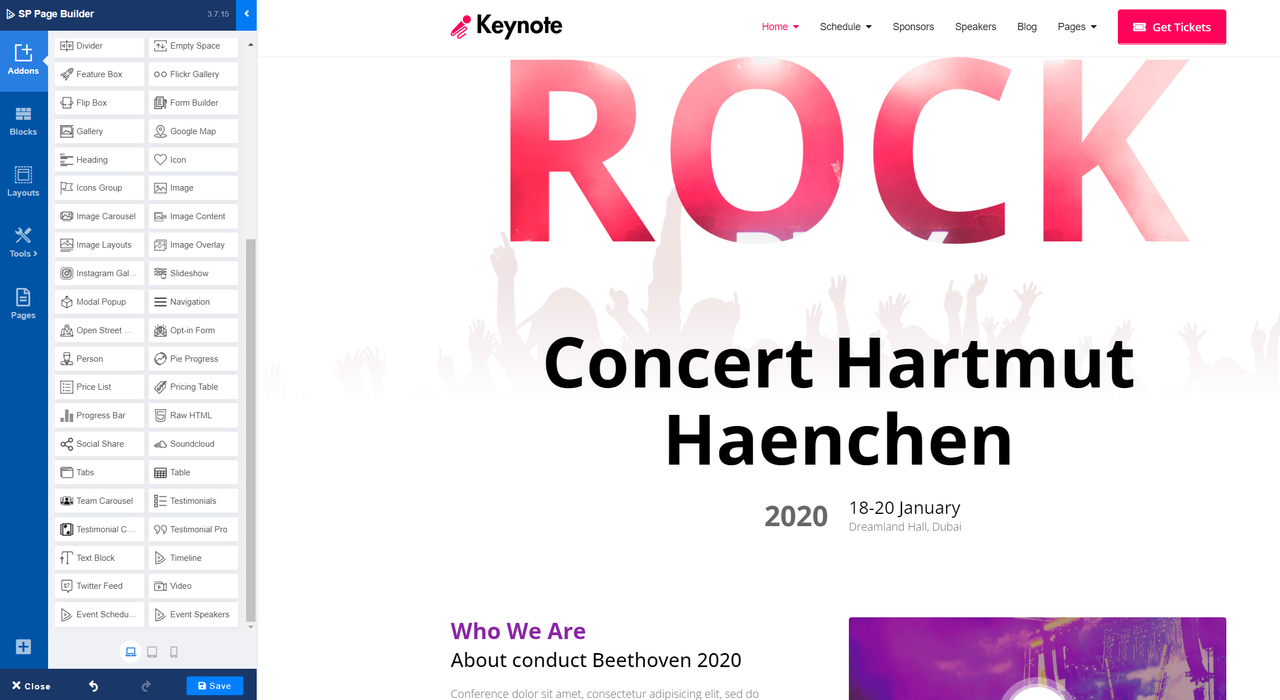
Without any Backend informations it's not possible for me to find out, how the time schedule was set up.
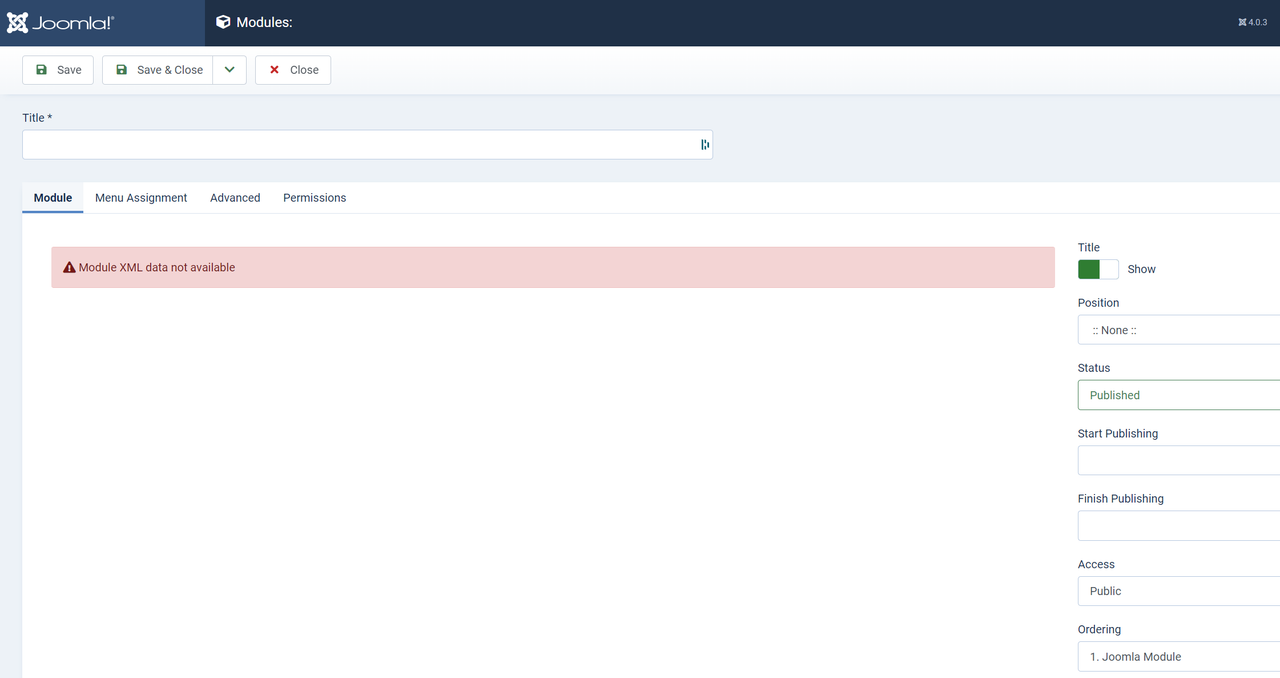
Site Module "Get Tickets"
8 Answers
Order by
Oldest

Ofi Khan
Accepted AnswerHello Raphael
Please go to Components -> SP Eventum -> Sesions and you will find all the sessions that are displayed on the home page.
For checking your Get Tickets module issue, please share your administrator access here to check the issue. Use the Hidden Content box to share the credentials.
Best regards
R
Raphael
Accepted AnswerNow you have admin access.
Why are all modules/SP Page Builder Pages empty?
Ofi Khan
Accepted AnswerI cannot access using your shared credentials. Please check it again and share.
R
Raphael
Accepted AnswerTry again
I found this:

This seems to be a error in the installation.
I installed another template and got the same problem.
Ofi Khan
Accepted AnswerIt looks like an issue with the database. Please uninstall SP Page Builder and install the latest version. Then check the modules.