

Wrong Logo In Mobile Version After Upgrade To Joomla 4.0.6
JB
Juergen Baisch
Hello, I have made an upgrade for Joomla from 3.10.5 to v 4.0.6. It thought better than I suspected. The productive site Joomla 3.10.5 is still https://water-for-africa-org The upgrade from 4.0.6 is in the staging area, which means it's a test environment. Login see hidden content
After that the website appears with a few quirks. We spent several hours trying to solve the problem, also deleted the Custom CSS code completely in between. Nothing helped.
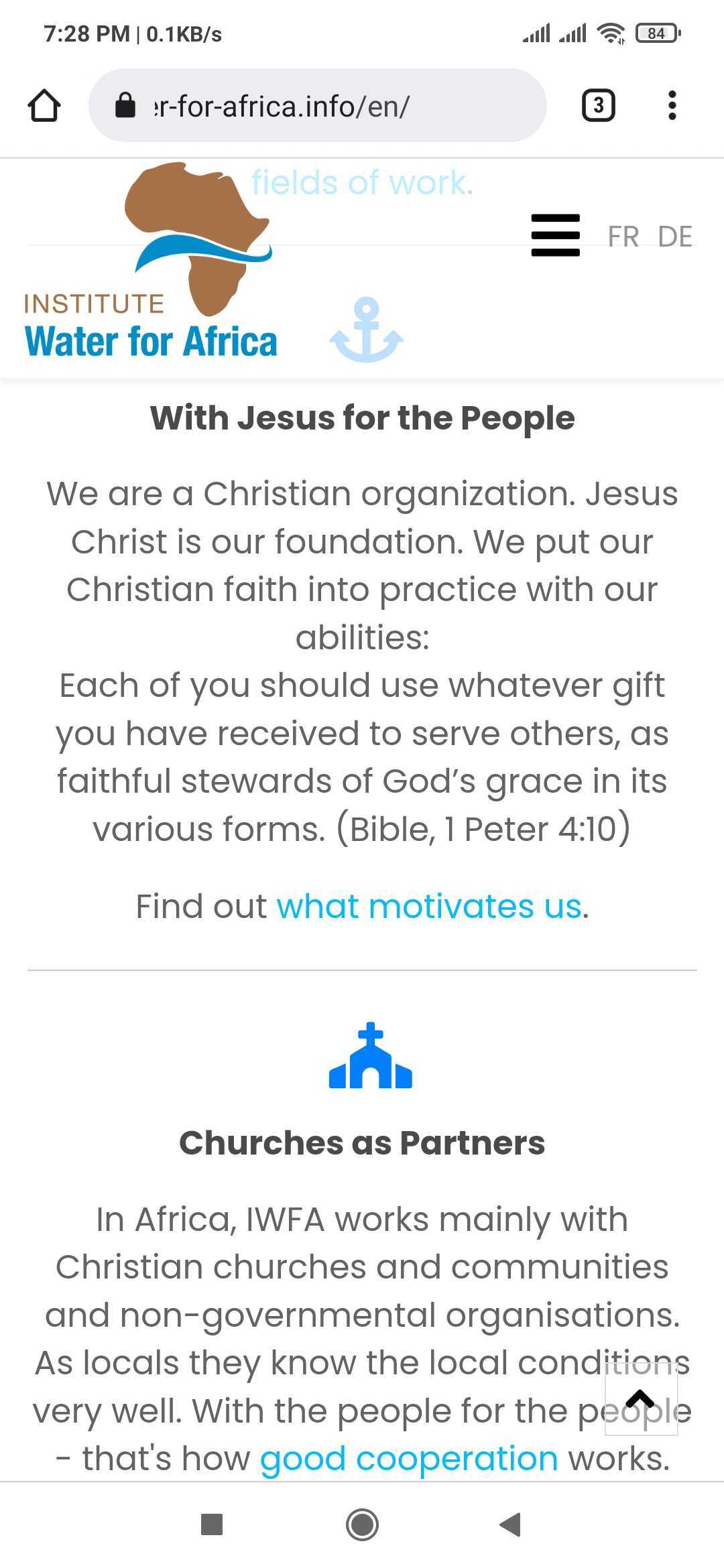
The following error occur: In the mobile version the wrong logo is shown. The correct logo is the lower one as shown here: https://prnt.sc/zorOh_boVjZk This is used in the productive website. See screenshot: https://prnt.sc/Y5kk_g-I6D14 After the upgrade to Joomla 4.0.6 the wrong logo is shown: https://prnt.sc/-Hx8K9SoFHrZ
Thanks. Juergen
11 Answers
Order by
Oldest

Toufiq
Accepted AnswerHi there,
Thanks for contacting us. Sorry for the inconvenience. First security option doesn't work for me. Will you please check your end and let me know. Thanks
-Thanks
JB
Juergen Baisch
Accepted AnswerHi there,
I have just checked it by logging in. It is working. Your collegues have used itsuccessfully for another problem, too.
JB
Juergen Baisch
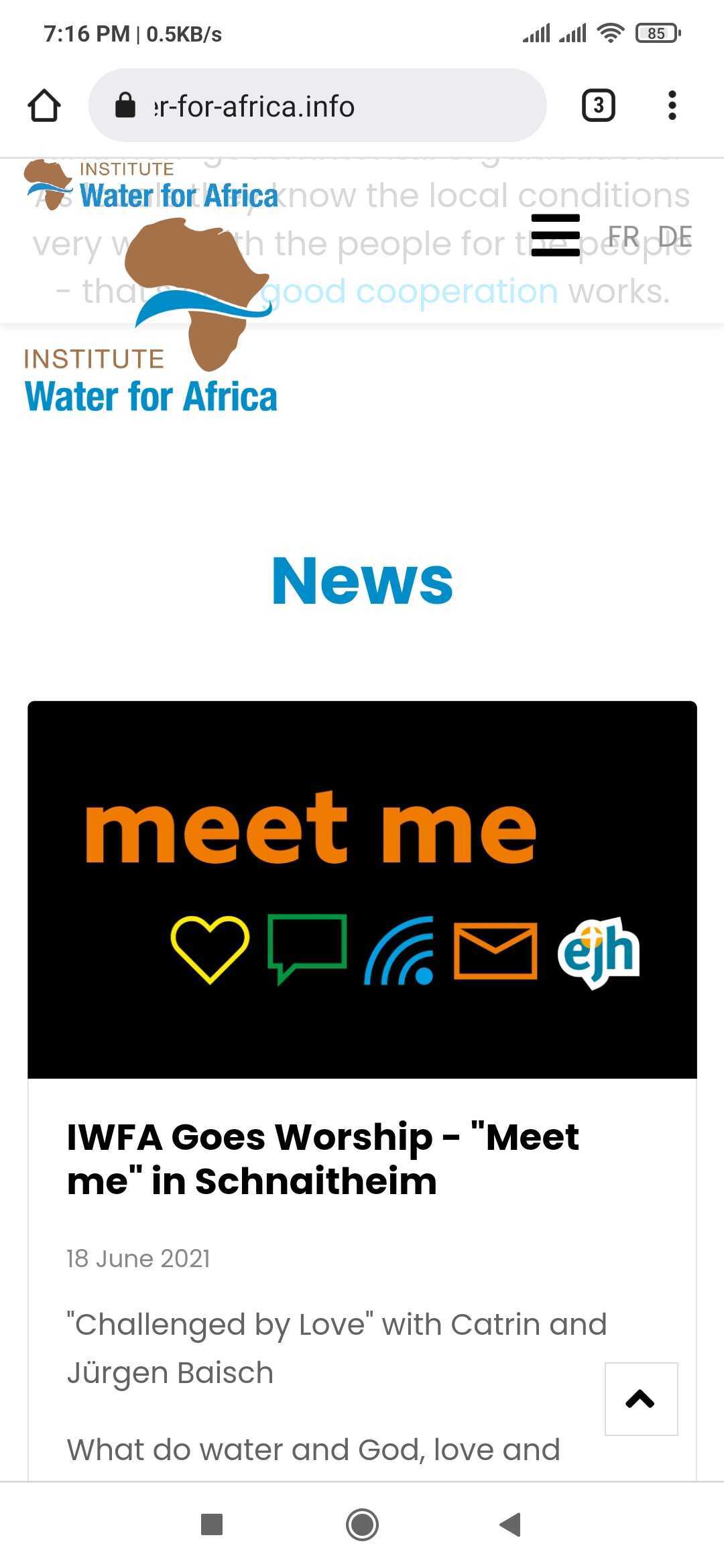
Accepted AnswerSorry. Now there are 2 logos as after the upgrade from Joomla 3.10.5 to 4.0.6: https://prnt.sc/eKwZmuLRkZHL
The custom css code from your collegue toi avoid to logos is here: https://www.joomshaper.com/forum/question/12499#qa-answer-60851
Please check on your mobile if it is okay or not. It saves time.
FYI: the website https://water-for-africa.org/en/ is the productive website using Joomla 3.10.5. There you can check how the logo mobile version should be.
Thanks.
JB
Juergen Baisch
Accepted Answer? Your mobile screenshot is showing 2 logos.
The correct mobile version has to be like this: https://prnt.sc/mLhl-PNqqZfB It is from the productive website https://water-for-africa.org/en/
JB
Juergen Baisch
Accepted AnswerThank you very much! It works now . I have added your custom css code changes to the other language templates.
Juergen
Toufiq
Accepted AnswerYou are most welcome. Will you please spend some to write a review about our product and support quality?