

Contact Form Not Working
CL
CHG IT CONSULTANCY PRIVATE LIMITED
Hi Team,
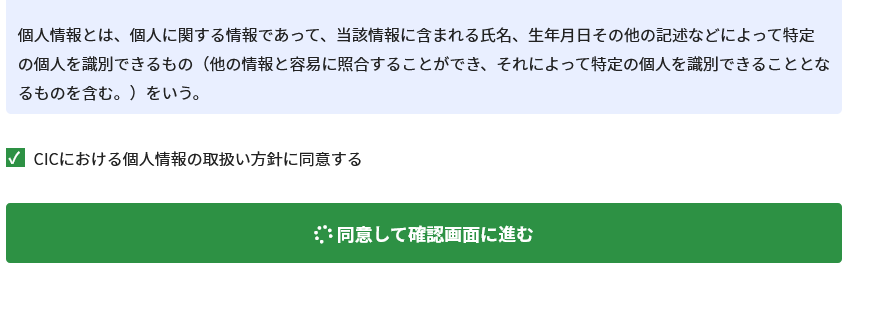
I am using SP Page builder. After submitting the form, nothing happens visually. Button with loading icon shows. Help me find a solution.
Thank you.
20 Answers
Order by
Oldest

Toufiq
Accepted AnswerHi there,
Thanks for contacting us. Sorry for the inconvenience. Will you please provide me the Joomla administrator access to check the issue? I will check & get back to you soon.
-Thanks
CL
CHG IT CONSULTANCY PRIVATE LIMITED
Accepted AnswerHi Team,
You cannot acces our admin because its producted with VPN.
So current version is below 3.8.3
SP Page Builder Prohttps://www.joomshaper.com/updates/com-sp-page-builder-pro.xml Administrator Component > Current version 3.8.3 > 3.8.6
OR Can i update the SP Page builder ? please let me k now.
CL
CHG IT CONSULTANCY PRIVATE LIMITED
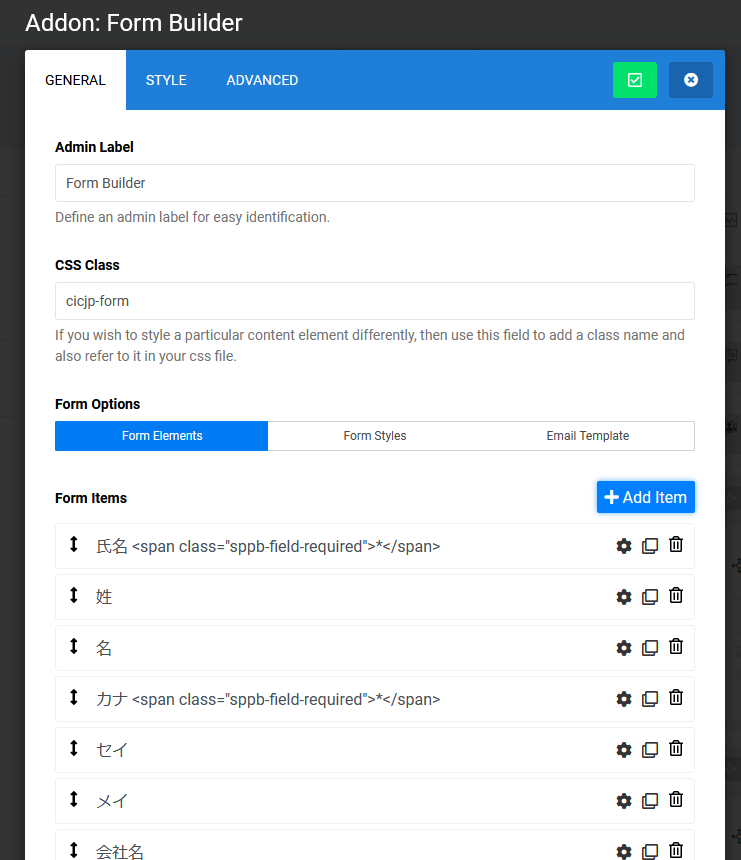
Accepted AnswerHi Team, We have used form builder addon. It was working fine before.. but now not working.
Toufiq
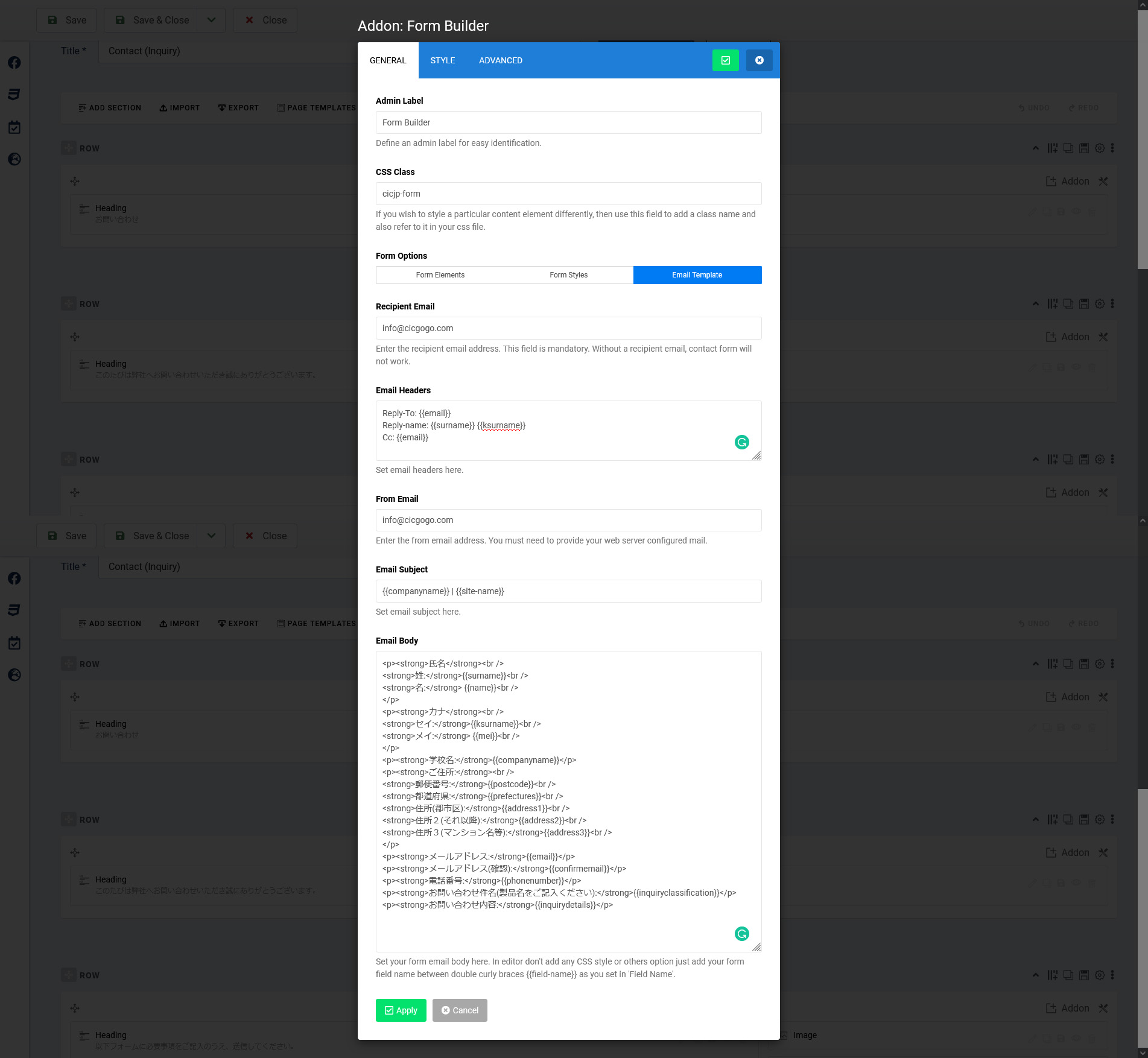
Accepted AnswerPlease share a screenshot email template area.
CL
CHG IT CONSULTANCY PRIVATE LIMITED
Accepted AnswerDear Team,
Please check the attached screen shot.
Toufiq
Accepted AnswerAnd make sure that your mail function works. You can test it from global settings server tab. Thanks
CL
CHG IT CONSULTANCY PRIVATE LIMITED
Accepted AnswerHi Team,
I have used SMTP Server settings and it was working on the admin page. but when I try to fill out the form and submit the form not work. But it was working before when I submit the form. And I have followed your steps but not working. Please help me to sort this out.
Our Link Look Like : http://27.93.201.169/ (With VPN)
CL
CHG IT CONSULTANCY PRIVATE LIMITED
Accepted AnswerHi Toufiq,
Sorry for access our site. I have raised support tp our team regarding access.
I just used empty form and submit without required field. And the error showing like below: 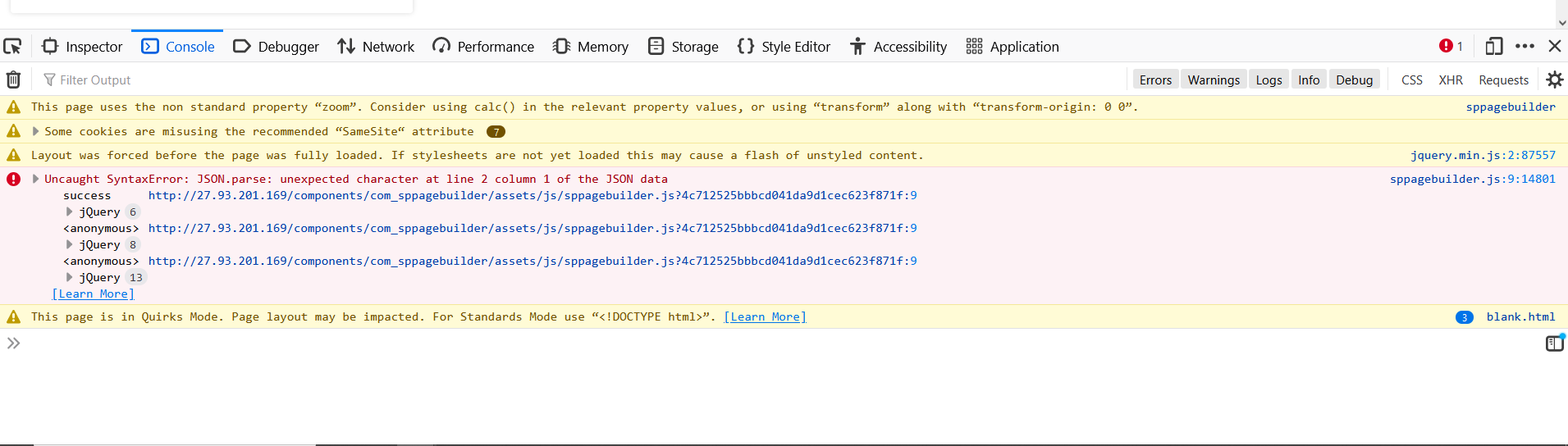
Toufiq
Accepted AnswerCan you give me a backup of your site using akeeba backup?
https://drive.google.com/file/d/1HwEmKAzw-uVWQHdASGHU31nJaJKBSR56/view
CL
CHG IT CONSULTANCY PRIVATE LIMITED
Accepted AnswerHi Toufiq,
Will give u the backup soon.
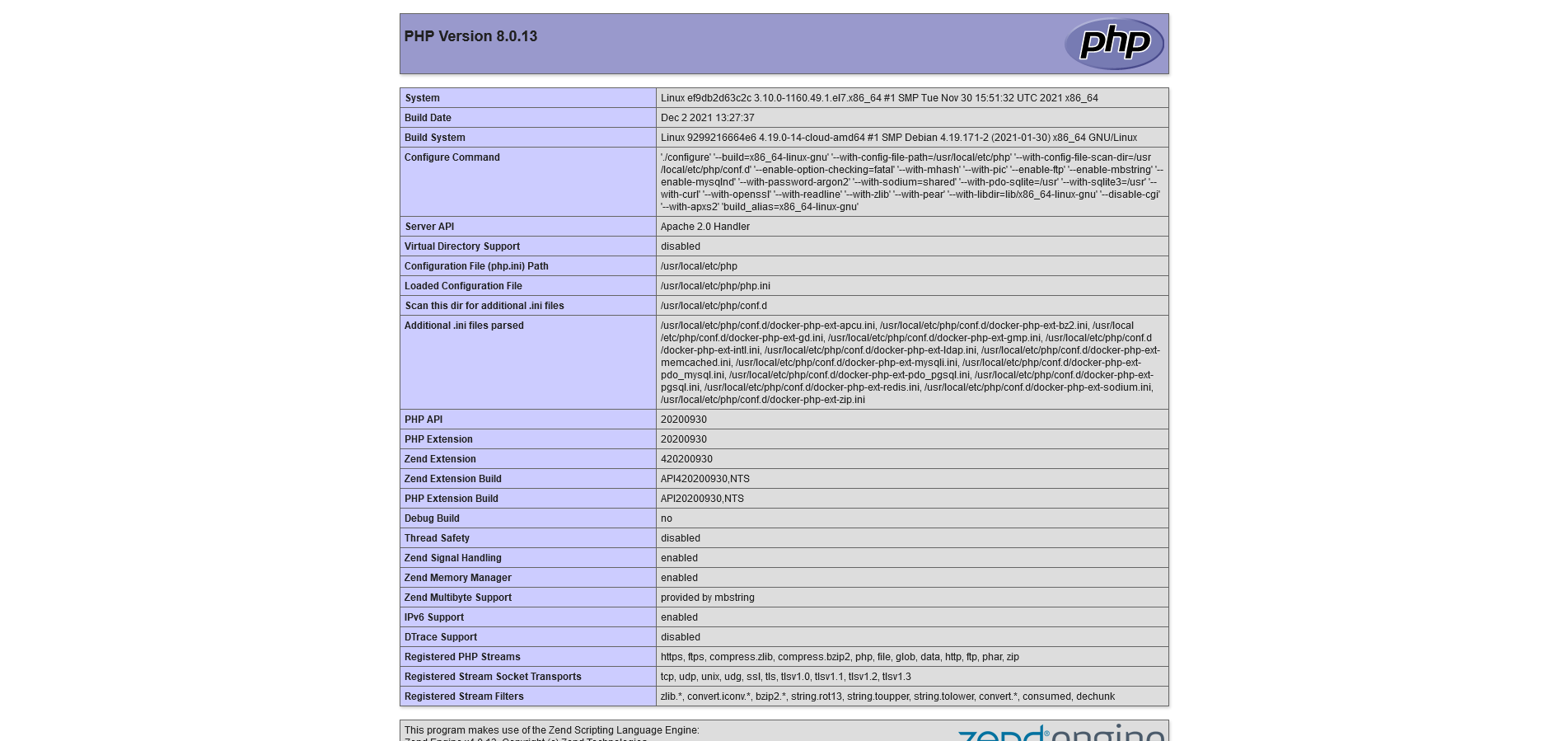
One more point here, our php version is 8.0.13. Is that Fine with the version. please check the screen shot
CL
CHG IT CONSULTANCY PRIVATE LIMITED
Accepted AnswerDear Toufiq,
We will check and let you know.
Thank you
CL
CHG IT CONSULTANCY PRIVATE LIMITED
Accepted AnswerDear Toufiq,
Please let me know the highest PHP version for SP Page Builder. Can SP Page Builder support PHP 8.0
Thank you
CL
CHG IT CONSULTANCY PRIVATE LIMITED
Accepted AnswerDear Toufiq,
Thanks for sharing the information.
Toufiq
Accepted AnswerYou are most welcome. Will you please spend some to write a review about our product and support quality?