

The Central Image Of The Addon Image Carousel does Not Appear Centered After Updating SP Page Builder 3.8.6

Davelia
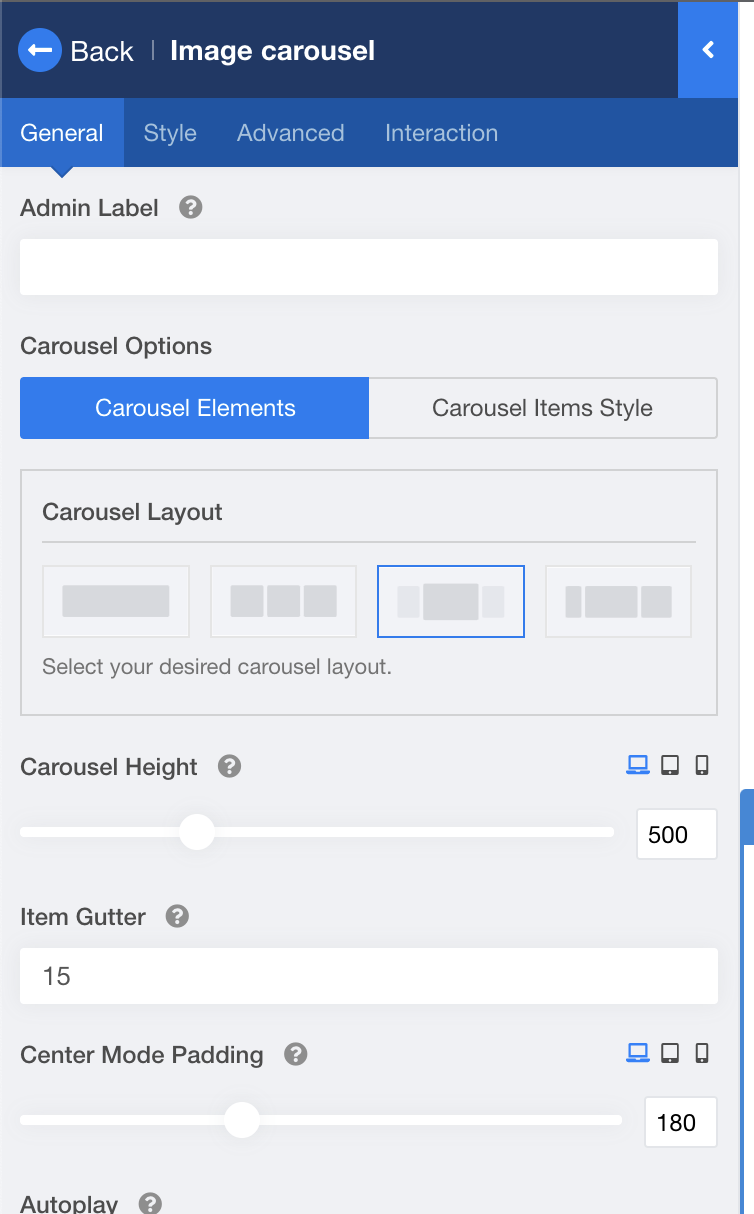
We believe that after the last update of SP Page Builder something has changed the programming because now the active image of the image carousel addon is not centered.
https://www.javamba.es/patines-electricos/kaabo-wolf-warrior-x-pro
13 Answers
Order by
Oldest

Mehtaz Afsana Borsha
Accepted AnswerHi
Use this custom CSS
#sppb-addon-wrapper-1585288176961 {
    margin: 100px auto 30px auto !important;
    max-width: 1080px !important;
}
Path towards custom CSS: Extensions>Templates>Styles> Click on your current default template name then choose Template Options. Then find custom CSS within the custom code.
Mehtaz Afsana Borsha
Accepted AnswerHi
Apology for your experience with our product. Could you please share your super admin access on the hidden content? I need to check.
-Regards.
Davelia
Accepted AnswerHi, I'm sorry but it is a production website and we are not authorized to give access to third parties at the super administrator level. I can give you access to a copy of the website in test mode. If you see this same skate here, you will see that it is good. This version of the website has not yet been updated and has SP Page Builder 3.8.3 https://projects.davelia.com/javamba/skates-electricos/kaabo-wolf-warrior-x-pro
Davelia
Accepted AnswerYes, I already tried this and the other options and the same thing happens, it does not look centered.
Mehtaz Afsana Borsha
Accepted AnswerSorry I need to check then without site access I cant check. Please let me know when its possible.
Davelia
Accepted AnswerHello.
Ok I understand. I have created an access for you in a copy of the project. The carousel was displayed correctly with version 3.8.3 of SP Page Builder. But I just updated to 3.8.6 to reproduce the problem so that you can see it, and there you have it: https://proyectos.davelia.com/javamba/patines-electricos/kaabo-mantis-mini-eco800.
I pass you the access data in hidden content.
I'll wait for your answer, thank you so much.
Davelia
Accepted Answer Davelia
Accepted AnswerHi.
Thanks for your answer. This code did fix our problem, but we had to add a specific style to the options in that column in the tab for all our skates. Fortunately we don't have many products yet.
We hope that this issue will be fixed in future updates so that we don't have to resort to such CSS code fixes.
Thanks a lot!