The page builder pro isn't working. When I try to edit or make changes to the Home page the the Home page doesn't fully open. I only get a little 2 square inch box that opens rather then the full page. Could you take a look please?
Solved
SP Page Builder
SP Pagebuilder Pro
Accepted answer
Marked as the solution
Paul Frankowski Senior Staff
4 years ago
· edited
Hi,
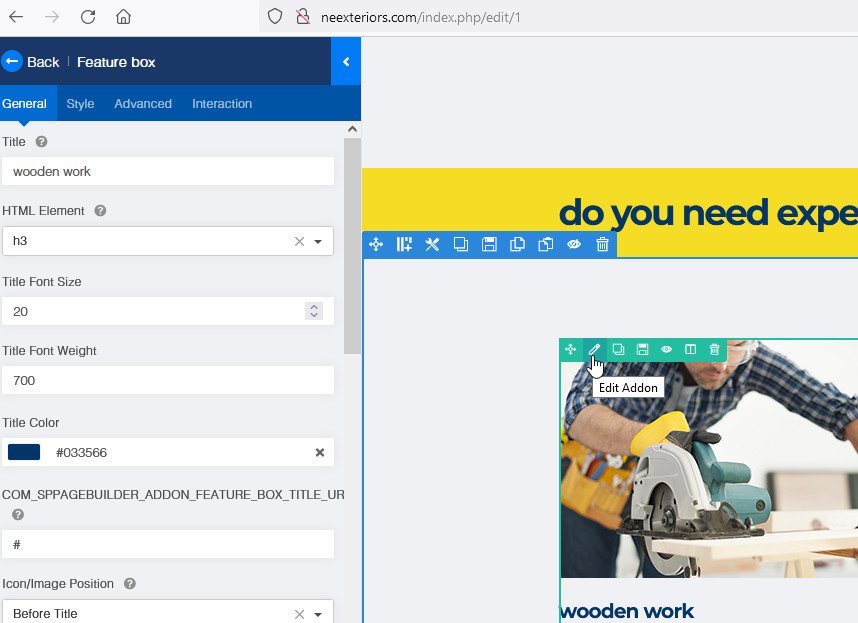
From your link, edited example addon
BTW
Notice! You may have "small" problems with some addons becuase your template overriden many of them using OLD code. Do you need screenshot as evidence, as well?
5 more replies
guy arneson Asked this
4 years ago
· edited
How do I get the full page to open? I updated everything and when I try to open the page builder pro I get a 2 inch square. I need help.
What do you mean do I need screenshot as evidence, as well? What does that mean? I need help please?
Paul Frankowski Senior Staff
4 years ago
· edited
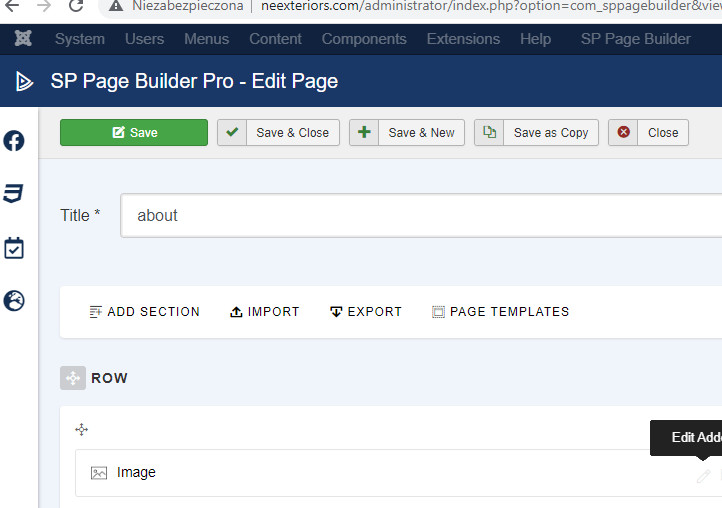
Firefox & Chrome / Windows (No hidden Magic)
Maybe change browser in case of...
IE -- is not a modern browser in case of you still use it.
- You can use Opera, Brave and Safari - editor should work there.
- Have you tried back-end editor? (I tested Firefox and worked)
guy arneson Asked this
I don't want to waste anymore time. Are you telling me that the Page builder pro I paid for isn't compatible with this template I'm using?
guy arneson Asked this
The U.S.A. in the state of Minnesota . The southern border is wide open, send your friends...lol I switched to chrome and it works fine.
Paul Frankowski Senior Staff
I don't want to waste anymore time. Are you telling me that the Page builder pro I paid for isn't compatible with this template I'm using?
No, I am telling you that your template is based on old code (Helix3 and overriden addon), but as you may see on my screenshots - SPPB should work.
Chrome - Ok, ufff...
Log in to reply.