https://prnt.sc/qBt1oWDJamAh****
change color #86858a
https://prnt.sc/qBt1oWDJamAh****
change color #86858a
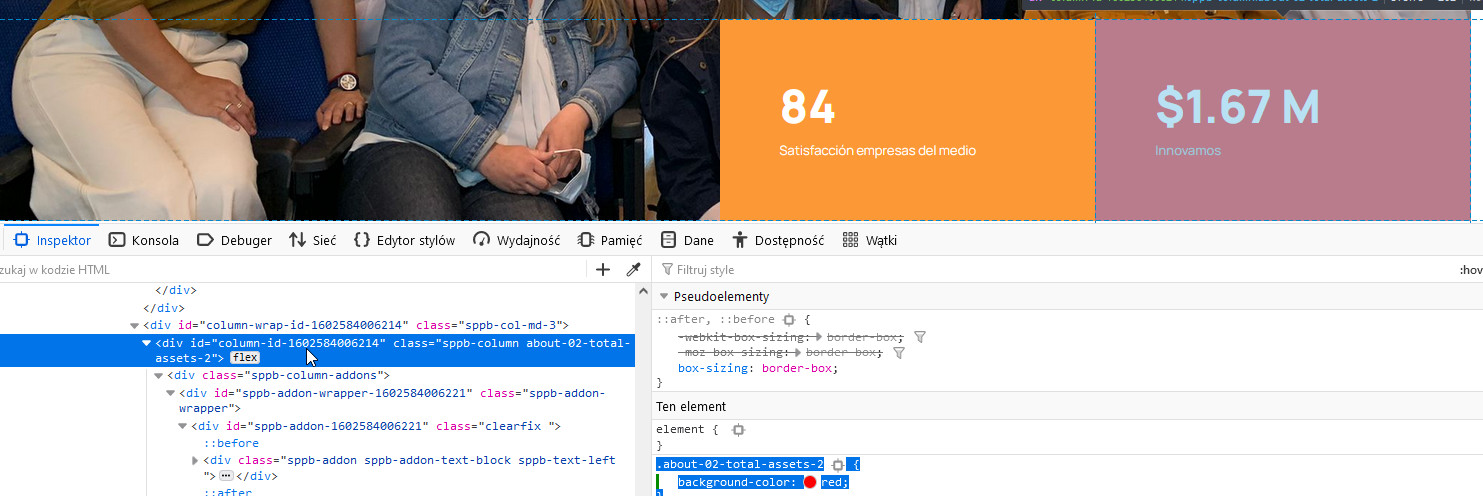
.about-02-total-assets-2 {
  background-color: #86858a; }
yes, I used Code Inspector from my browser to check that. You have that tool as well.
Hi
Thanks for contacting us. Use this custom CSS
.sppb-addon.sppb-addon-text-block.sppb-text-left {
    background-color: #86858a !important;
}
Path towards custom CSS: Extensions>Templates>Styles> Click on your current default template name then choose Template Options. Then find custom CSS within the custom code.
-Regards.
The whole background changes, I want only the rectangle that is in the photo

