Nuron template.
How do I hide the 'Blog Options' tab when creating an article from the front end?
Nuron template.
How do I hide the 'Blog Options' tab when creating an article from the front end?
Hi,
You can override "Blog Options" phrase using Language Override for Front-end ONLY and this will hide it quite well.
HELIX_ULTIMATE_BLOG_OPTIONS
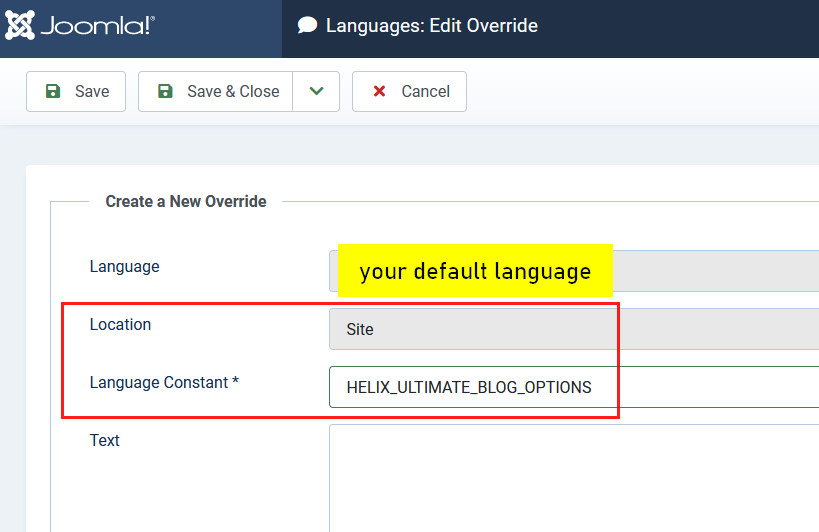
Or use custom CSS.
Thanks Paul, but I don't want to override the language I want to completely hide and/or disable that tab when adding/editing an article on the front end . is this only possible using css?
Any update?
Any update?
