I noticed with the upgrade to PageBuilder 5.x that the small Popover-Settings for Addons in Frontend Editor is missing? Is this by design or a bug?
Quite annoying to format text when basic bold/link/heading controls are not available?
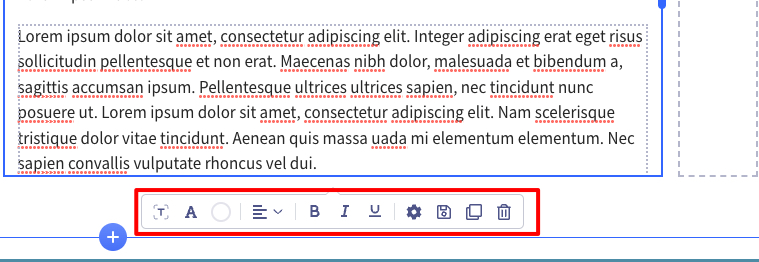
I noticed with the upgrade to PageBuilder 5.x that the small Popover-Settings for Addons in Frontend Editor is missing? Is this by design or a bug?
Quite annoying to format text when basic bold/link/heading controls are not available?
Hi,
may suggestion (by now) is:
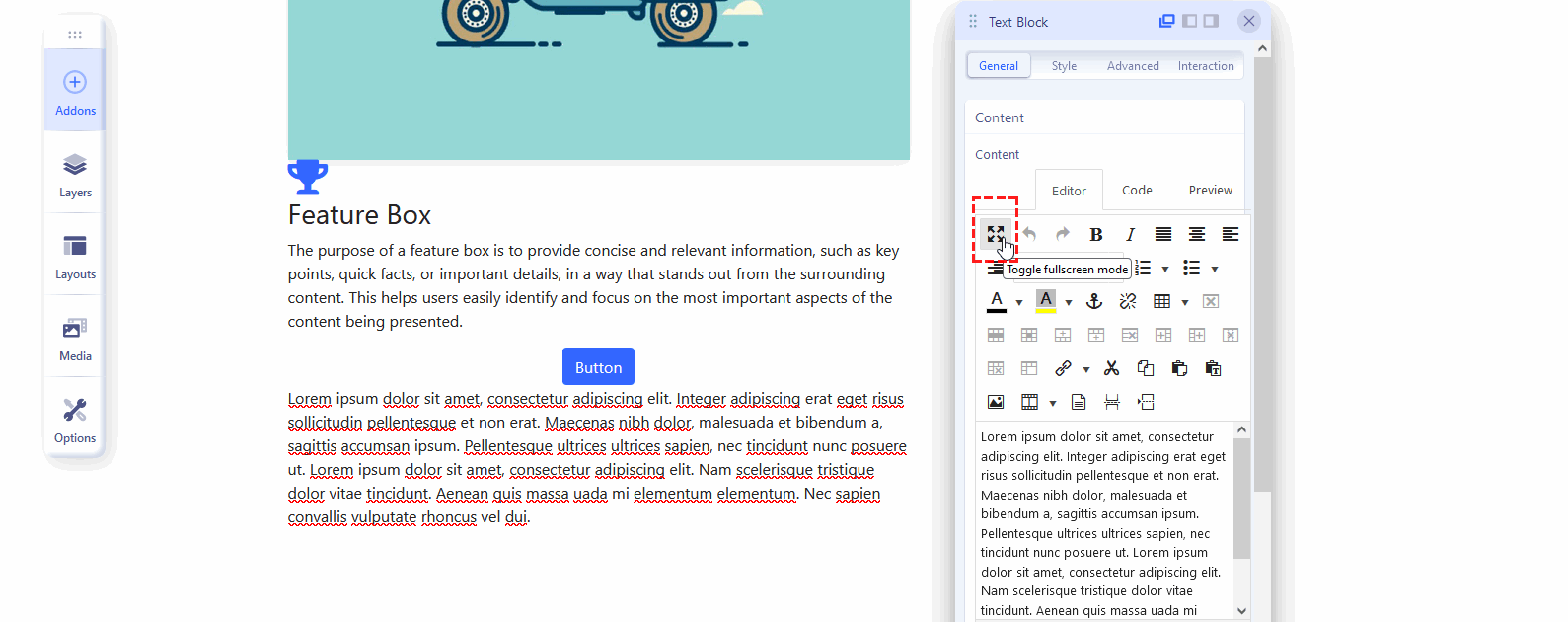
And yes, it was planned to help editors work more efficiently and faster compare to SPPB 4x limited toobar.
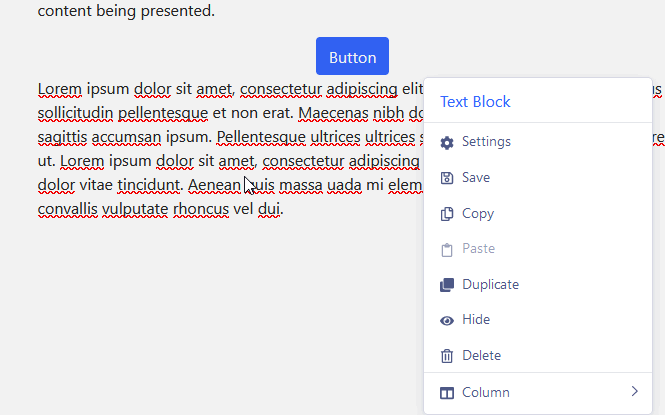
but if you would click (2nd button on mouse) you still should have access to those
Whether editing text with JCE or another editor the editing block of about 300px is too small. Using JCE's Full Screen icon is a poor workaround. In fact the editing area for any of the addons in general is too small. This zone should be resizable or at least a bit bigger. This problem happens in both backend and frontend and makes it very difficult to use.
Any news, if or when this will be reintegrated?
We have a lot of clients we had to move from SPPB 3 to SPPB 4 and now when they finally got used to the new frontend editor with this popover system, it is removed again?
I have to agree with ONITdev - The workarround using the fullscreen mode of JCE is NOT a user friendly option....
Hello there,
any news, if or when this will be reintegrated?
thanks!
Hi,
any news on this issue?
Thanks!