SP_Page Builder Update auf 5.3.2 - Forum | JoomShaper
Solved SP Page Builder

SP_Page Builder Update auf 5.3.2

Asked by brenn 2 years ago Last activity 2 years ago

Hello,
I would like to update SP_PageBuilder Pro from 3.8.10 to 5.3.2.
Unfortunately, the installation keeps crashing.
My Joomla version is 5.1.0 PHP 8.0 The used template is helix ultimate 2.1.1
Can someone please help me???

The following error appears:

Es ist ein Fehler aufgetreten.

0 Failed opening required '/homepages/25/d92494286/htdocs/beta/components/com_sppagebuilder/builder/classes/base.php' (include_path='.:/usr/lib/php8.3') 

Accepted answer

Marked as the solution
Ofi Khan Staff

Please add these 2 folders on your main site.

  1. components/com_sppagebuilder/builder
  2. administrator/components/com_sppagebuilder/editor

You can copy the folders from your test site and paste on the main site. Then install SP Page Builder Pro 5.3.6 on the site. Hopefully, it will be fixed.

13 more replies

Ofi Khan Staff

Hello brenn

Apology for the inconvenience. Please share your administrator access here to check the issue. Use the Hidden Content box to share the credentials. Make sure that you have a full site backup with you before sharing.

Best regards

brenn Asked this

Hello Mr. Khan,

please find attached the access data for my development site.

Thank you very much.

Ofi Khan Staff

Please share your cPanel or FTP access to check the issue.

brenn Asked this

Hello Mr. Khan,

please find attached the access data for my development site.

Thank you very much.

Ofi Khan Staff

I have fixed your site. Please check it now.

brenn Asked this

Hello Mr. Khan,

I am very pleased to hear that.
But it would be very important for me to know how you did it.
This is only my test site and I have to update it correctly on the production site.

brenn Asked this

Thank you very much for your quick help!!!

Ofi Khan Staff

You are welcome 😊

Please accept the answer that helped you. It will be then easier to find the solution for the other users with the same issue. There is a button to accept answer after each comment.

I have a humble request too. It would be very kind of you if you can manage some moment to give us feedback on 

  1. Joomla Extension Directory
  2. TrustPilot

This will inspire us to improve.

brenn Asked this

Hello Mr. Khan,

the site has been working very well again since your intervention yesterday.
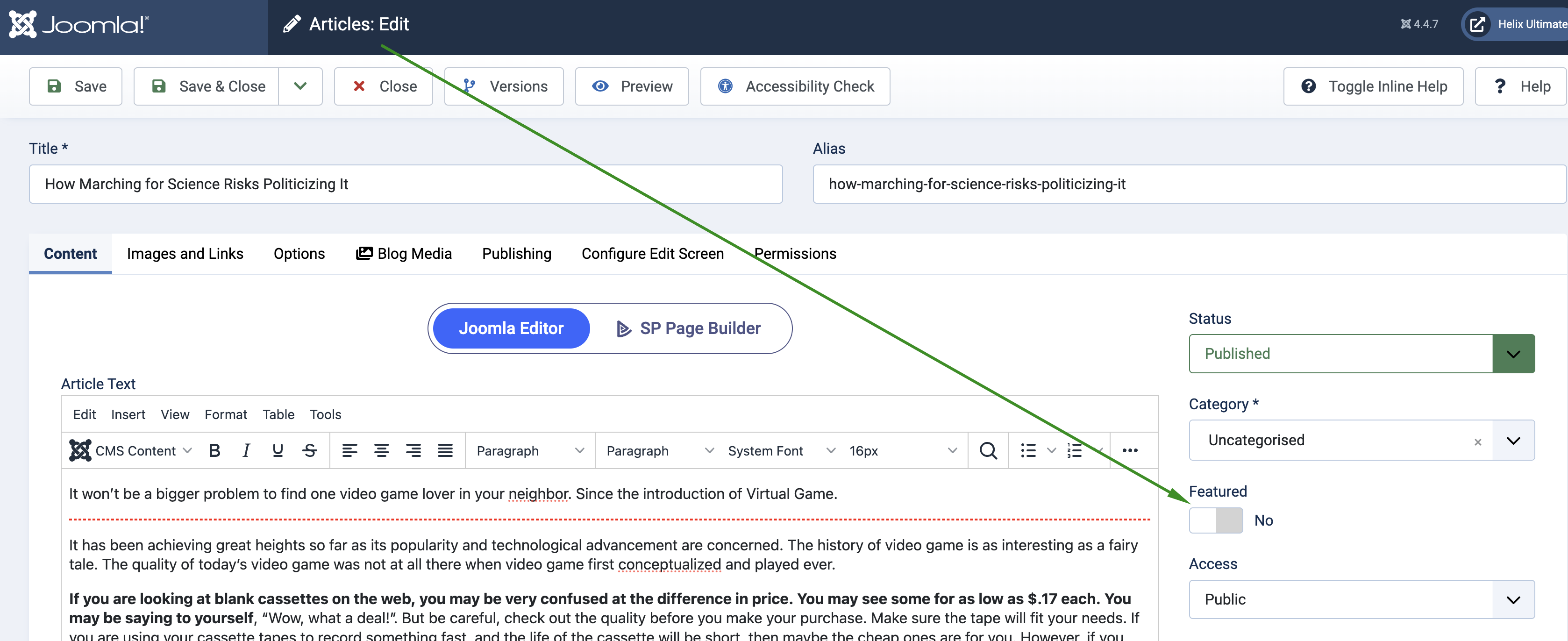
But since the update, “Featured” now appears in a red box on the start page. http://beta.rhoenklub-breitungen.de/
Can you tell me how I can get rid of this?

Ofi Khan Staff

I have turned off Featured tag on the article. If you want to keep it, then you can use Custom CSS too.

Log in to reply.