

Issues With Shaper_fixter

Charlotte Munch
Hi I have a problem with:
Template: shaper_fixter Url: https://ny.andelsboligforening-kildebakken.dk/
I would like to change the proportions in my Header images (https://ny.andelsboligforening-kildebakken.dk/index.php/bestyrelse) so that the entire motif is included - where do I do that? And where do I change the height in the header ?
I can't forward my email address in my footer to an email program - even though I use "mailto:"
Also, there is a database problem with SP pagebuilder that I can't get fixed
mange hilsner Charlotte
31 Answers
Order by
Oldest
Charlotte Munch
Accepted AnswerThanks for your help! I'm not 100% done with all the problems, but the ones you helped with are resolved now 👍

Ziaul Kabir
Accepted AnswerHello,
Thanks for reaching out to us. Could you please share temporary administrator access to your Joomla backend? You can provide the credentials securely in the hidden content section. Also, please take a full backup of your site before we make any changes.
Could you share a screenshot highlighting the desired result? Please indicate how you would like the header image to appear and which section of the image is currently being cropped.
Once I have access, I’ll investigate further and see what’s causing the issue. Let me know once you’ve shared the details!
Best regards,
Charlotte Munch
Accepted AnswerHi Ziaul Thanks for the quick reply Access will be available immediately!
You can see how the bar looks on the current site - and how it should look on the new one - here>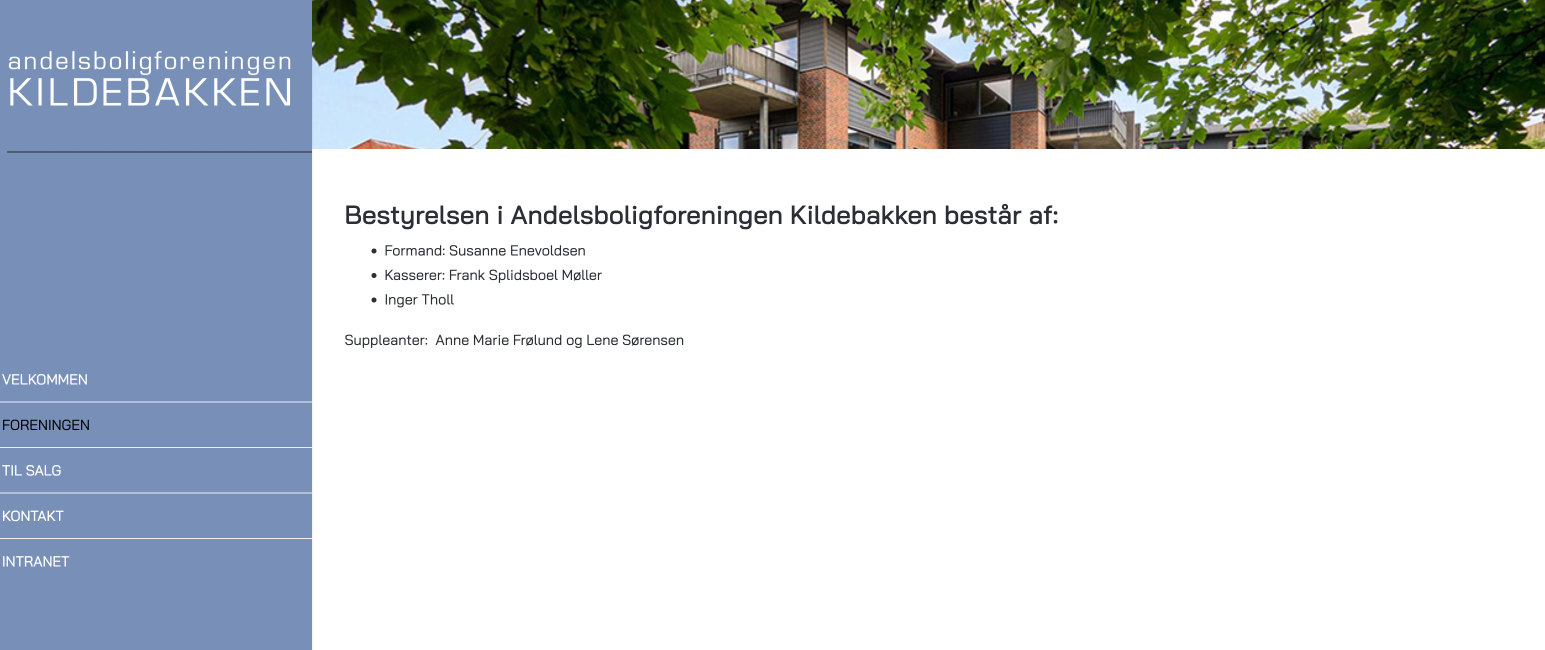
There is some other problems:
I have created a section (INTRANET), where access is only possible with a login. In there I would like to have a different color on the menu section on the left - from Blue: #7890b8 to Gray: #bbbdbe. But if I change the color - it will be global and that is not the point. Therefore I have created a copy of my template style and associated this style to my INTRANET. Unfortunately it does not work - the color does not change!
Mobile version are not working ?
Can I remove the white bar at the bottom on all pages -> 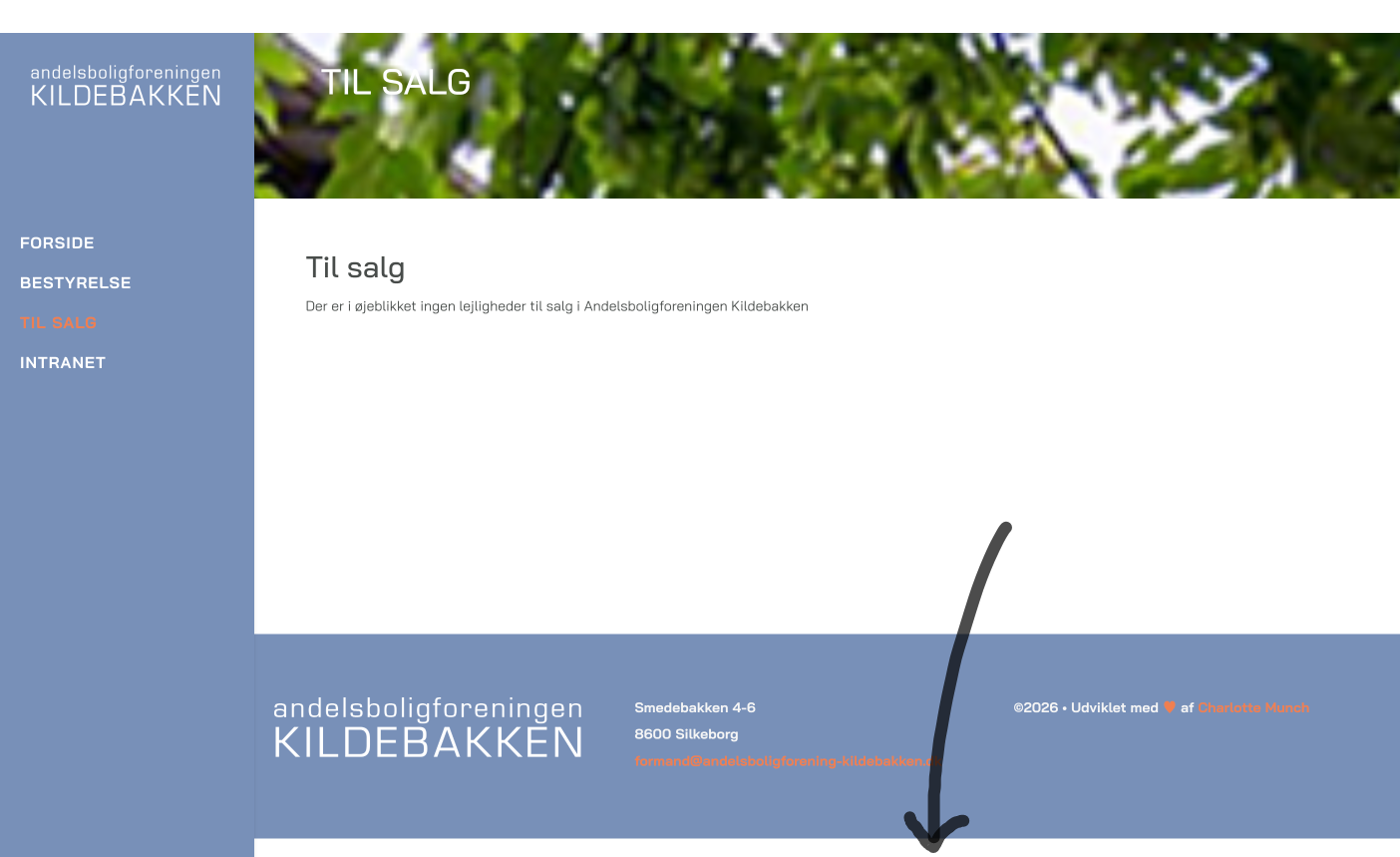 ?
?
I also have a question about this page, where I have an SP Easy Image Gallery -> https://ny.andelsboligforening-kildebakken.dk/index.php/galleri?catid=12.
I am missing some margins -> 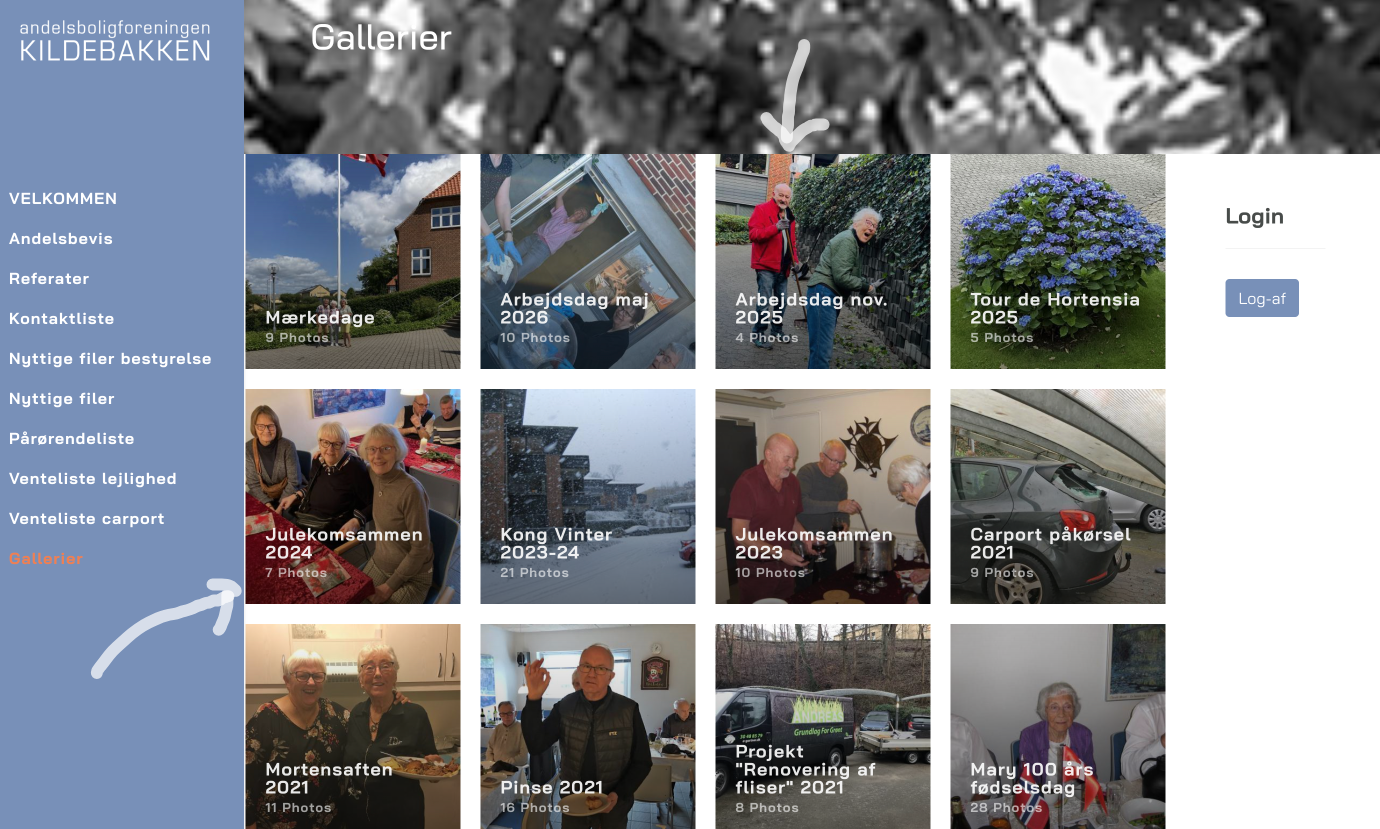
I look forward to hearing from you Charlotte
Ziaul Kabir
Accepted AnswerHello,
I added some css here JRoot/templates/shaper_fixter/css/custom.css and I think maximum of your issues is resolved.
Here is the css:
.view-article footer#sp-footer {
    position: fixed;
    bottom: 0;
    right: 0;
    left: 0;
}
.sp-page-title {
    background-attachment: initial !important;
}
body.ltr.offcanvs-position-right .body-wrapper {
    height: 100vh;
}
body.ltr.offcanvs-position-right .body-wrapper .body-innerwrapper{
  height: 100%;
}
.com_speasyimagegallery .speasyimagegallery-albums {
    margin-top: 20px;
}
@media (max-width: 991px) {
.view-article footer#sp-footer {
    position: fixed;
}
  }

@media (max-width: 768px) {
    .sp-page-title {
        margin-top: 0 !important;
    }
}
For menu color: Instead of using a separate template style, you can create a separate menu module for the INTRANET, assign it only to the logged-in pages, and apply a custom CSS class to give it the gray color without affecting the rest of the website. You may use AI for assistance for this specific customizations.
Thanks
Ziaul Kabir
Accepted AnswerFor Database issues please follow this post: https://www.joomshaper.com/forum/question/45311
Thanks
Charlotte Munch
Accepted AnswerHi I can't see any changes in the header image ? And I still can't forward my email address in my footer to an email program - even though I use "mailto:"
When I have imported the file "mzr5i_sppagebuilder_versions.sql" I get this message:
Fejl SQL-forespørgsel: Kopi
-- Constraints for dumped tables
--
-- Constraints for table mzr5i_sppagebuilder_versions
ALTER TABLE mzr5i_sppagebuilder_versions
ADD CONSTRAINT fk_sppagebuilder_versions_page FOREIGN KEY (page_id) REFERENCES mzr5i_sppagebuilder (id) ON DELETE CASCADE ON UPDATE CASCADE;
MySQL returnerede: Dokumentation
1824 - Failed to open the referenced table 'mzr5i_sppagebuilder'
Ziaul Kabir
Accepted AnswerHello,
Thank you for your update.
Regarding the header image, could you please share a screenshot or an example of how you would like it to look? This will help us better understand the changes you're expecting.
As for the footer email link, I tested it on my end and the mailto: link is working correctly. Could you please share a short screen recording of the issue?
Regarding the SQL import error, it appears that the table prefix in the SQL file does not match your database prefix. Please update the table prefix in the SQL file to match the prefix used in your database, and then try importing it again.
Thank you, and I look forward to your reply.
Best regards,
Charlotte Munch
Accepted AnswerI did that the other day - but I'll be glad to do it again:
You can see how the bar looks on the current site - and how it should look on the new one - here>
I changed the prefix - but I still get an error message ?
My footer looks like this on several pages - why does it do that?> 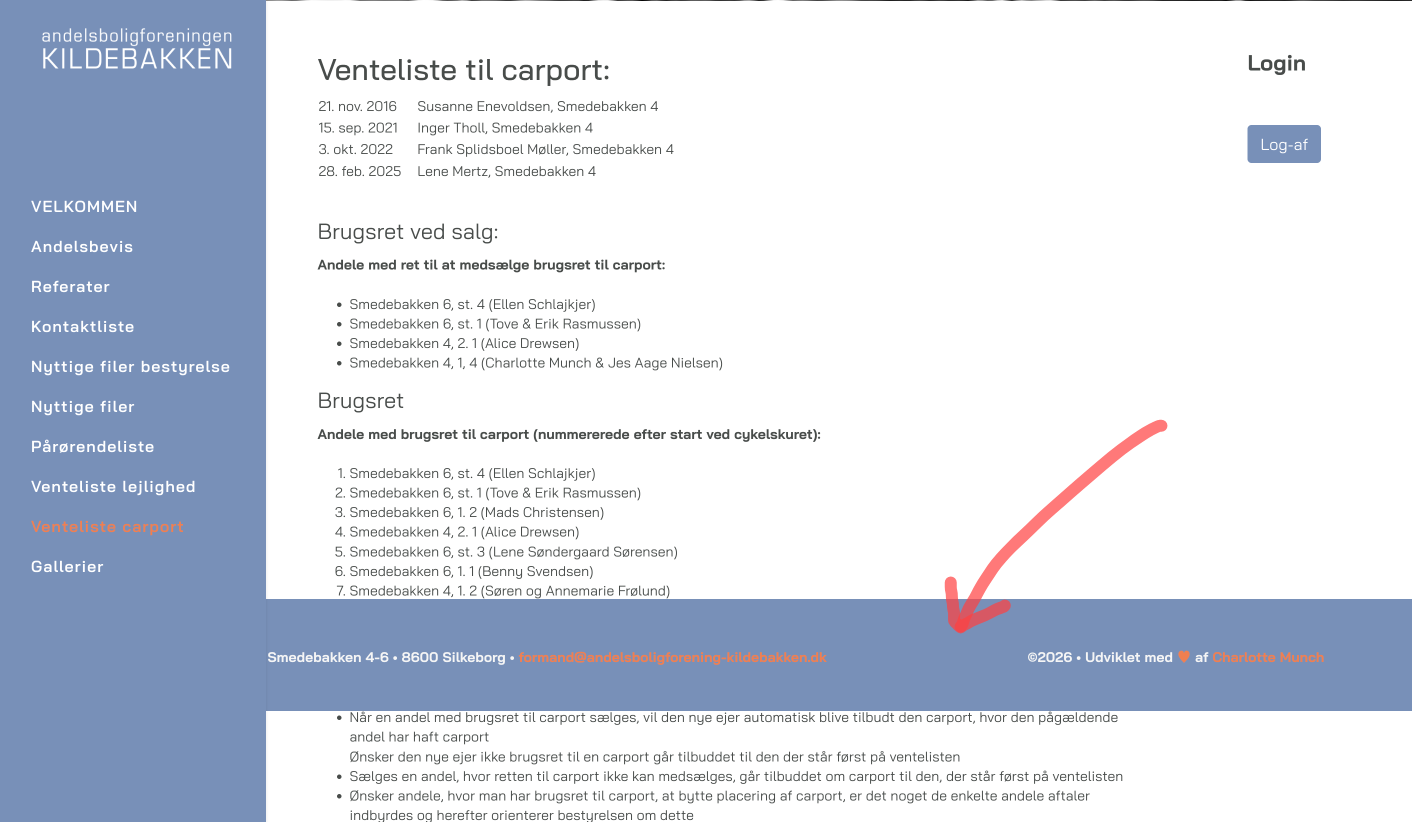 ?
?
Ziaul Kabir
Accepted AnswerPlease, check now. haeder image and footer issues.
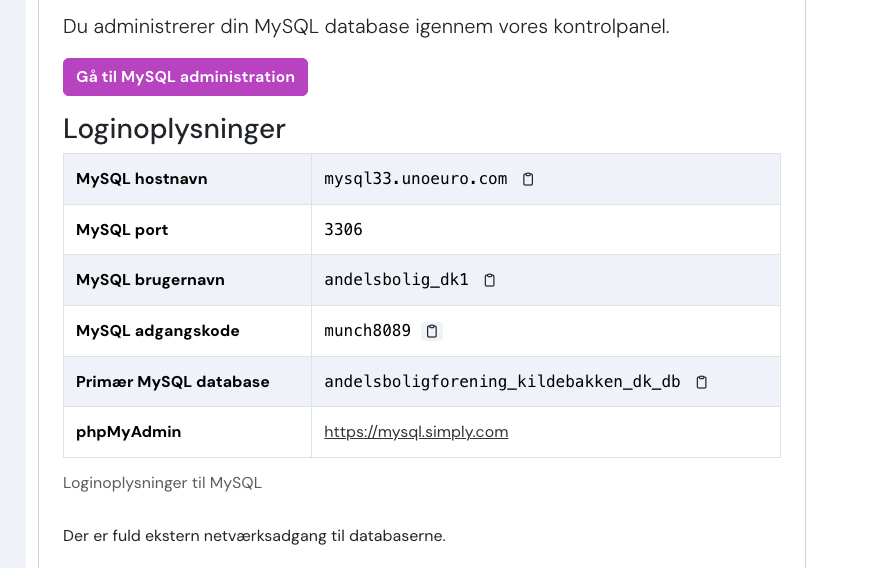
For table issues, please share your PhpMyAdmin access.
Thanks
Charlotte Munch
Accepted AnswerThe page has disappeared - both on mobile and desktop! What's is going on ?
Charlotte Munch
Accepted AnswerNow the page is visible and accessible again - at least on computer. But the subpages cannot be accessed on mobile?
And the database problem is still not solved?
Ziaul Kabir
Accepted AnswerI don't understand what you mean, please, check hidden content again.
Thanks
Charlotte Munch
Accepted AnswerI don't know what you don't understand?
This is what I see of the website on mobile 
Ziaul Kabir
Accepted AnswerFrom my end, your site is ok: https://prnt.sc/SKsweHPWkMjE
Thanks
Charlotte Munch
Accepted AnswerWhere do I check hidden content ?
The database problem is still an issue ?
Ziaul Kabir
Accepted AnswerHi,
I couldn't find the database andelsboligforening_kildebakken_dk_db for the website ny.andelsboligforening-kildebakken.dk in the Simply.com MySQL panel: https://mysql.simply.com.
please, give me correct phpmyadmin url.
Thanks
Charlotte Munch
Accepted AnswerI've sent the MySQL-database acces ! Can't you use it? There is access to other logins on my web hotel with several other websites - so I can't just give access that way?
It may be that the mobile site works the first time you visit the front page - but if you go to the subpages it disappears.
Ziaul Kabir
Accepted AnswerPlease, re-check your credentials, It's seems to be wrong.
Thanks
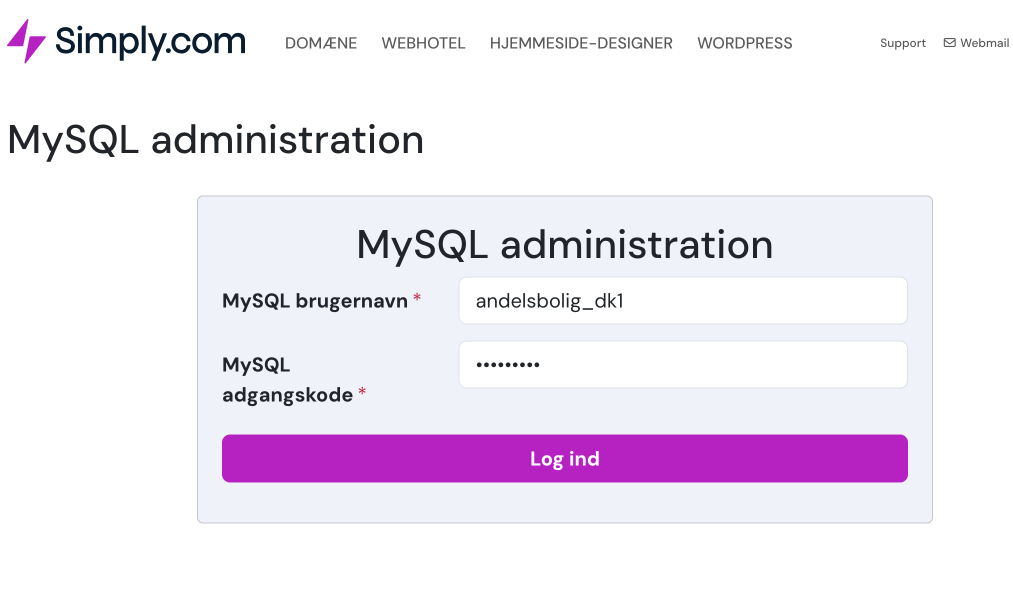 og
og 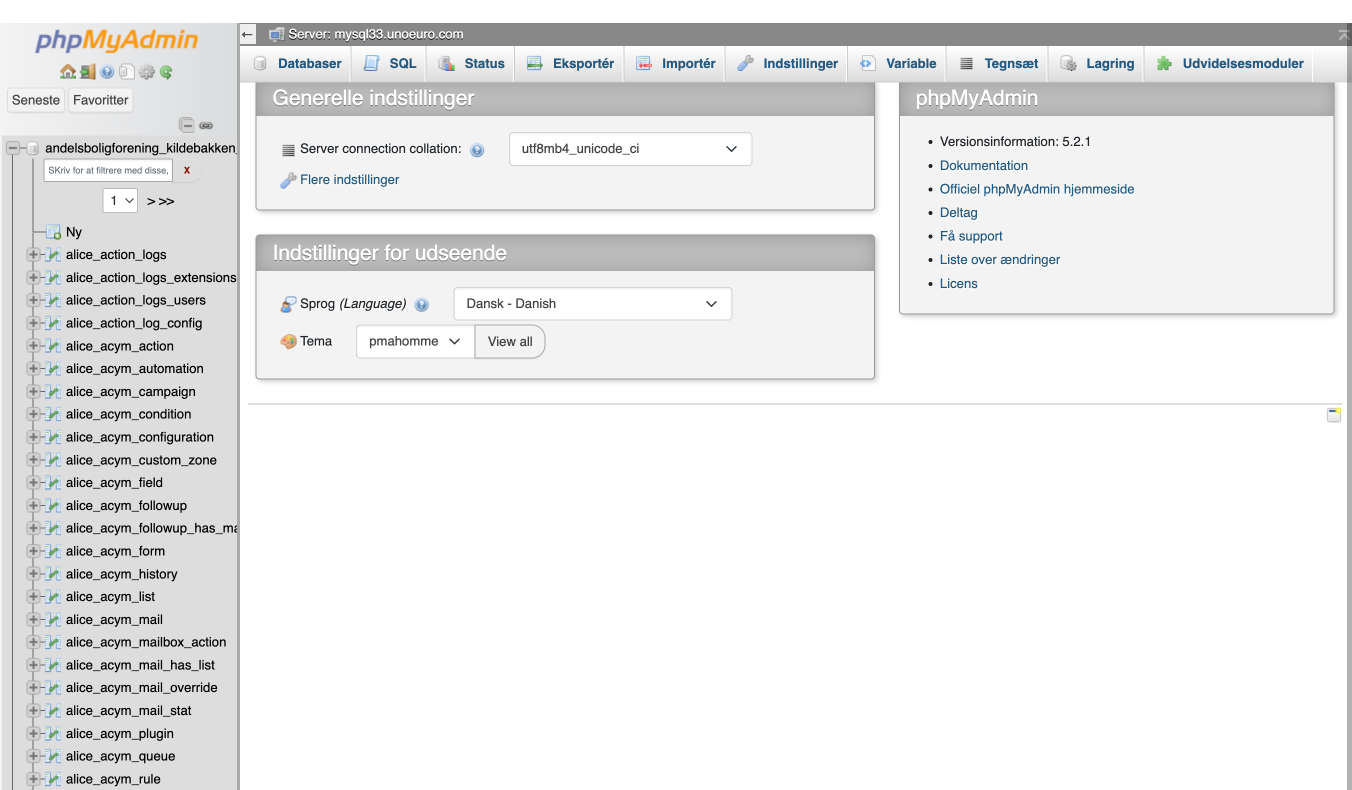
Charlotte Munch
Accepted AnswerEither I don't understand what you mean at all?? Or is it the other way around?
But anyway - I see the same thing as your screenshot the FIRST time I go to the website on my mobile. When I then click on a subpage - the page disappears! It's checked on two different iphones
Ziaul Kabir
Accepted AnswerTo fix database issues, follow these steps:
-
Log in to phpMyAdmin.
-
Select your Joomla database from the left sidebar.
-
Search for the table
sppagebuilder_versions. -
Check the table prefix. For example:
- ✅
jos_sppagebuilder_versions - ✅
abc_sppagebuilder_versions - ❌
andel_sppagebuilder_versions(if your site uses a different prefix)
- ✅
If the table exists with a different prefix and you need to rename it to andel_sppagebuilder_versions, run the following SQL command (replace yourprefix_ with the current prefix):
RENAME TABLE `yourprefix_sppagebuilder_versions`
TO `andel_sppagebuilder_versions`;
Example:
If the current table is:
jos_sppagebuilder_versionsRun:
RENAME TABLE `jos_sppagebuilder_versions`
TO `andel_sppagebuilder_versions`;
Thanks
Ziaul Kabir
Accepted AnswerUnzip it and directly import this table. andel_sppagebuilder_versions.sql.zip Thanks
Charlotte Munch
Accepted AnswerNOW IT WORKED!!
Now we just need to get the mobile version under control 🙏
Ziaul Kabir
Accepted AnswerOn my phone and my colleague’s phone, all pages are loading correctly without any loading issues.
Please check again. If the issue occurs only on specific pages, please share the page URLs so we can investigate further.
Thanks!
Charlotte Munch
Accepted AnswerYes - they does now ! Because I got help from another supporter yesterday and disabled Preloader