

SP Page Builder 3.7.12 Graphic BUG !!
M
mundogame
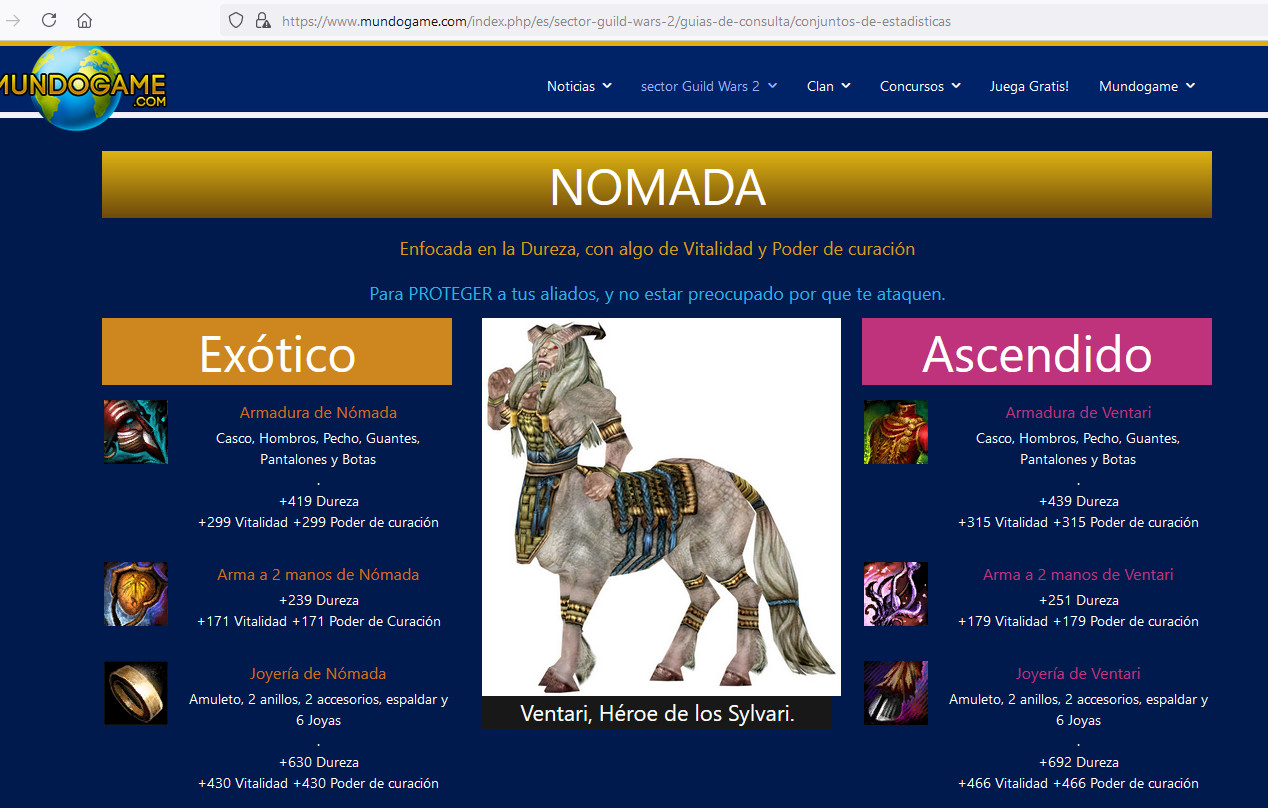
When i publish styling in sp page builder, the styling broke after 3.7.12
Inside the editor i can see this:

But when i publish the page:

Here you can see the example, this new part its broken with version 3.7.12. And all the other parts are before 3.7.12. example
10 Answers
Order by
Oldest

Paul Frankowski
Accepted AnswerHi, On my side it looks OK (published version), maybe check on 2nd browser as well. CLear Joomla cache.

Ofi Khan
Accepted AnswerHello mundogame
Your site takes a lot of time to load. I think it is because of the hosting. Please share a screenshot of your issue to understand it better.
Best regards

Anne
Accepted AnswerHello there,
Thanks for contacting with us. Please share your administrator access here to check the issue. Use the Hidden Content box to share the credentials.
Best regards
M
mundogame
Accepted AnswerFirst screenshot inside the frontpage editor.
Second screenshot outside the editor.
The other parts of the page edited with versions 3.7.10, and worked good.
Ofi Khan
Accepted Answer

M
mundogame
Accepted Answerthe first image is inside the frontpage editor, and the second image is when published. This bug happen after the 3.7.12 version of sp page builder.
The template is Helix Ultimate 1.1.4
M
mundogame
Accepted AnswerYes Paul, its a cache problem with Google Chrome. I updated google chrome to the last version and now work good.
Thanks for your help! ;)