

Lock / Unlock Icon For Margin, Padding, Etc Dimensions Doesn't Appear Anymore
H
Hector
Hi Friends,
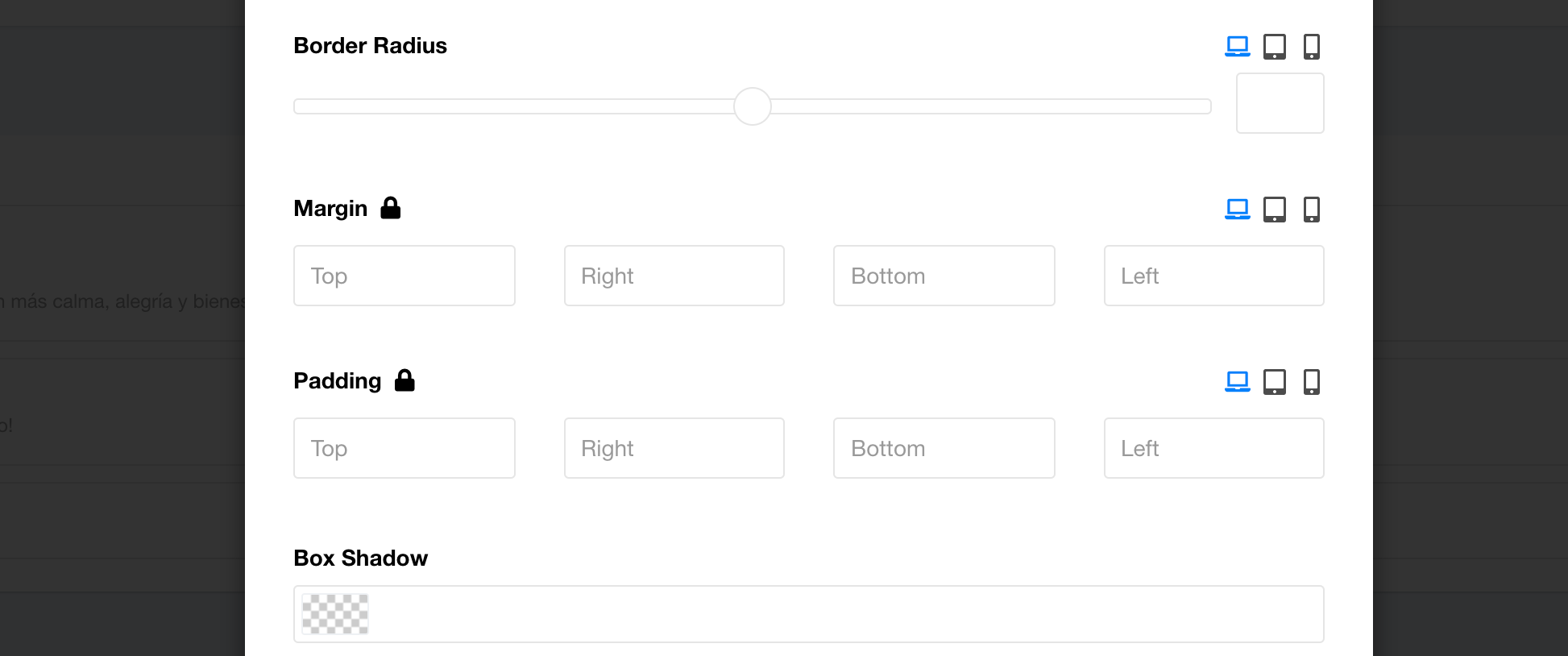
The Lock / Unlock Icon for Padding, Margin and other dimensions is no longer appearing for me in SPPB.
See this screenshot: https://imgur.com/a/CcME3zA
This drives me crazy as it makes it incredibly difficult to customize images, text, blocks, etc.
Please help me get it restored.
Thanks, Hector
Website
https://hectorb.com
12 Answers
Order by
Oldest

Paul Frankowski
Accepted AnswerMy answer (tips) were only about SPAM, not icons.
About missing icons - In SPPB Options I enabled loading Font Awesome.

Ofi Khan
Accepted AnswerHello Hector
It looks okay now. It might be a cache issue. Please clear your Joomla cache and Browser's cache and then check. If possible, then check with a different browser.
Best regards
Paul Frankowski
Accepted AnswerHola, do you have Akeeba Tools Pro installed? If yes, please read our guide - it's not our fault that Akeeba sometimes locks them.
Tip #3: https://www.joomshaper.com/documentation/sp-page-builder/sp-page-builder-3/troubleshooting
Paul Frankowski
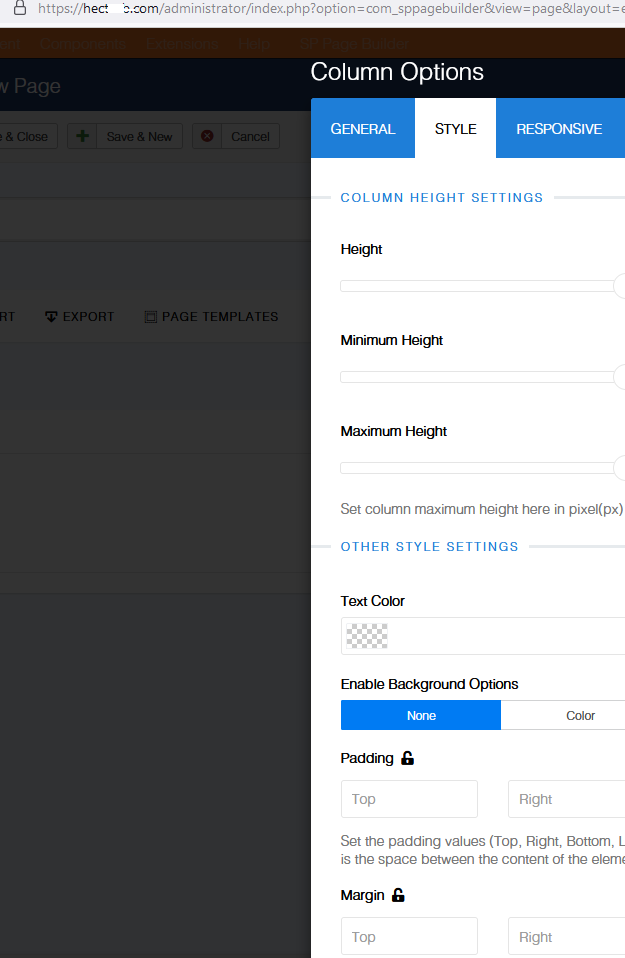
Accepted AnswerI saw that you have only free Akeeba Tools (not Pro), but icons are still there (Firefox/Chrome). Just check from different browser.
H
Hector
Accepted AnswerHi Fran and Ofi,
Thank you for your help.
I did as instructed but the issue continues. I still cannot see the icons.
This is what I did:
- I disabled Admin tools
- I cleared the Joomla and browser caches
- I tried both in Firefox and Chrome (which I normally don´t use for working on my website)
Please help, Hector
Paul Frankowski
Accepted Answer- Tell us where you don't see those icons in Row Options or Colum Options or inside Addon options
- Can you use different computer for testing only, ask your friends, parents
My name is Paul not "Fran" ;p
H
Hector
Accepted AnswerHi Paul,
So sorry, it seems I had a moment of dislexia!
I am not seeing the icons in the add-ons of the frontend editor of SPPB: SP Page Builder > Pages > frontend editor
Take for example the "Home" page, click on the front-end editor and then click on any of the add-ons. It's there where the icons are not appearing.
I tested using Safari, a browser I never use, as well as my wife's computer, where I have never accessed the admin side of my website. In both cases, the icons for the add-ons are not showing.
Thank you for your continued help, Hector
Paul Frankowski
Accepted AnswerThanks for the tip.
Please check now, remember to refresh browser cache.
H
Hector
Accepted AnswerThank you Paul, it's now working.
May I know what you did to fix it, in case it happens again?
Also, this issue is happening on another website I have which I built using SPPB.
I look forward to hearing from you, Hector
Paul Frankowski
Accepted AnswerI almost always lock whole traffic from Russia, Ukraine, Belarus, China, India and I have 90% less spam.
and of course I use ReCaptcha Inivisble
and extra security htaccess rules