Hi,
After Update to new Helix version.
Offcanvas is not display.
Staff replied
Helix Framework
No offcanvas after helixupdate
11 replies

Ofi Khan Staff
Hello martin
Apology for the inconvenience. Please share your administrator access here to check the issue. Use the Hidden Content box to share the credentials. Make sure that you have a full site backup with you before sharing.
Best regards

Paul Frankowski Senior Staff
4 years ago
· edited
Hi Martin,
tip#1:
https://www.joomshaper.com/documentation/helix-framework/helix-ultimate-2/troubleshooting-faq
then you have to add also this custom CSS:
.burger-icon {width: 25px;}

.burger-icon > span {
  display: block;
  height: 2px;
  background-color: #C6A274;
  margin: 5px 0;
}
body.ltr #offcanvas-toggler.offcanvas-toggler-right { top: 30px;}
Martin T. Asked this
Hello Paul,
your solution works though. But it's not the original offcanvas.
Attached are the access data. Something must have gone through the update.
joomshaper.com/documentation/helix-framework/helix-ultimate-2/troubleshooting-faq
I don't see the same picture as yours here under the menu. I can select offcanas though. but it doesn't show me the rest.
blue_Shift
I too lost offcanvas after the update. I replaced it with a module that calls an engagebox sidebar.
Martin T. Asked this
Any News?
Paul Frankowski Senior Staff
Hi Marin, thanks for access. I will check.
Probably your template is not raw Helix Ultimate, but template based on it.
Paul Frankowski Senior Staff
4 years ago
· edited
Mobile Menu should work now. 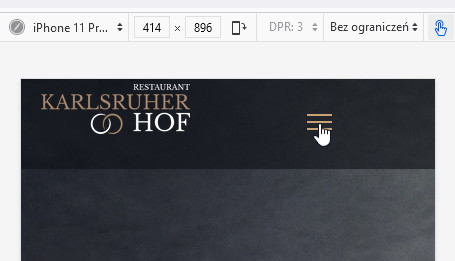
I used my custom CSS (above). You could use it faster to make it work.
If you want to change colors inside, guide is in Helix documenation.
By defult on our demo site, it has white bg.
If you thought about something else ... make screenshot or mockup and share link to image then we will think.
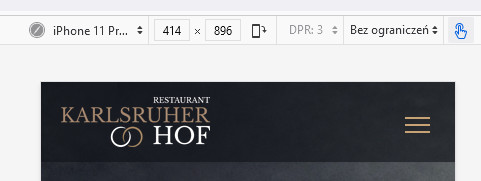
I added few custom CSS lines extra and now header looks even better
Ofi Khan Staff
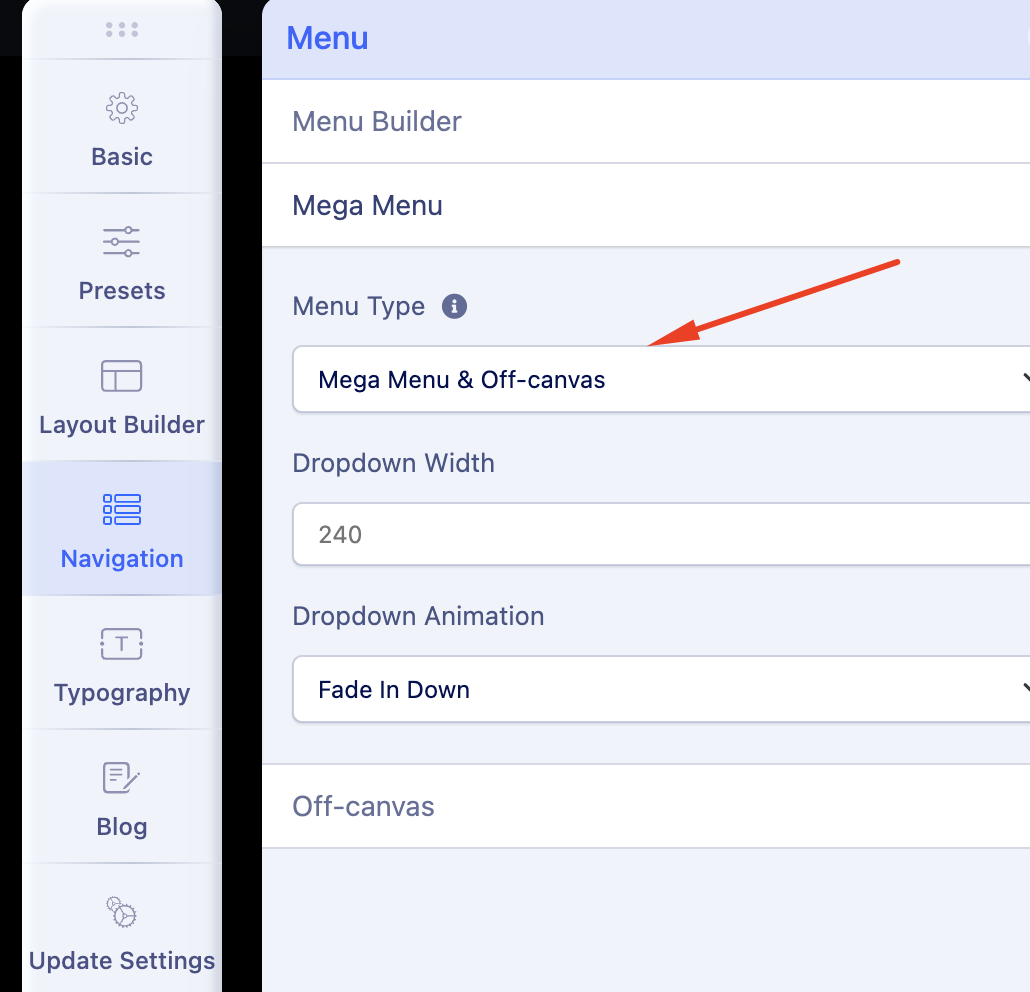
Apology for the inconvenience. I have selected Mega Menu & Off-canvas in Mega Menu settings. Your issue is fixed now. Please check your site.
Paul Frankowski Senior Staff
@blue_Shift
Mobile Menu is stil there, only probably you need to use this same (or very similar) custom CSS.
Martin T. Asked this
This is the template Restora. No changes made here except custom CSS.
The menu you created is not the original menu.
Something is not right. So I ask you or your colleagues to take a look at why the original off-canvas menu broke.
As already mentioned, I don't see the settings in the Helix template. I can only select right and left there.
Your css code works as a temporary solution.
Please see why the original menu is gone
Paul Frankowski Senior Staff
Please see why the original menu is gone
????
But you have working mobil menu now.
Log in to reply.