custom.css not work - How to turn on
http://vbk.stronywww-lodz.pl/templates/manufacturer/css/custom.css
custom.css not work - How to turn on
http://vbk.stronywww-lodz.pl/templates/manufacturer/css/custom.css
Hi Marek,
Solution is easy, but I agree it's our fault, sorry. Becuase after Helix update custom.css is loaded before template.css.
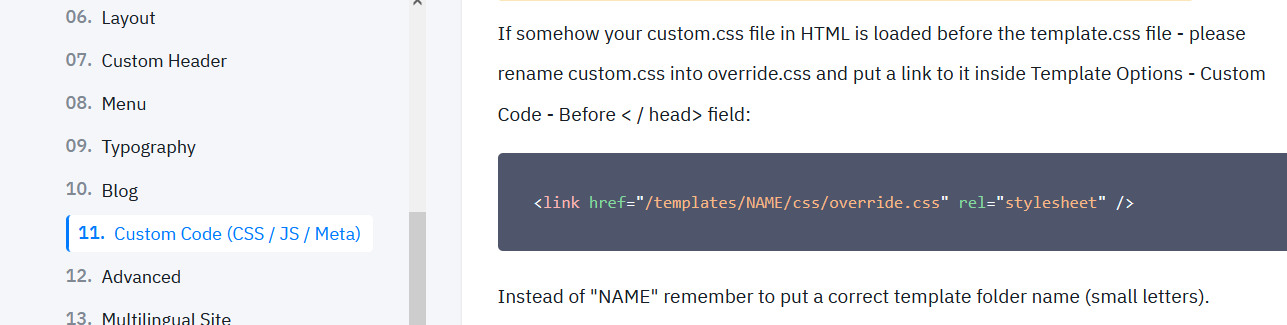
<link href="/templates/manufacturer/css/override.css" rel="stylesheet" />
I hope it's clear.
In theory you can also edit index.php of template and move few lines down, but ..... above is easier.
Well, would be nice if you could write that to the documentation area as well.
Still it's written there all abut custom.css in the css folder of the template.
Oliver, the problem is only with few templates after Helix update.
But the above tip (step 1 and 2), are universal for all templates. Just use correct template folder name in step 2.
But Indeed extra tip in helix docs may help for some users.
added