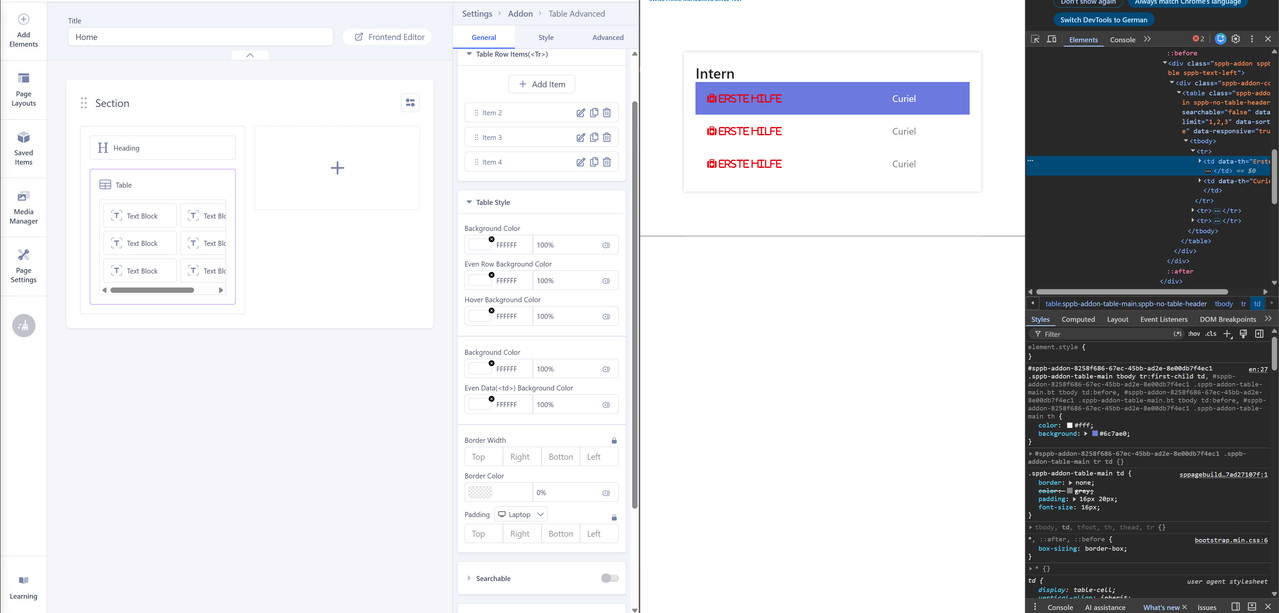
I have a table created in SP Page Builder but for the first row it takes the color from the template css and not the definition from Page Builder. How can i solve that? I dont want to have any background-color for that table.
Staff replied
SP Page Builder
Table Background Color
7 replies
lallenbach Asked this
clausjepsen
See my related question - it's unfortunately by design so I suggested a change:
https://www.joomshaper.com/forum/question/45004

Paul Frankowski Senior Staff
3 months ago
· edited
Hi,
do you mean "red" color used for text?
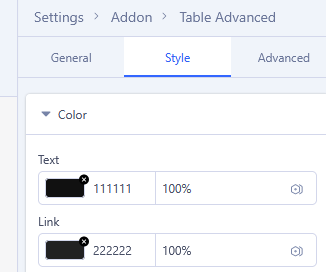
This is not background color, so please check "Style" tab and set black color for Text
If above will not help, let me know
lallenbach Asked this
No the red color on the text is correct, i want to remove the purple background color on the first row.
Paul Frankowski Senior Staff
OK.
please share direct link to that page with the table (in Hidden Content area)
BG color looks like from settings or custom CSS not template styles.
lallenbach Asked this
The website runs only locally, not on a public webserver.
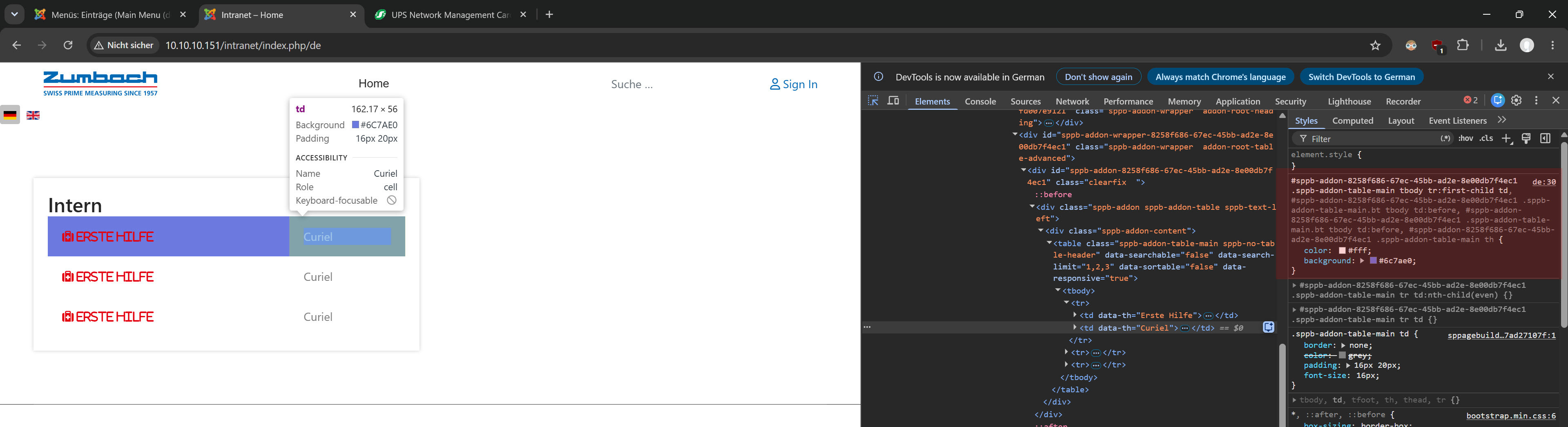
would say comes from here:
sppb-addon-8258f686-67ec-45bb-ad2e-8e00db7f4ec1 .sppb-addon-table-main tbody tr:first-child td, #sppb-addon-8258f686-67ec-45bb-ad2e-8e00db7f4ec1 .sppb-addon-table-main.bt tbody td:before, #sppb-addon-8258f686-67ec-45bb-ad2e-8e00db7f4ec1 .sppb-addon-table-main.bt tbody td:before, #sppb-addon-8258f686-67ec-45bb-ad2e-8e00db7f4ec1 .sppb-addon-table-main th
Paul Frankowski Senior Staff
it looks like from settings somehow.
by now until you're on the localhost use Custom CSS to override colors
I cannot help more
Log in to reply.