Table Background Color
L
lallenbach
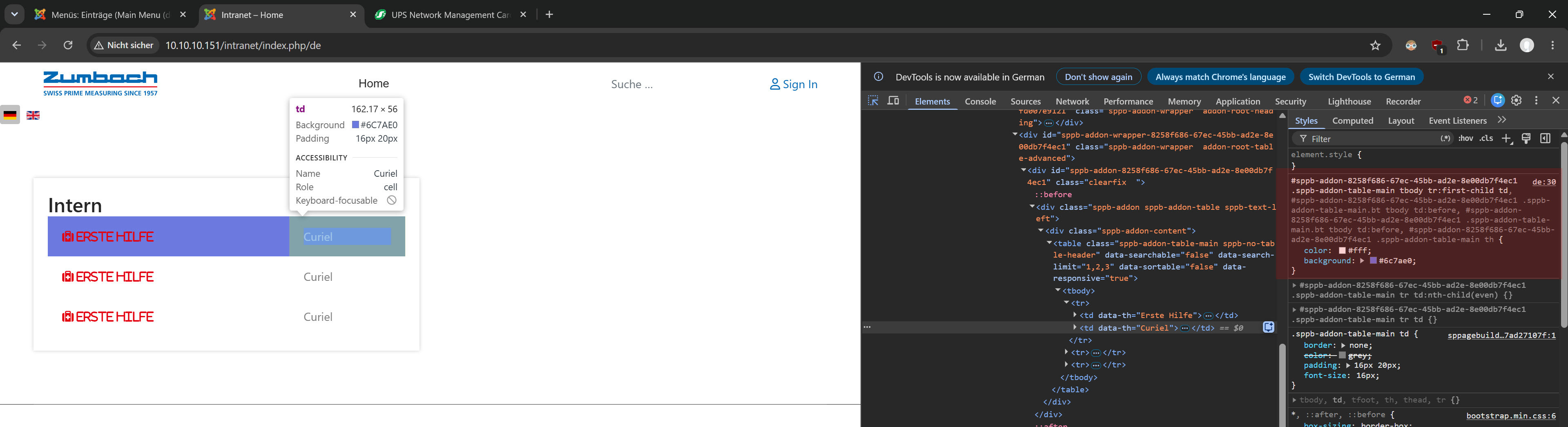
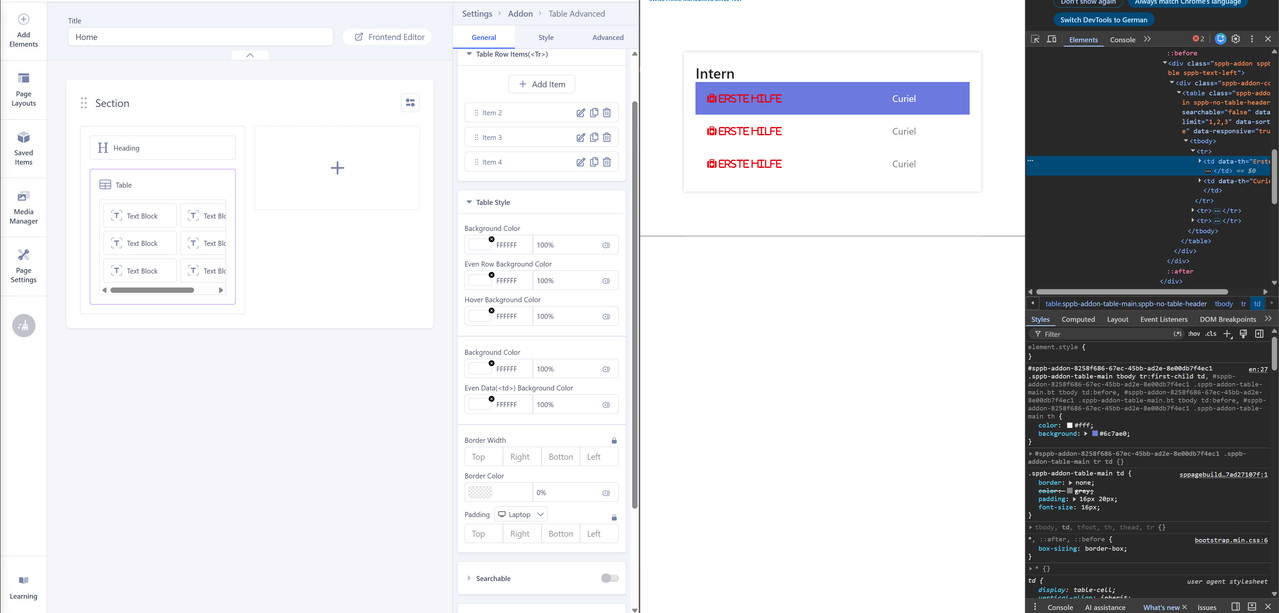
I have a table created in SP Page Builder but for the first row it takes the color from the template css and not the definition from Page Builder. How can i solve that? I dont want to have any background-color for that table.
7 Answers
Order by
Oldest
C
clausjepsen
Accepted AnswerSee my related question - it's unfortunately by design so I suggested a change: https://www.joomshaper.com/forum/question/45004

Paul Frankowski
Accepted AnswerHi,
do you mean "red" color used for text?
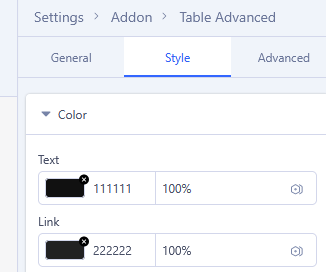
This is not background color, so please check "Style" tab and set black color for Text
If above will not help, let me know
L
lallenbach
Accepted AnswerNo the red color on the text is correct, i want to remove the purple background color on the first row.
Paul Frankowski
Accepted AnswerOK.
please share direct link to that page with the table (in Hidden Content area)
BG color looks like from settings or custom CSS not template styles.
L
lallenbach
Accepted AnswerThe website runs only locally, not on a public webserver.
would say comes from here:
sppb-addon-8258f686-67ec-45bb-ad2e-8e00db7f4ec1 .sppb-addon-table-main tbody tr:first-child td, #sppb-addon-8258f686-67ec-45bb-ad2e-8e00db7f4ec1 .sppb-addon-table-main.bt tbody td:before, #sppb-addon-8258f686-67ec-45bb-ad2e-8e00db7f4ec1 .sppb-addon-table-main.bt tbody td:before, #sppb-addon-8258f686-67ec-45bb-ad2e-8e00db7f4ec1 .sppb-addon-table-main th