Basic
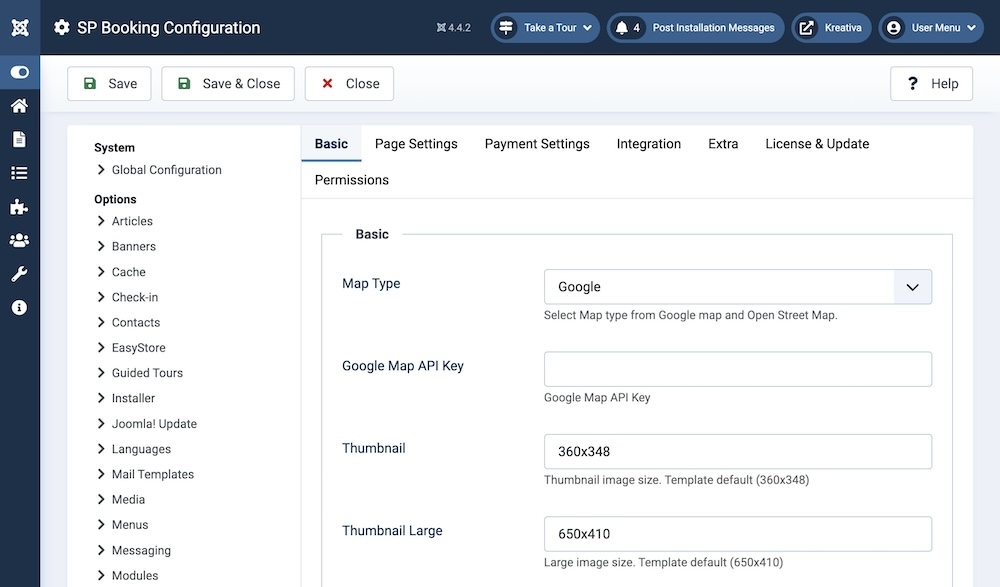
Map Type: Select Map type between Google Maps and Open Street Map.
Google Map API Key/Mapbox Token: Enter your Google Map API Key or Open Street Map Mapbox Token based on your selection in the previous option.
Map View: This option becomes available only if you select Open Street Map in the Map Type setting. You will find several map view options in the dropdown menu which will determine the aesthetics of the map in the frontend.
Thumbnail: Set the Thumbnail image size. The default size is 360x348.
Thumbnail Large: Set the Thumbnail image size. The default size is 650x410.
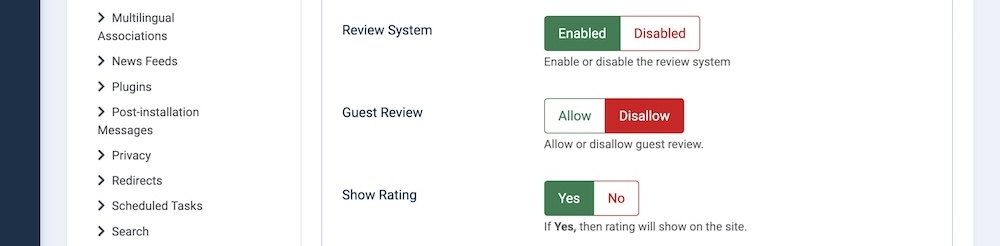
Review System: Enable or disable the review system.
Guest Review: Allow or disallow guest review.
Show Rating: Toggle whether the rating will show on the site or not.
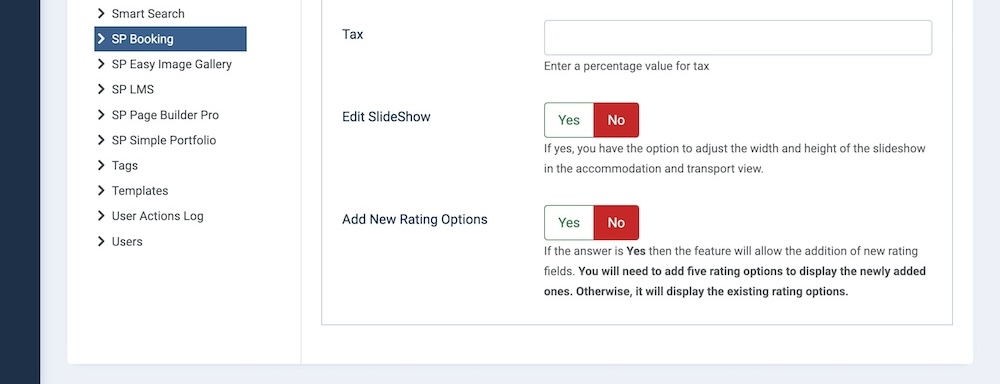
Tax: Enter a percentage value for tax.
Edit SlideShow: If toggled on, you have the option to adjust the width and height of the slideshow in the accommodation and transport view.
Add New Rating Options: If toggled on then the feature will allow the addition of new rating fields. You will need to add five rating options to display the newly added ones. Otherwise, it will display the existing rating options.