Layout Customization With Page Builder
Default homepage and several subpages in the Strings template demo were created using SP Page Builder Pro component.
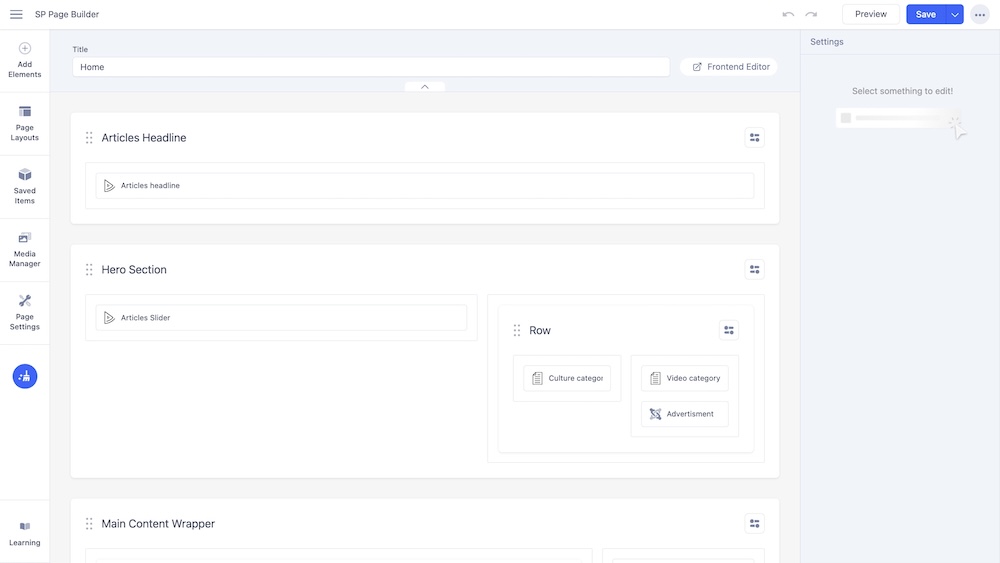
Within this page, you are availed with easy customization functionalities with SP Page Builder. Page layouts are created with pre-built SP Page Builder addon and row/column options. Every addon holds information for particular sections in the layout. You need to customize these addons with your desire contents like images, texts, and designs.
The following screenshot shows the layout of the Homepage (default variant) with a list of the addons used in the demo content configuration.
Customize Everything on the Frontend
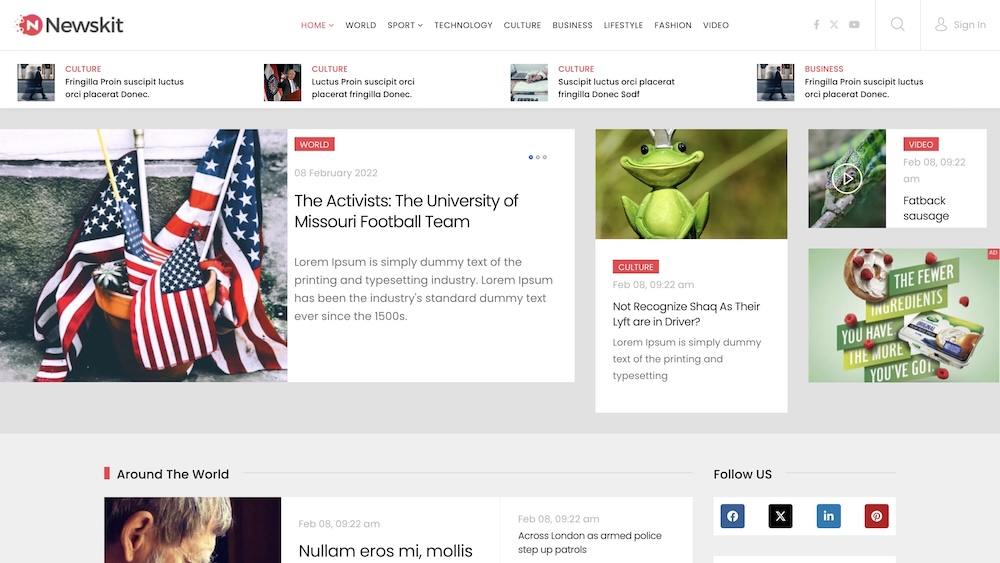
You can edit pages using both the Frontend and Backend Editor. To access the Frontend Editor, go to Components > SP Page Builder > Pages. Hover over a page, and click on the Frontend Editor button that appears below the Type heading. Alternatively, clicking on the page's name will redirect you to the Backend Editor, and you can seamlessly switch to the Frontend Editor from there by clicking on the Frontend Editor button beside the Page Title.