

Template "Helix Ultimate" / J4
M
Markus
Hello!
For our school-website (bzbonndorf.de) I inserted the new logo in the basic template options. Using a screen solution of 1920x1080 the logo is shown correctly. But a lower solution shows the logo deformed which does not look good. Is there an option so that I can fix the proportions of the picture?
Another thing I would like to ask is about the use of the template "Helix Ultimate" after an update to Joomla 4. The template description says, that it works with Joomla 3. Do I have to change the template or can I continue using Helix Ultimate?
Will the Page Builder and pages designed with the Page Builder also run with Joomla 4?
Thank you a lot for your help!
Regards, Markus
12 Answers
Order by
Oldest

Paul Frankowski
Accepted AnswerAbout Logo
Yes, becuase your logo is very wide.
Try this custom CSS, may help:
@media only screen and (max-width: 1690px)  {
.logo-image {height: auto;}
}
I hope you read Helix Ultimate documenation on how to use custom CSS.
Paul Frankowski
Accepted AnswerHi Markus.
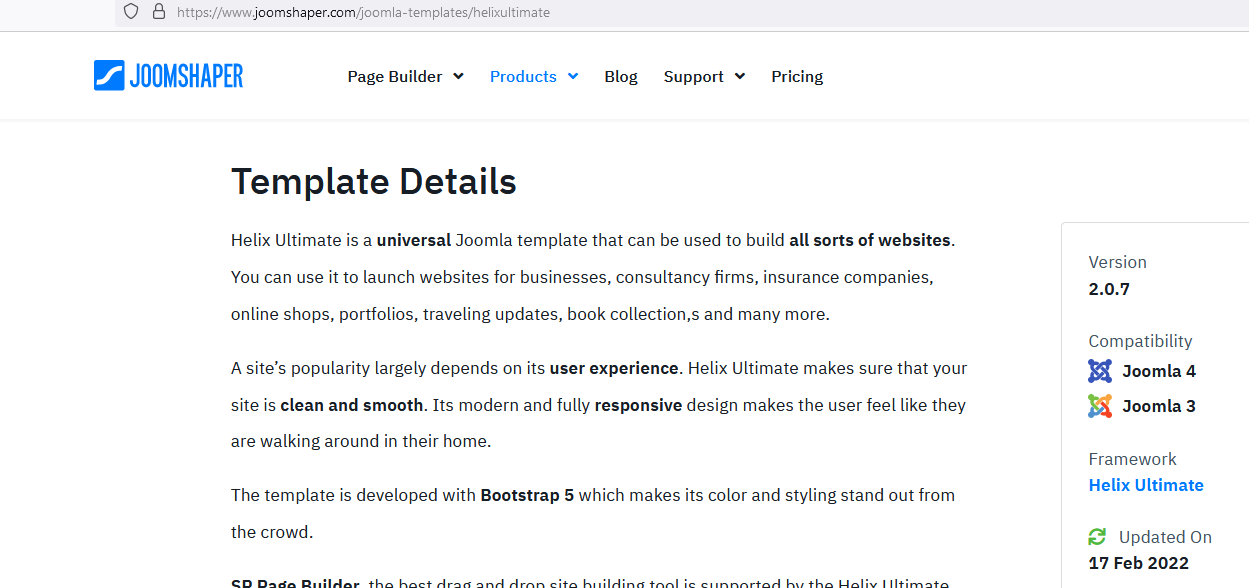
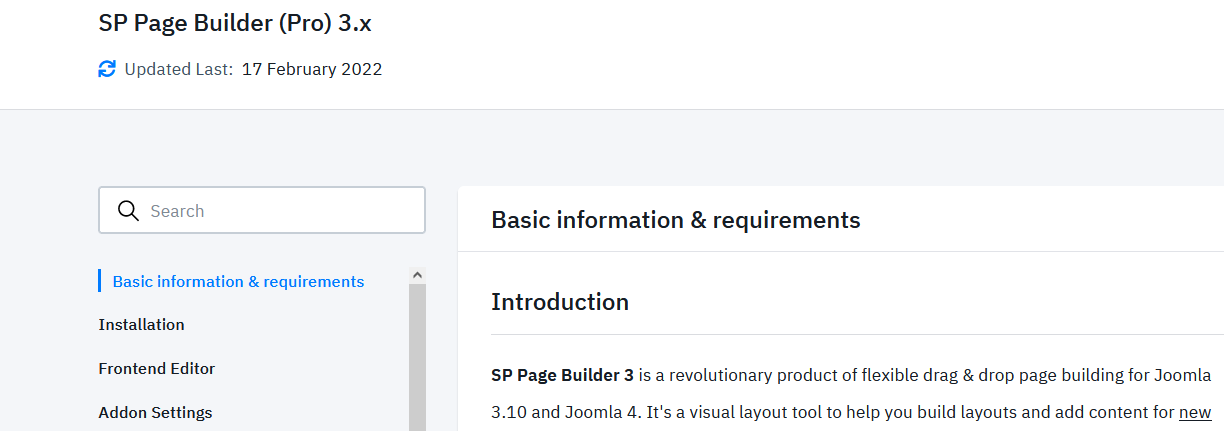
Both SPPB 3 and Helix Ultimate works with Joomla 4.
Look at the right side.
und
M
Markus
Accepted AnswerI inserted the code in each field in the options "custom code" but it doesn't change the deformation :-(
M
Markus
Accepted AnswerOh I deleted the code since it didn't change anything. I've put it in again so you should see it now.
M
Markus
Accepted AnswerCould it be that I should change the term "relative" somehow? Eg "static"? See picture.
Paul Frankowski
Accepted AnswerMy code was for resolution 1690px and smaller.
I think I forgot to add !important to make it "stronger". Please use below version
 @media only screen and (max-width: 1690px)  {
.logo-image {height: auto !important;}
}
yes, you can use wider screen value as well.
M
Markus
Accepted AnswerThank you, it works!
But the words disappear while changing the resolution. I have to change the image a little.