

Helix Ultimate Typography Body - Don't Change In A Mobile Mode.
F
Francesco
Hello,
I have verified that if I change the Helix Ultimate template settings by increasing the font of the Text Body, it only increases in Destop mode and remains small in Mobile mode.
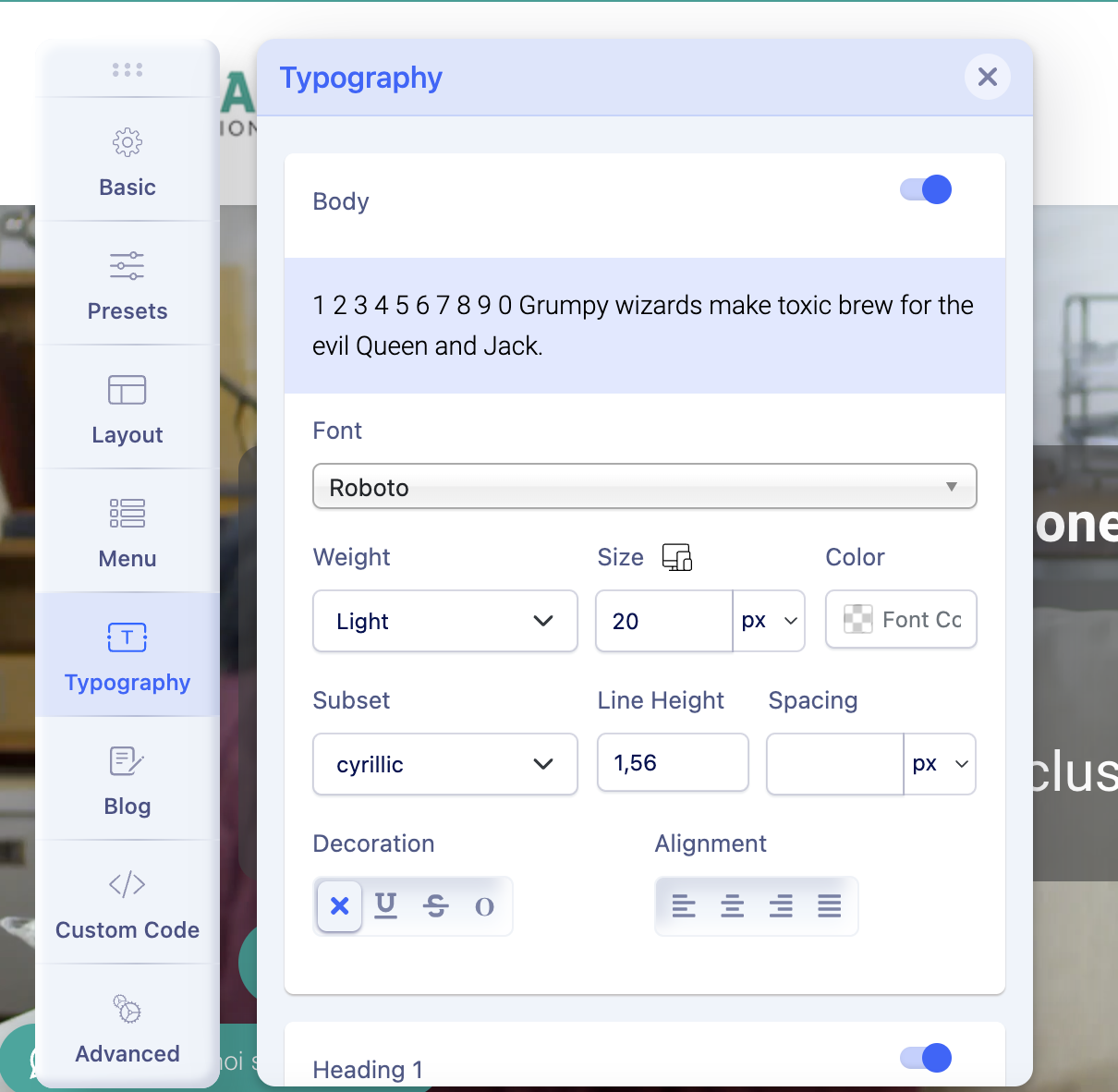
Why does this happen?
Thank you Francesco
Website
https://badafinder.it/
4 Answers
Order by
Oldest

Ariba
Accepted AnswerHello
Thank you for your query.
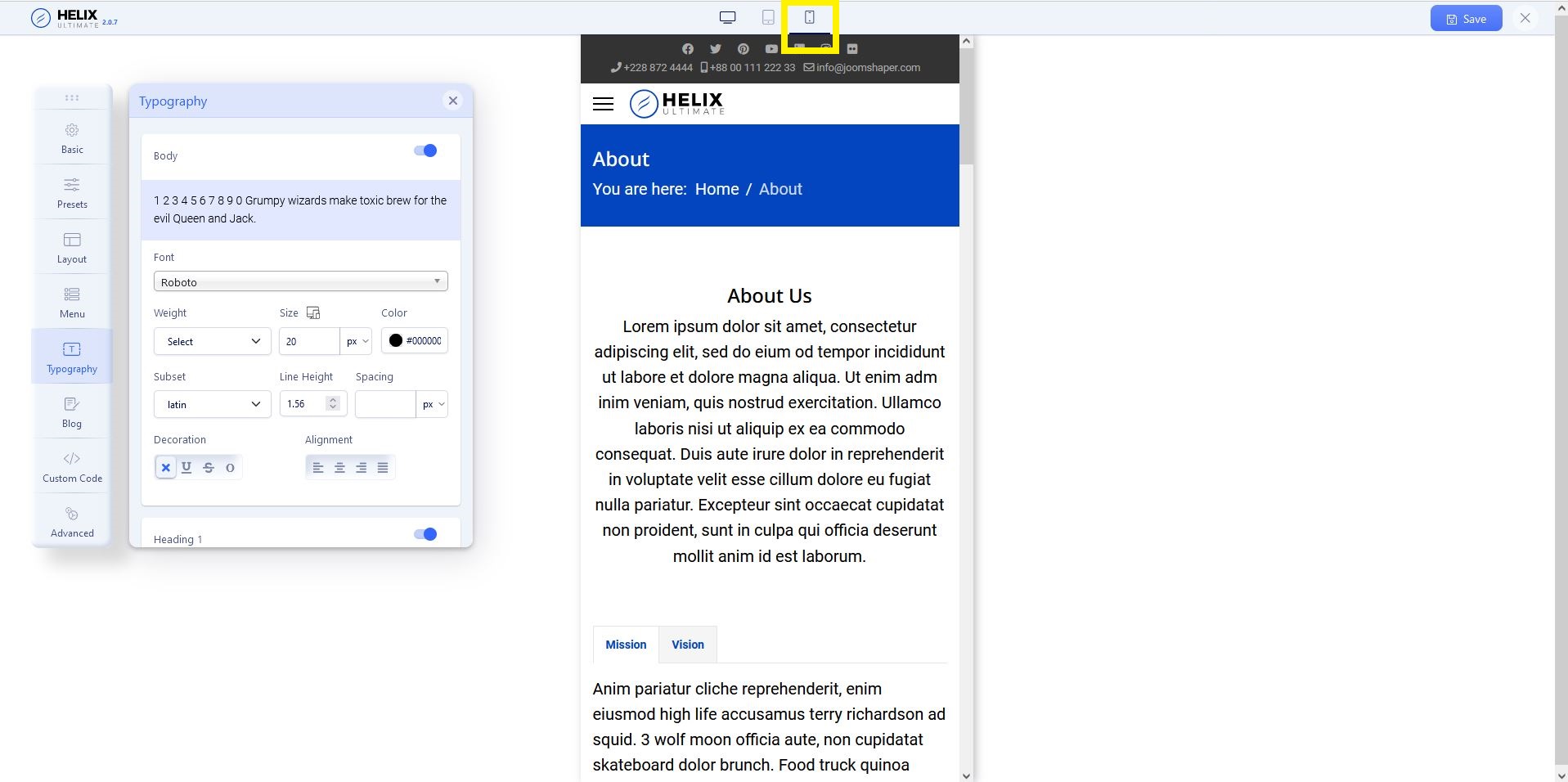
Please check the screenshot below. You have to click on the mobile button (yellow marked) and set the font size for mobile mode.
F
Francesco
Accepted AnswerHi Ariba,
I thought those keys were referring only to the display and not to the settings by device. Now it's all clear,
Thank you Francesco
Ariba
Accepted AnswerYou are most welcome :)
Please do let me know if you have any other related queries, I would be happy to help. If there are no other queries, kindly accept the most useful answer that helped you in order to resolve & close the post.