Image Layout Add-on: Content Wrapper Style Options
AB
Alex Block
Instead of a background color or gradient, I'd like to use an image as the content background... Is is possible to do this? If so, can a step-by-step example be provided?
Website
http://miw.marketaccess.ca
2 Answers
Order by
Oldest

Mehtaz Afsana Borsha
Accepted AnswerHi,
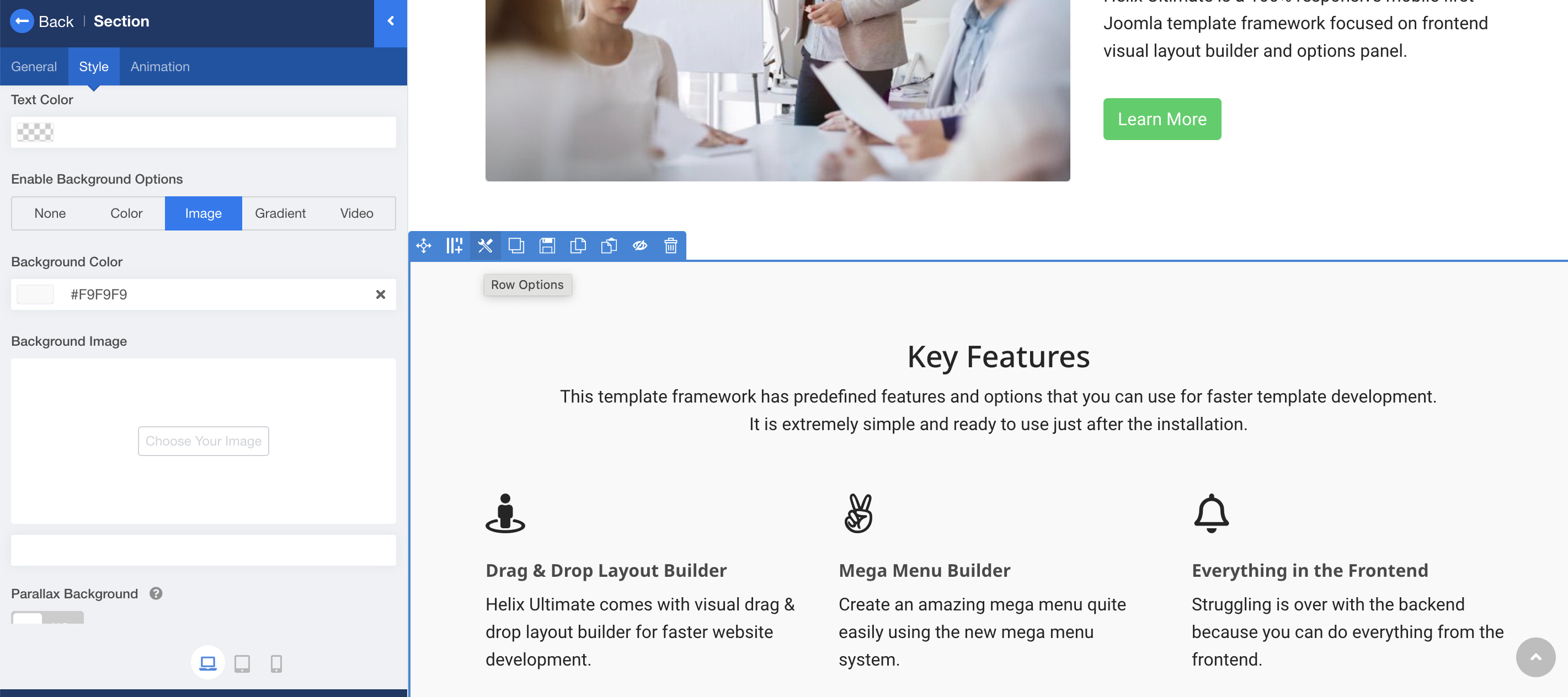
Yes its possible. You have to go that content section. Row options--> Section--> Enable Background option--> Background Image.
-Regards.

Paul Frankowski
Accepted AnswerIf I may...
From "Image Layout " addon settings it's not possible, but using custom CSS you can add it in less than 60sec:
.sppb-addon-image-layout-content
{ background: url("/images/powered_by.png");
 background-size: cover;
 background-position: center; }
Just add above CSS inside that Page - Custom CSS field.
Of course above code will work for all addons displayed on that page.
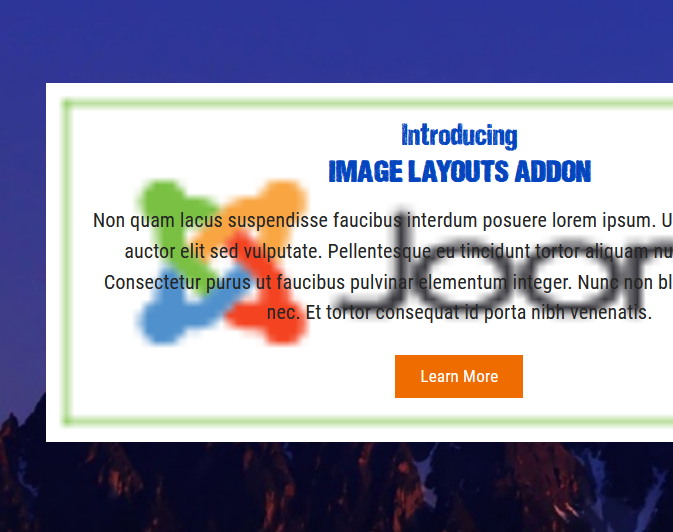
Example, with small joomla logo image.