

Button On Smart Phone Not Working
PJ
Portia Jelwana-Schmidt
I set up a number of buttons for clients to book services. Since I want the buttons to be displayed smaller on the phone, I created each button two times, one for PC and the second for the phone. For the first I chose at the Advanced tab: Hide on mobile Portrait and landscape. For the PC button I did the opposite.
At the PC the buttons are working fine, but not the ones for the phone. https://test4.jelwana.net/index.php/en/booking/book-an-appointment
The access data for my website is in hidden content
6 Answers
Order by
Oldest

Toufiq
Accepted AnswerPlease check now. Added this css code inside the custom css box.
Toufiq
Accepted AnswerHi there,
Thank you for reaching out, and I apologize for any inconvenience caused by this oversight. Please provide me correct login information to check the issue.
Best regards,
Toufiqur Rahman (Team Lead, Support)
PJ
Portia Jelwana-Schmidt
Accepted AnswerHiToufiq
sorry I forgot to give SuperUser access to user support. pls try now.
PJ
Portia Jelwana-Schmidt
Accepted AnswerThank you now it is working
Toufiq
Accepted AnswerWe appreciate your feedback and are delighted to hear that you're satisfied with our service.
To officially close this forum post, mark it as accepted. If you have any more questions or need further assistance in the future, please don't hesitate to reach out to us.
As for writing a review about our product and support quality, we would greatly appreciate it! Your feedback helps us improve and serves as a valuable reference for others. Please take a moment to share your thoughts about your experience with our product and the support you received. Your input is valuable to us and the community. Thank you in advance for your time and support.
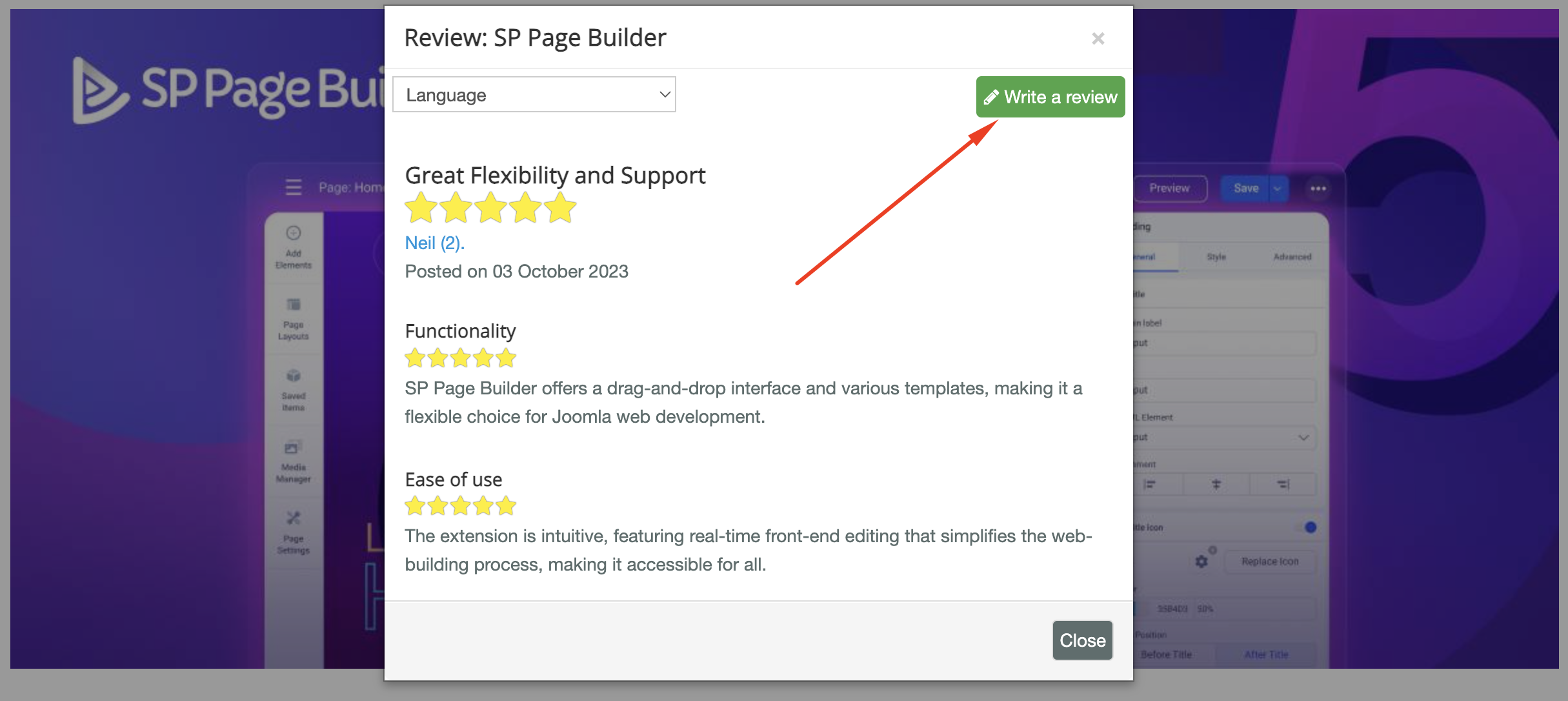
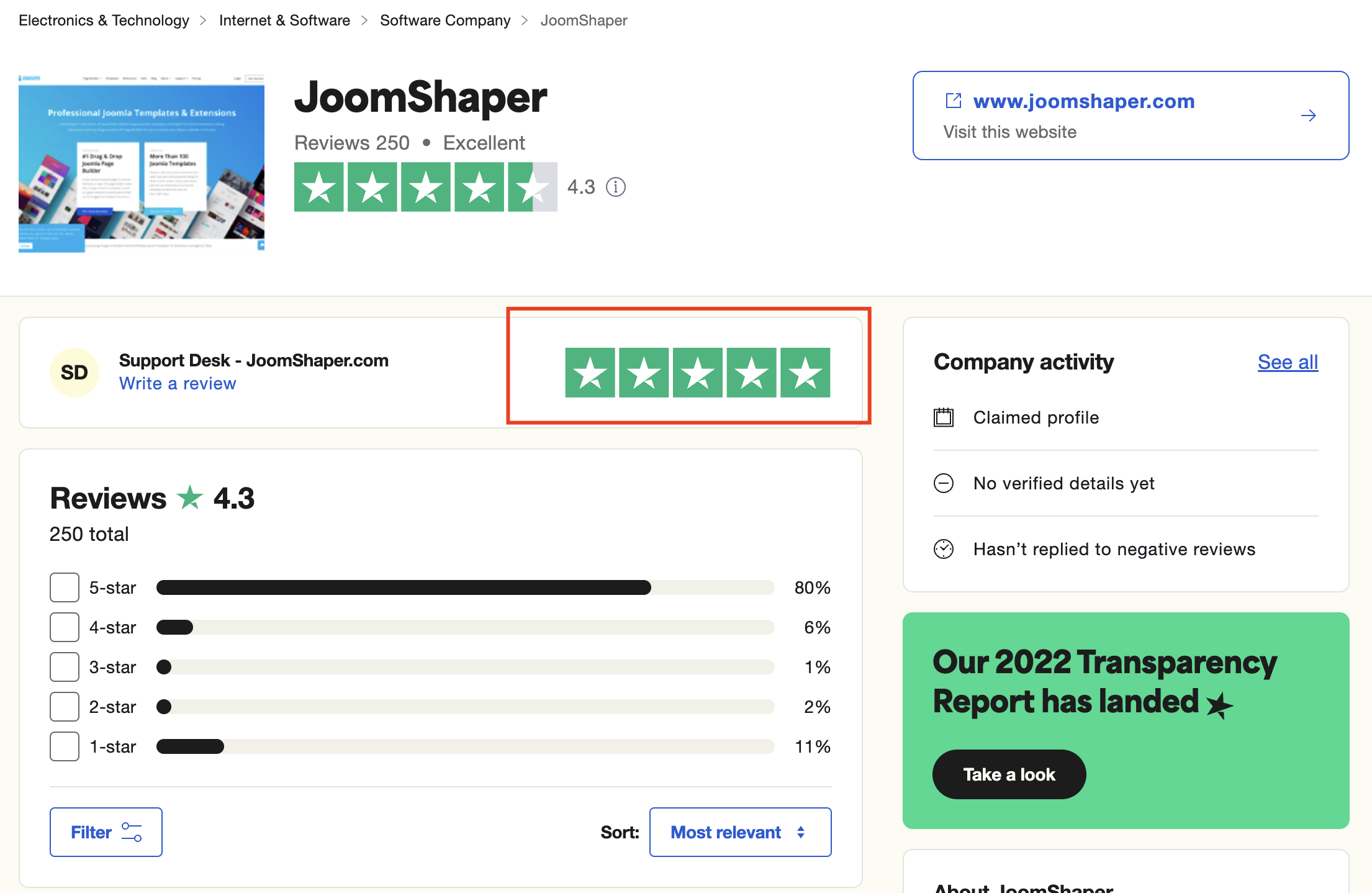
We're here to assist you with any further questions or requests you may have. Once again, thank you for choosing our product and for being a part of our community.
Best regards,
Toufiqur Rahman
Team Lead, Tech Support (JoomShaper)