

Critical Bug: Url Redirects do Not Work
M
Martin
After updating to SP Page Builder 6.6.2, some of our redirects do not work anymore. Instead of redirecting, it gives and error: "You don't have permission to access this. Please contact a website administrator if this is incorrect."
This is not a permission error as all the items have access Public and they were working before the update.
Our redirects are simple Joomla articles, but it seems that the SP Page Builder router is doing something that it shouldn't.
This is the call stack:
0 A key is required Call Stack
Function Location
1 () JROOT/libraries/vendor/joomla/database/src/DatabaseQuery.php:1910 2 Joomla\Database\DatabaseQuery->bind() JROOT/libraries/vendor/joomla/database/src/DatabaseQuery.php:2008 3 Joomla\Database\DatabaseQuery->bindArray() JROOT/libraries/vendor/joomla/database/src/DatabaseQuery.php:1796 4 Joomla\Database\DatabaseQuery->whereIn() JROOT/components/comsppagebuilder/router.php:356 5 SppagebuilderRouterBase::getSlugsByCollectionItemIds() JROOT/components/comsppagebuilder/router.php:114 6 SppagebuilderRouterBase::buildRoute() JROOT/components/comsppagebuilder/router.php:590*
Please check this as soon as possible!
Thanks, Martin
27 Answers
Order by
Oldest

Toufiq
Accepted AnswerHi there,
Thank you for reaching out, and I apologize for any inconvenience caused by this oversight. To better address the issue, could you kindly provide Joomla administrator access? This will enable me to thoroughly investigate the matter and provide you with a prompt resolution.
Note: Also, Share an screencast video about the full scenario.
Best regards,
Toufiqur Rahman (Team Lead, Support)
M
Martin
Accepted AnswerHi,
I have added the sample test site credentials in the hidden content.
M
Martin
Accepted AnswerLink to the screencast added in hidden content.
M
Martin
Accepted AnswerThanks, but that is why we are using the Joomla built-in redirects, so the old not working url will redirect to the new working URL.
It has always worked for hundreds of our sites and thousands of links and that is the way the Joomla redirects are used. And this particular redirect was working perfectly fine on this site before updating to the latest SP Page Builder.
M
Martin
Accepted AnswerCleared Joomla cache and run in incognito window. Now with the https://domain.com/alias-to-be-redirected I get:
0 A key is required
M
Martin
Accepted AnswerStange, I cannot explain that as when we discovered the issue, I especially checked my localhost copy on 6.2.2 and it was working. Then I updated to latest version to check if it is the SP Page Builder issue and after update the localhost site immedeatly had the same issue.
Anyway, this fix is really critical to us.
M
Martin
Accepted AnswerIt seems that the Collections are stealing the article urls. When I do this is components/com_sppagebuilder/router.php, it starts working again:
private static function getArticleIdBySlug($slug){
    return null; // PATCH: don't treat Joomla articles as SPPB dynamic items.

    /*$db = Factory::getDbo();
    $query = $db->getQuery(true)
        ->select('id')
        ->from('#__content')
        ->where('state = 1')
        ->where('alias = ' . $db->quote($slug));
    $db->setQuery($query);
    $articleId = $db->loadResult();

    if ($articleId) {
        return $articleId;
    }

    $query = $db->getQuery(true)
        ->select('id, title')
        ->from('#__content')
        ->where('state = 1');
    $db->setQuery($query);
    $articles = $db->loadObjectList();

    foreach ($articles as $article) {
        if (OutputFilter::stringURLSafe($article->title ?? '') === $slug) {
            return $article->id;
        }
    }

    return null;*/
}
M
Martin
Accepted AnswerPLEASE SEE MY URGENT REQUEST IN HIDDEN CONTENT (POST #226190)!
IT IS NOT RELATED TO FIXING ANYTHING IN THE COMPONENT. IT JUST NEEDS 5 SECOND AND TWO CLICKS IN THIS THREAD.
THANK YOU!
M
Martin
Accepted Answer
M
Martin
Accepted AnswerMy request above is very clear, please do these 2 clicks that are critical for me due to data breach !!!!!!!!!
M
Martin
Accepted AnswerI'm not talking about solving the bug, I need you to remove certain info!!! I have added this for the third time in the hidden content.
Can you see it? Can you understand what it says? You just need to remove one link! I'm really getting desperate.
M
Martin
Accepted AnswerFriendy bump!
This is a serious and widespread issue. For now I have to patch all the sites manually after each SP Page Builder update which is a huge work when you have several dozens of sites.
Thanks!
M
Martin
Accepted AnswerIndeed, in the fresh version of 6.7.0 it seems to be working fine again!
Thank you!
Toufiq
Accepted AnswerYou are most welcome! We appreciate your feedback and are delighted to hear that you're satisfied with our service.
To officially close this forum post, mark it as accepted. If you have any more questions or need further assistance in the future, please don't hesitate to reach out to us.
As for writing a review about our product and support quality, we would greatly appreciate it! Your feedback helps us improve and serves as a valuable reference for others. Please take a moment to share your thoughts about your experience with our product and the support you received. Your input is valuable to us and the community. Thank you in advance for your time and support.
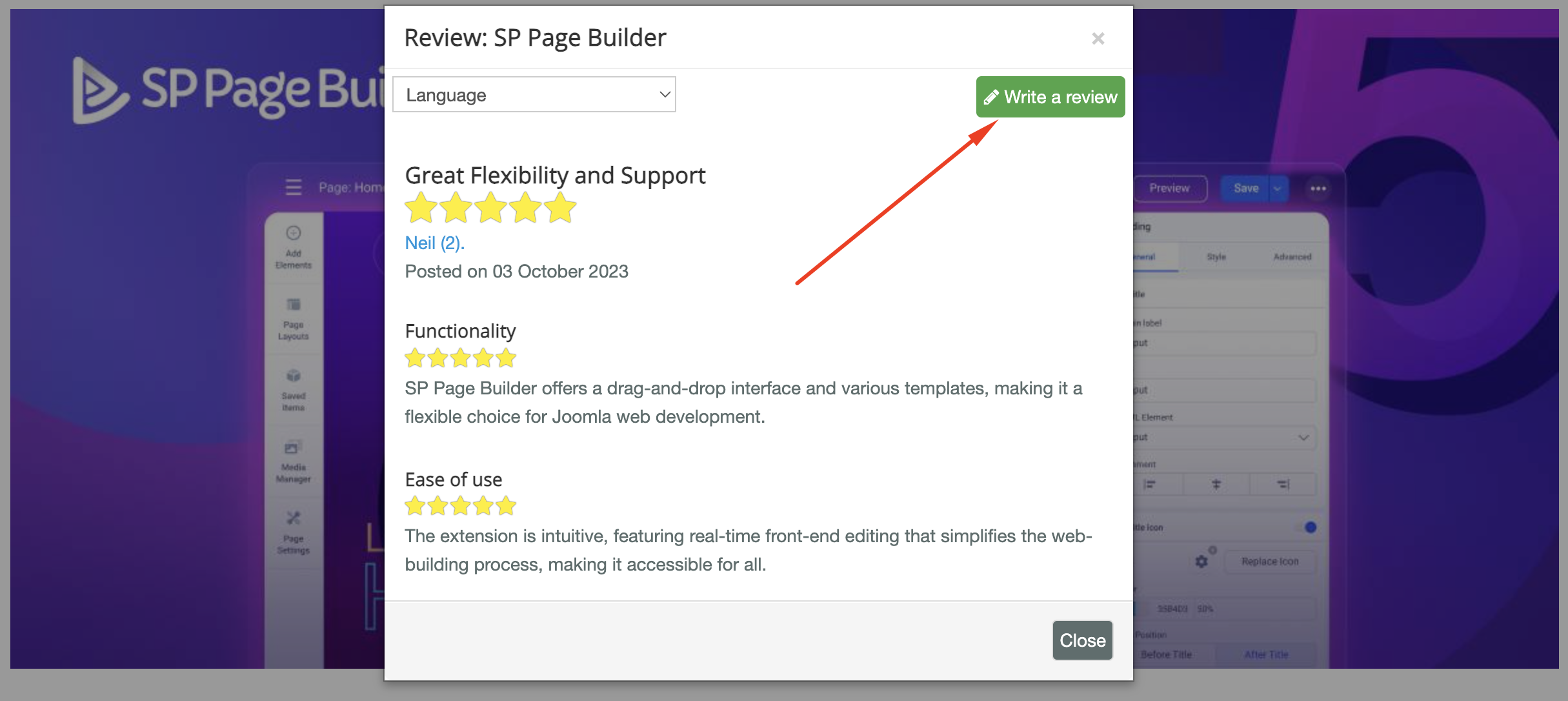
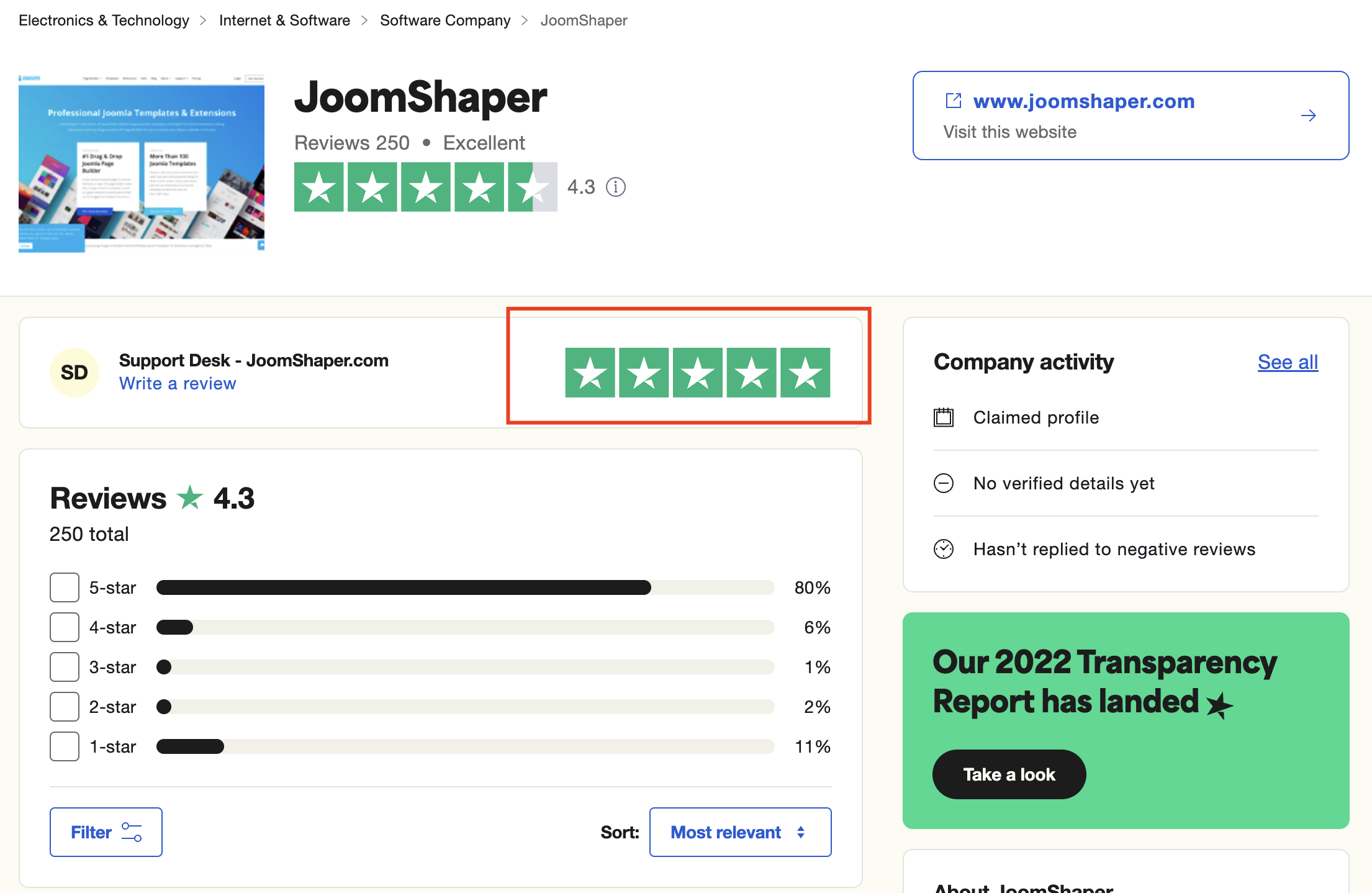
We're here to assist you with any further questions or requests you may have. Once again, thank you for choosing our product and for being a part of our community.
Best regards,
Toufiqur Rahman
Team Lead, Tech Support (JoomShaper)