The hamburger menu links do not work in Chrome or on the iPhone 13.
Solved
Templates
Bug
Accepted answer
Marked as the solution
Ziaul Kabir Staff
If they are using Helix Ultimate then you can use it.
Thanks
14 more replies
Ziaul Kabir Staff
Hello,
Thanks for reaching out to us. Could you please share temporary administrator access to your Joomla backend? You can provide the credentials securely in the hidden content section. Also, please take a full backup of your site before we make any changes.
Once I have access, I’ll investigate further and see what’s causing the issue. Let me know once you’ve shared the details!
Best regards,
ISARD Asked this
Yes sure, thx !
Please find in hidden section
Ziaul Kabir Staff
Hello,
I see that Offcanvas menu works fine on my end, Could you please provide me some screenshot and if possible provide some affected url, where you see this issues.
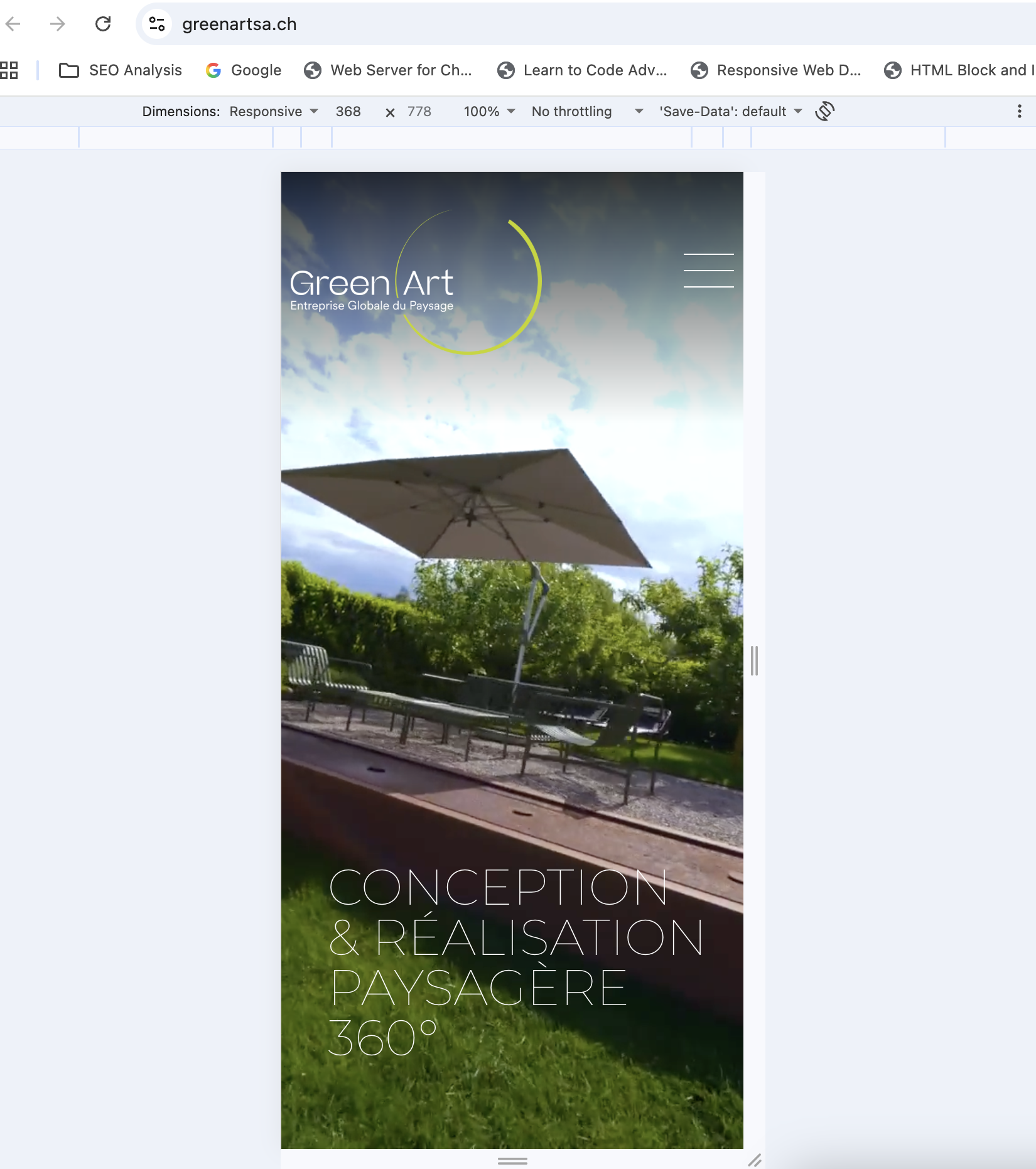
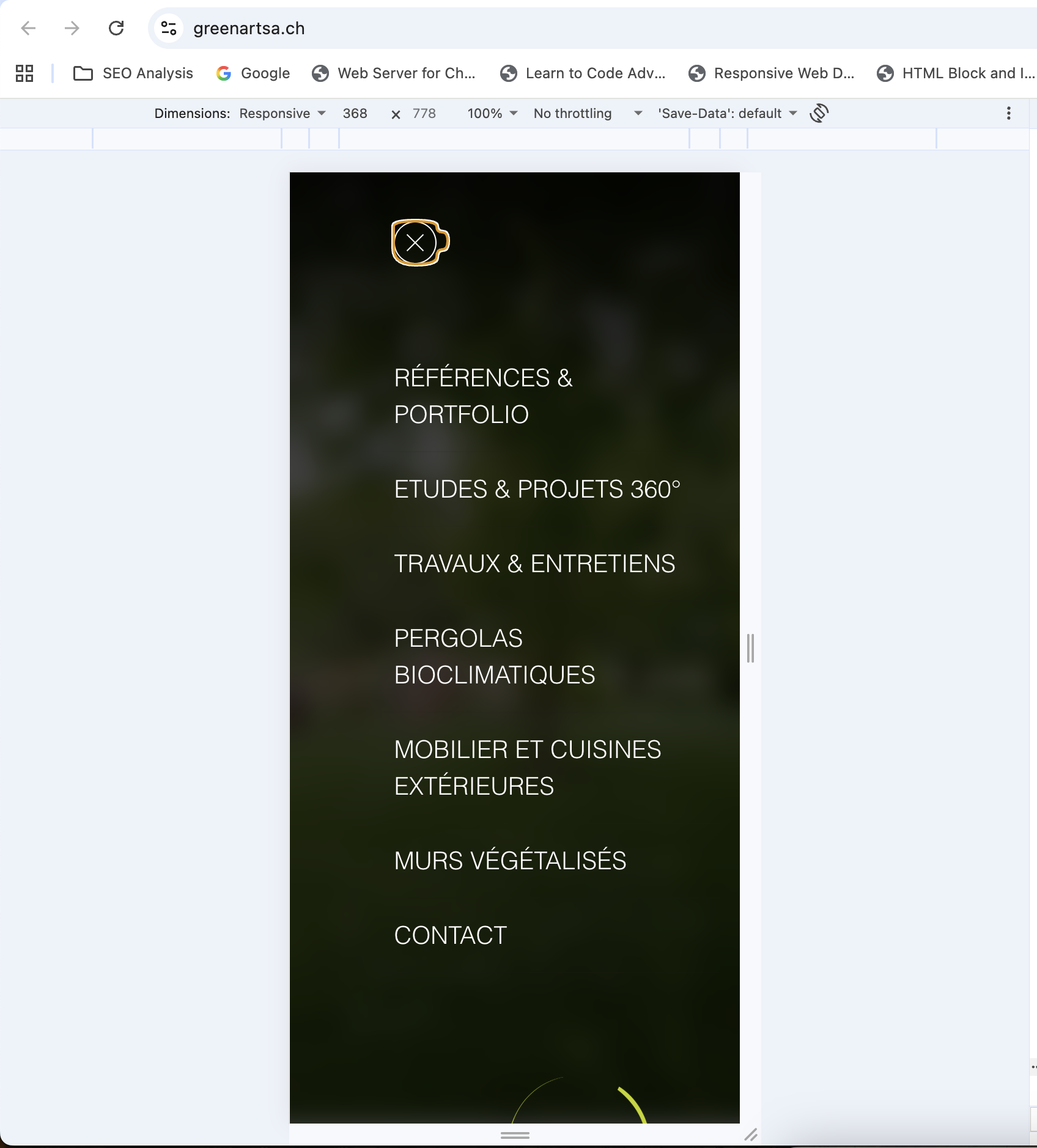
Thanks,
ISARD Asked this
I could take screenshots, but they wouldn't be very helpful.
I would really need to record the screens of both my Mac and my smartphone.
What's happening is baffling.
When I first opened this post, the "hamburger" menu wasn't working in Firefox. It would appear, but vanish as soon as I clicked on it. This bug didn't occur in Google Chrome.
Today, it works in Firefox, even though I haven't changed anything.
However, it doesn't work on my smartphone (iPhone 13): the menu appears when I click the hamburger icon but disappears the moment I try to select a link.
On the other hand, on the site www.quinze.team/new, the hamburger menu appears correctly when I narrow the window width, and it closes properly when I click a link—but this only happens in Firefox, not in Google Chrome.
BUT—and this is the confusing part—that specific hamburger menu (the one on the Quinze site) works perfectly on my smartphone.
To summarize the situation for the two sites in question (GreenArt and Quinze):
- GreenArt: the hamburger menu works in Firefox and Chrome but not on smartphones.
- Quinze: the hamburger menu works only in Chrome.
Would you like me to grant you access to the Quinze admin dashboard?

Martin Grunert
Hi Isard,
Greenart
I have an iPhone 13 and checked it out: everything is visible. https://prnt.sc/4p-oBcKOxdMZ
It also works on my Samsung Z Fold7.
Quinze
The menu also looks good in Firefox: https://prnt.sc/8Z4E7wvsg1bG - EDGE also works
It looks like a cache issue on your devices, especially if you've linked them together, or maybe it's related to software settings.
As a very remote possibility: could some security software, browser extension, or even malware be interfering with the browser behavior? That's purely speculation, of course.
best regards
Martin
ISARD Asked this
Thanks, Martin
GreenArt on smartphone:
Yes, the menu appears—have you tried clicking on a link?
Quinze on computer using firefox:
Same here.
Martin Grunert
You're welcome :)
Yes, the links work correctly.
ISARD Asked this
Well, it's not working on my iphone after reboot...
So I'll ask to other people around me to test and I'll give you news.
THX
Ziaul Kabir Staff
Hello,
Could you please provide screen recordings showing the hamburger menu issue on both your Mac and iPhone? Also, please check the browser console for any JavaScript errors or warnings while reproducing the issue.
Please test both websites (GreenArt and Quinze) across different browsers and devices, if possible.
I’ve also tested the websites on my iPhone and Mac using different browsers, and I haven’t encountered any issues. This makes it important to identify the specific device, browser, or conditions under which the problem occurs.
These recordings and console checks will help us narrow down the cause and find a solution.
Thank you!
ISARD Asked this
Hello,
Here is a link to a video from my client (GreenArt) showing that the burger menu isn't working on one of their computers.
https://www.greenartsa.ch/joomshaper/desktop.MOV
As for me, the burger menu still wasn't working on my iPhone 13, so I wondered if the issue might stem from a conflict between the new versions of SP Page Builder and Helix.
I created a blank article that doesn't use SP Page Builder and accessed the site via that page on my iPhone.
The burger menu worked, and I was able to navigate the site using it—even the homepage worked.
However, if I enter directly via the homepage, it doesn't work...
Here is the demonstration video: https://www.greenartsa.ch/joomshaper/smartphone.mp4
Ziaul Kabir Staff
Hello,
I see the issues on your devices from your recording but still not see on our devices.
Add it under your templates → Template Options → Custom Code → Custom JS, clear the cache, and test in a private tab.
document.addEventListener('DOMContentLoaded', function () {
  var sel = '.offcanvas-inner a[href]';
  var sx = 0, sy = 0;

  function navigable(a) {
    var h = a.getAttribute('href');
    return h && h !== '#' && !/^(javascript:|tel:|mailto:)/i.test(h) && a.target !== '_blank';
  }

  // Desktop and normal clicks: stop other handlers from closing the menu first.
  document.addEventListener('click', function (e) {
    var a = e.target.closest && e.target.closest(sel);
    if (a && navigable(a)) e.stopPropagation(); // native navigation still happens
  }, true);

  // iOS: if the menu is hidden mid-tap, no click ever fires, so navigate on touchend.
  document.addEventListener('touchstart', function (e) {
    var t = e.touches[0]; sx = t.clientX; sy = t.clientY;
  }, { passive: true, capture: true });

  document.addEventListener('touchend', function (e) {
    var a = e.target.closest && e.target.closest(sel);
    if (!a || !navigable(a)) return;
    var t = e.changedTouches[0];
    if (Math.abs(t.clientX - sx) > 10 || Math.abs(t.clientY - sy) > 10) return; // it was a scroll
    e.preventDefault();
    window.location.href = a.href;
  }, true);
});
Please, let me know the updates.
Thanks
ISARD Asked this
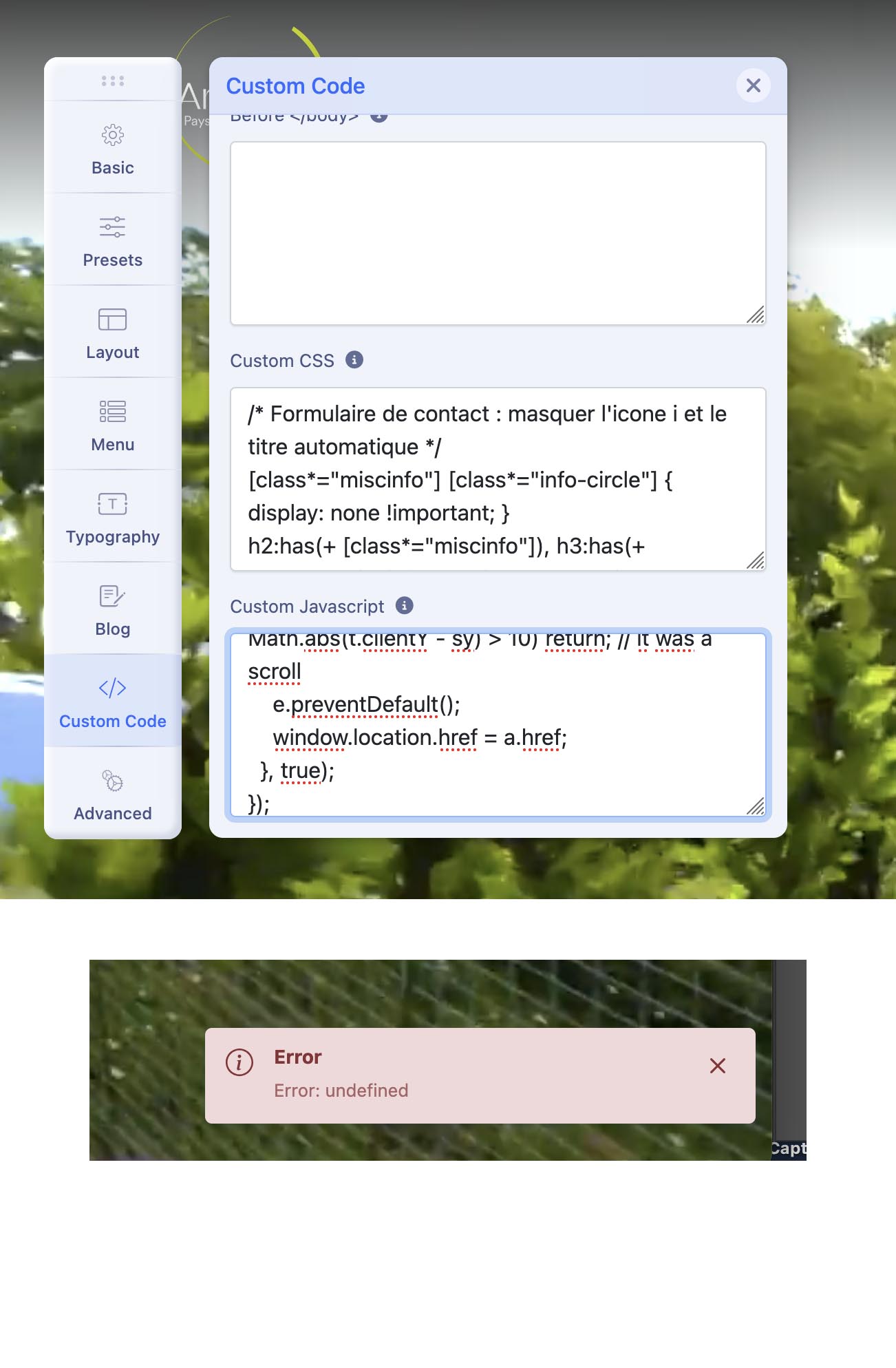
I added the code in the template options and saved it, but I am getting an error message (see attachment)
https://greenartsa.ch/joomshaper/Screenshot.jpg.
Ziaul Kabir Staff
Hello,
When trying to save custom JavaScript on your website , the following error appears:
403 Forbidden – You don't have permission to access this resource.
Please contact your hosting provider or hosting administrator and ask them to investigate this issue. It may be caused by server security rules or ModSecurity blocking the save requests.
Thank you!
Martin Grunert
@Ziaul - This has been a known problem for several years, at least with Plesk. Something must have been changed in the Helix code at some point, or the WAF settings were tightened.
@ISARD - if you have access to your server and its settings: temporarily disable the Web Application Firewall (WAF). Save the code in Helix Settings, then you can re-enable the WAF.
ISARD Asked this
I was able to add the code and everything is working!
On my client's computer and on my smartphone—great!
Can I use this same code for the other sites (like Quinze) that have the same problem?
Ziaul Kabir Staff
It’s great to hear that your issue has been resolved.
If everything is working fine now, please mark the question as complete by accepting any of our answers.
Thank you!
ISARD Asked this
OK !
Can I use this same code for the other sites (like Quinze) that have the same problem?
Log in to reply.