

Menu
ZY
Zay Yar
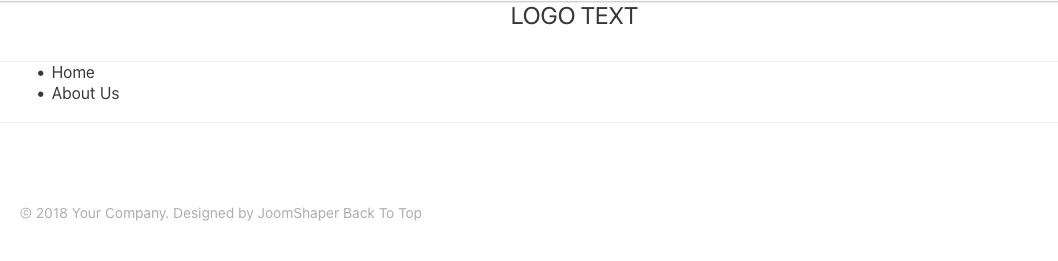
I have been trying everythin I could but still having issue with menu. I am using Gaztte Template but whatever I do menu is not appear as it has to be. Not only Gaztte Template but all other template too. I followed every single step as Quickstart Joomla 4 of Gazette but when I assign Menu it just showing as attached image.
Where did I wrong ?
Regards
9 Answers
Order by
Oldest

Ofi Khan
Accepted AnswerHello Zay Yar
Sorry, for the inconvenience. Please share your administrator access here to check the issue. Use the Hidden Content box to share the credentials.
Best regards
Ofi Khan
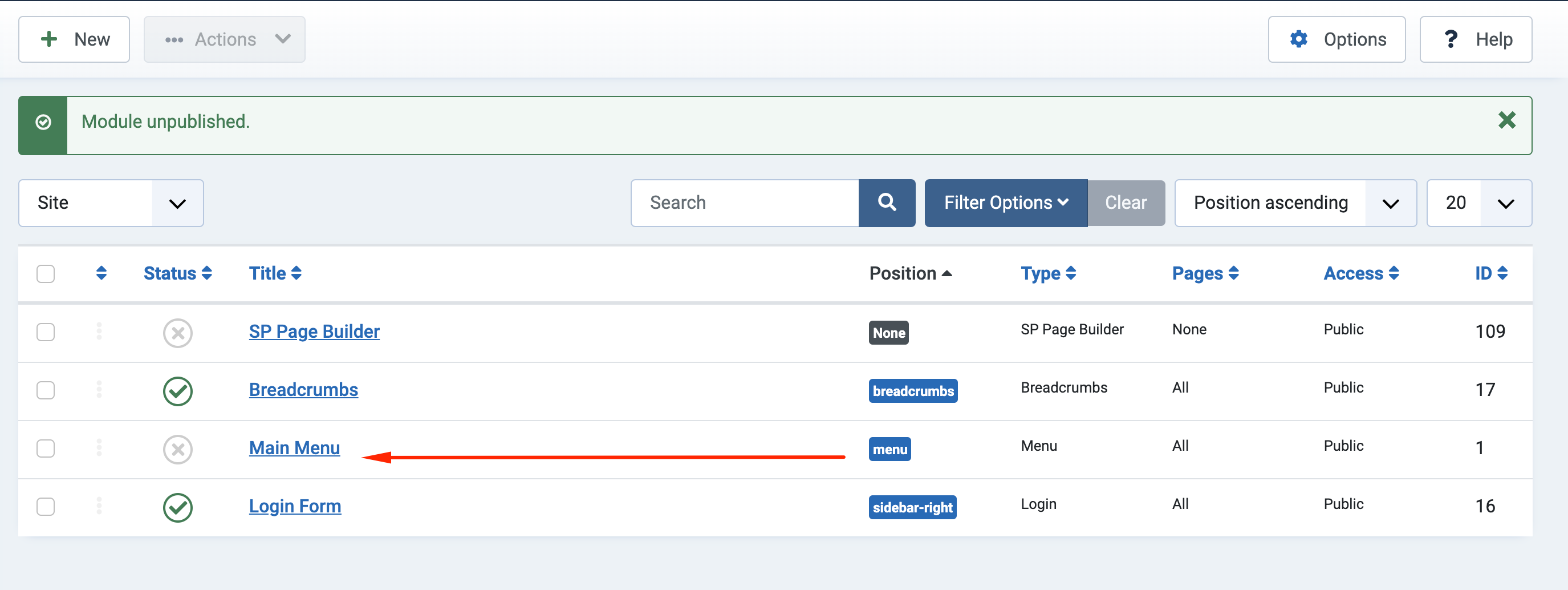
Accepted AnswerI have unpublished the menu module. It seems good now. Please check your site.
ZY
Zay Yar
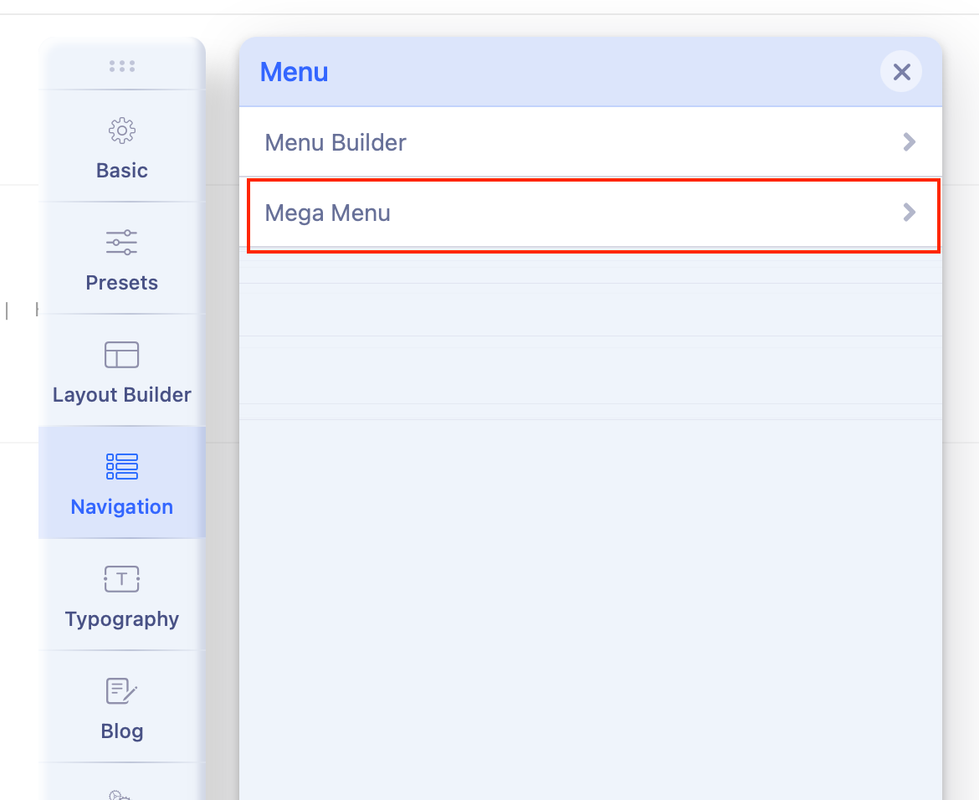
Accepted AnswerI was trying to get the following menu and not humberger one.

How can I get the menu same as above ?
Regards
ZY
Zay Yar
Accepted Answerthe site I provide you to look was a test one.
I am doing at my own server at my work place.
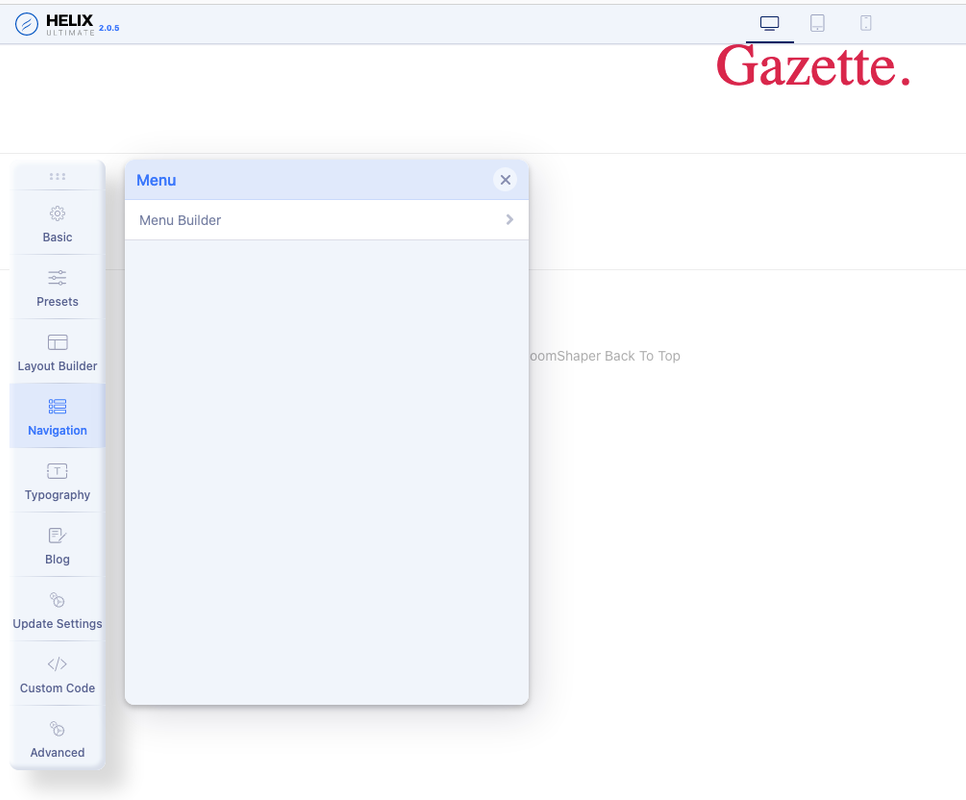
I am still not able get Mega Menu in navigation pannel and because of that it is not impossible me to do it my own. It is not possible me to provide every website for you to help. I can see the menu is working whith your help but It should be work anywhere without your help right ?
What did you do to make Mega Menu appear in Navigation ?
Mine is very different that your and do not see Mega Menu in my Navigation. Why ?
Ofi Khan
Accepted AnswerYes, you are right. Things should work without help. Maybe there are some issues with the installation. You can try a fix. Uninstall the template and then install it again. But please keep a full site backup or try on localhost first.