Disable blog options

Accepted answer
Marked as the solutionOK I saw it , thanks a lot.
li.nav-item:nth-child(2) {
    display: none;
}35 more replies

Hi there!
Although the language is not English, I think it is the Blog Options tab and related to the Helix Ultimate framework.
May I know why you want to disable the tab, kindly?
Best Regards
because for some users/reasons, I don't need this tab.
and thanks to override I can disable language or metadata tab for instance.
the idea is to display only the relevant tab for the end users.
and on some specific cases, I do not need it.
so is there a solution?
any news please?

Hi Laurent. This tab is created by Helix Ultimate Plugin. If you OFF this plugin, all template settings will disappear. Separately disable this tab is not possible.
ok I see.
If disable this plugin, the template will work correctly?
or this plugin is mandatory to make the template working fine ?
I have not tested completely. But at first glance, the frontend remains in order, all the template settings will simply disappear
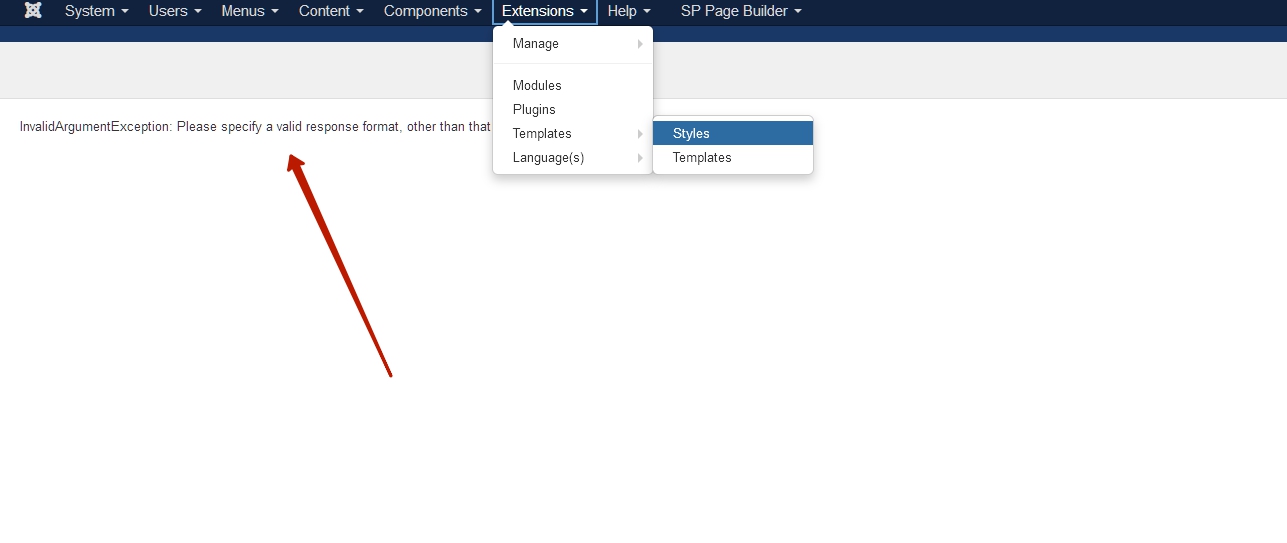
ok I need to test.
but there is no way to just disable this tab without removing all template settings ?
Hi Laurent!
Yes, the Helix Ultimate plugin is required for the template to work properly as per my knowledge.
And there is no default way to disable only this tab particularly.
However, can you share your administrator access, please?
So. you need to remove the tab for the site while a specific user group edit an article from frontend only?
Best Regards
No, what I need is just remove BLOG OPTIONS tab for everybody from front-end only.
OK done, I have added credentials in Hidden Content area
any news please?
@Rashida Rahman : did you have a look?

I am sorry for the late response. Please check now and let me know. Thanks
Does not work, BLOG OPTIONS tab is again displayed.
see here :
- step 1 : http://prntscr.com/1q3m2qd
- step 2 : http://prntscr.com/1q3mapz
ok works fine.
what have you done?
which file has been modified?
I have added css code inside the custom.css file.
ok this one :
li.nav-item:nth-child(2) {
    display: none;
}
perfect, thanks a lot
L.
@Toufiq: following your code, works fine but when I click the second tab, the first disappears.
see below :
before : http://prntscr.com/1re9d5k
after : http://prntscr.com/1re9dz3
you can forgot, was a caching issue.
solved now.
Glad to know that your problem is solved. :)
sorry to ask you again but the problem is coming back.
any idea why ?
There is no blog option found
this is not on this link.
here it is, see this video : https://we.tl/t-ozLz49AlMx
Video can't play via quicktime player. Thanks
could you please try with VLC video player?
if you cannot, tell me, I can do a video for quick time player
Please check now. Thanks
ok tabs do not disappear when clicked.
but BLOG OPTIONS tab is displayed : http://prntscr.com/1rhf7fw
And I need to hide it.
Check now
perfect, seems to be ok ;-)
what have you done/modified exactly?
Added css code inside the custom.css file
@Laurent will you please spend some time to write a review about our product and support quality? One of your review will inspire us to do a better product and support quality.
already done ;-)
@Toufiq : could you please have a look on this topic, I have no feedback since several days : https://www.joomshaper.com/forum/question/6241
Replied