Hello,
I'm building a website using J4 and Helix Ultimate latest version. How can i disable the "Blog option" tab without broking website ?
Thanks
Hello,
I'm building a website using J4 and Helix Ultimate latest version. How can i disable the "Blog option" tab without broking website ?
Thanks
Hi,
2nd idea: You can also override the language phrase "Blog Options" using a empty space, and then it should almost invisible. It's easy and safe way, and you don't have to edit any file, and remember about it.
HELIX_ULTIMATE_BLOG_OPTIONS
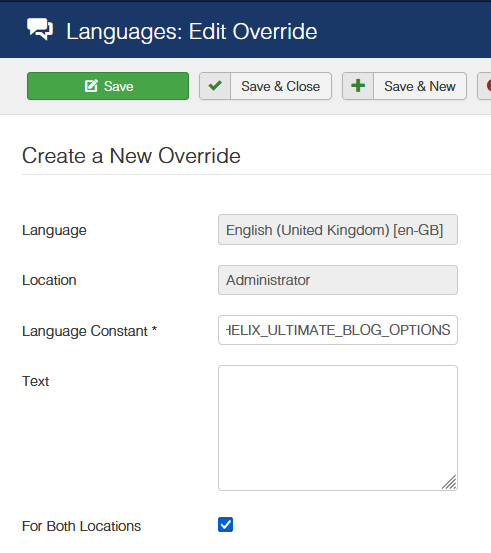
After using it
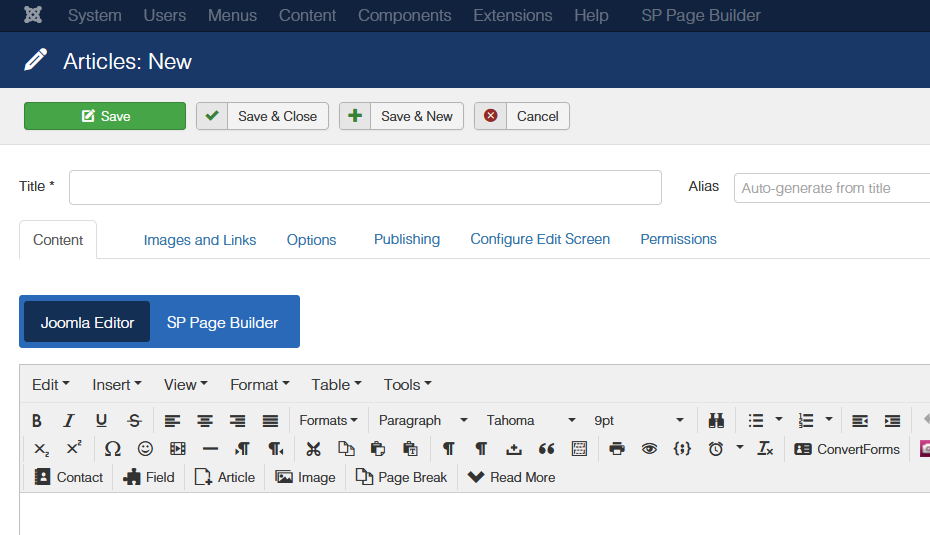
Hello TOCHTERMANN DAMIEN
Please go to this location: plugins/system/helixultimate/params and delete blog-options.xml file. This will remove the Article Blog Options from the administrator. But keep in mind that it will be overridden again with an update. So, you need to do this every time after updating the template.
Best regards
Thanks both . Pauls solution is better for me i think ;)
You are welcome.
Thank you for these ideas, but what about having a switch in Blog options in Helix Preferences for this to get this off or on?
In general it's part of Helix plugin, it was created with purpose.
As you saw there is basic trick to hide it anytime.
Maybe one day we will add on-off switcher but not tomorrow.

