Empty Space
Joomla 3, 4, 5, 6
Updated 23 Jan 2025
1 min read
The Empty Space addon is a nifty tool you can use to add vertical padding between two other addons on your webpage canvas.
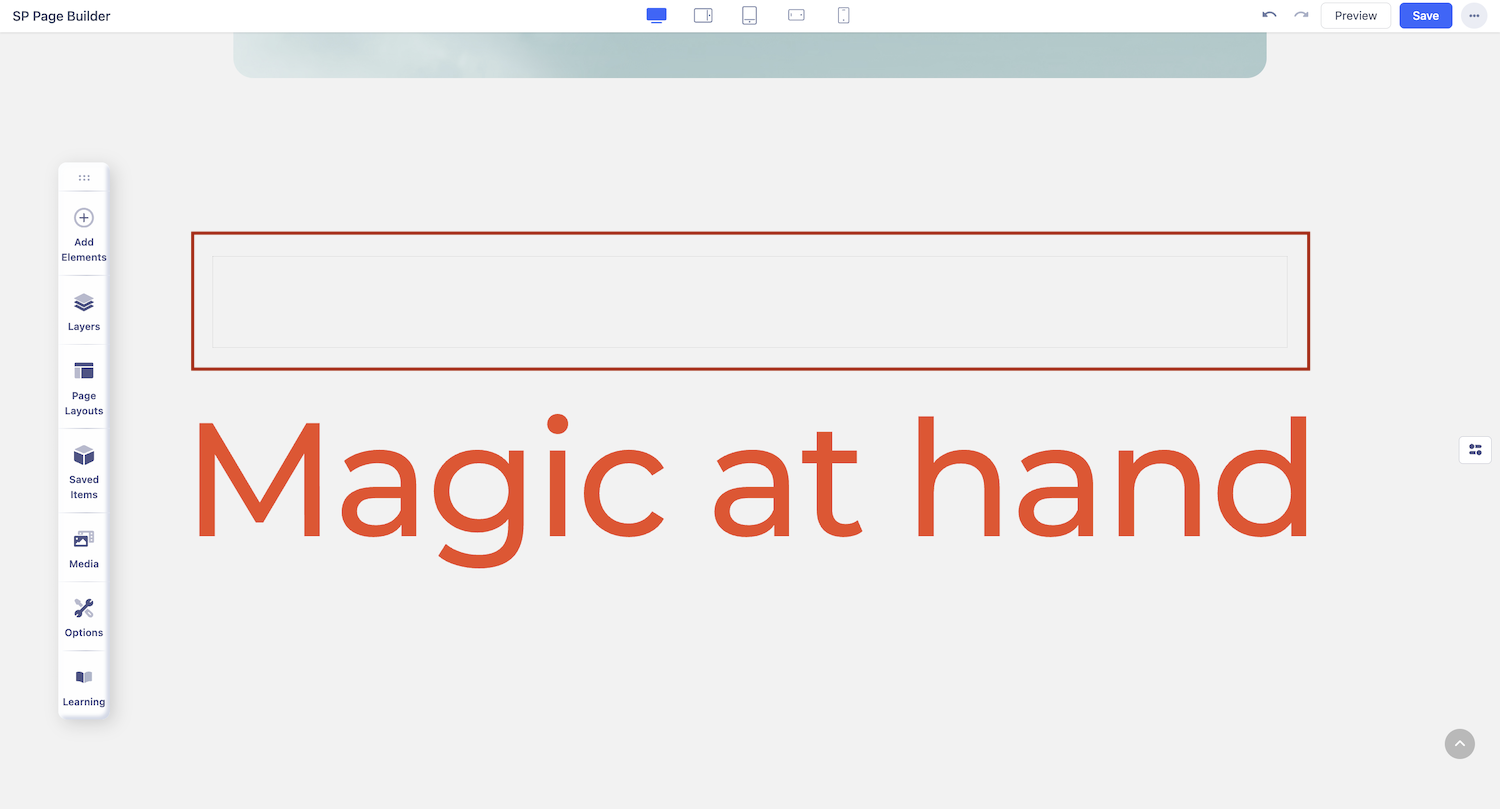
How to Add Empty Space
To add the Empty Space addon, click on the addons button on the Sidebar to open the Addons Panel. Here, you’ll find the Empty Space addon under the General section. Drag and drop this addon where you want to place it on your page.
Empty Space Settings
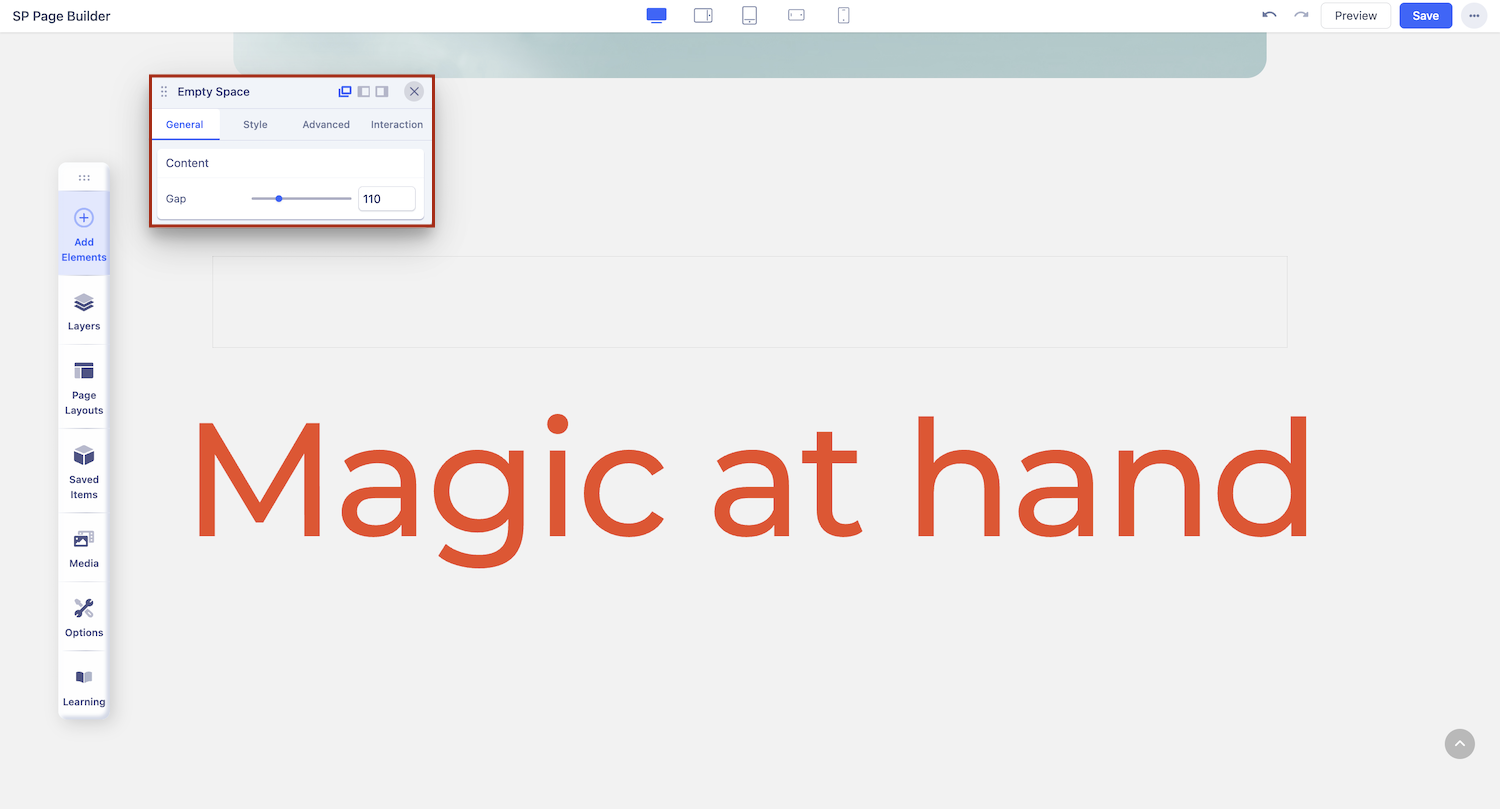
Now that the addon’s been added, click on the Empty Space icon on the inline editor to open its settings.
Gap: Drag this range slider to the right to increase Gap Size or drag it to the left to decrease it. You can also directly input the exact value into the field beside it