

Finion Template Q1
TM
Tom Mitchell
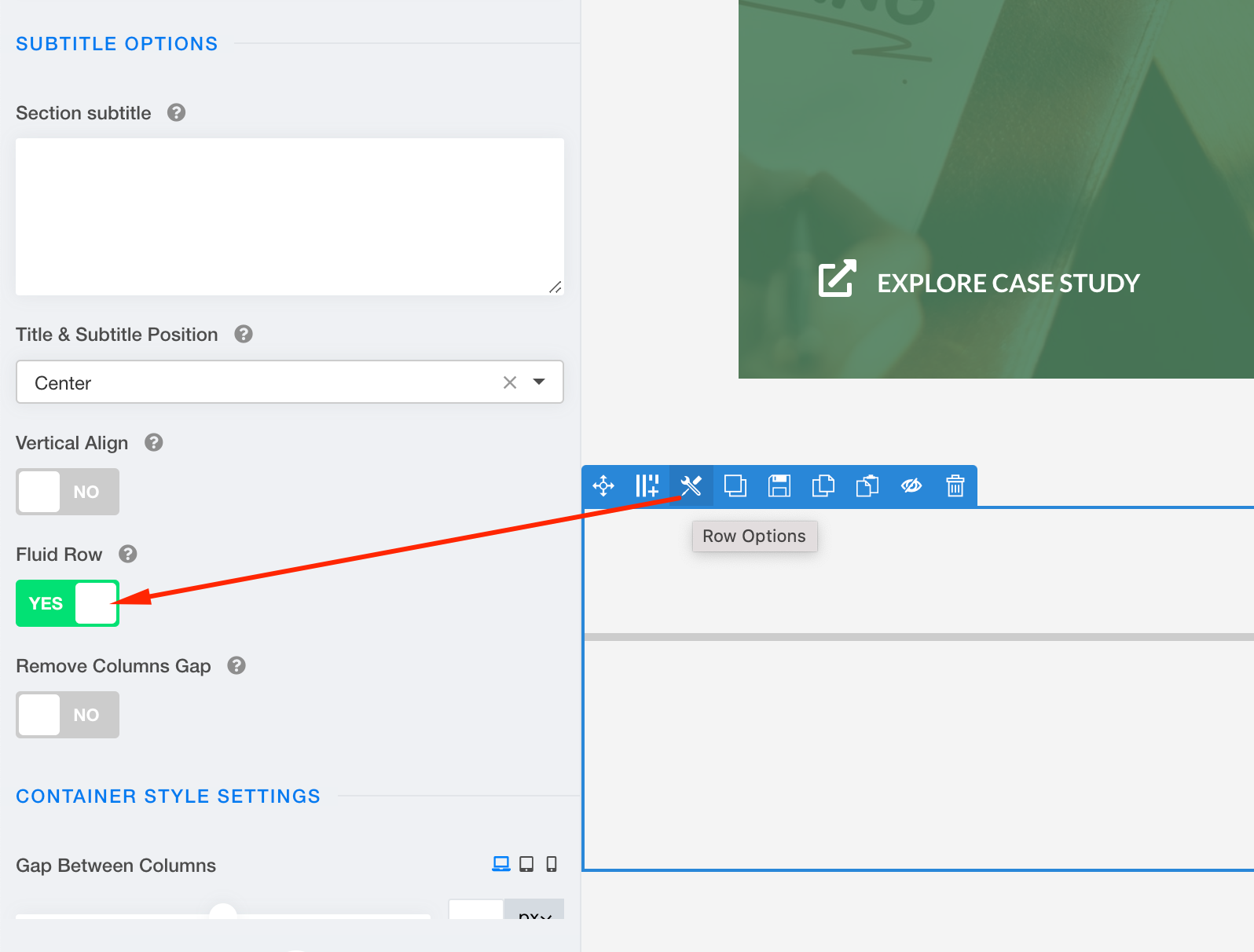
In the Finion template, I wish to insert a line across the page between row five and six. Using a "divider" in the page means the line extends only across the width of the main body. You can make it appear as if across the whole page using -ve padding and fixing the width of the divider to 2200px but that messes with the formatting in the mobile formats.
.sppb-divider is already set to 100%
Is there another way in JoomShaper to force an Addon to cross the whole of the screen area?
7 Answers
Order by
Oldest

Ofi Khan
Accepted Answer Ofi Khan
Accepted AnswerIt can be easily built with divider addon. If you can't do it, then please share your administrator access here. I will build this on your page.
TM
Tom Mitchell
Accepted AnswerThe divider addon, as I said in my initial comments, only inserts the line in the "main body" area. It does not put the line across the whole of the width of page in the way illustrated as the line immediately below the logo does.