

System
The System section in Power Admin is a much more expanded version of the default System settings found in the default Joomla adminstrator, where all system-related settings are grouped inside a single page.
In Power Admin, these settings have been reorganized and expanded into the expanded Systems menu, where you will find the following options and directly access them:
- System Dashboard
- Global Configuration
- Maintenance
- Joomla
- Information
System Dashboard
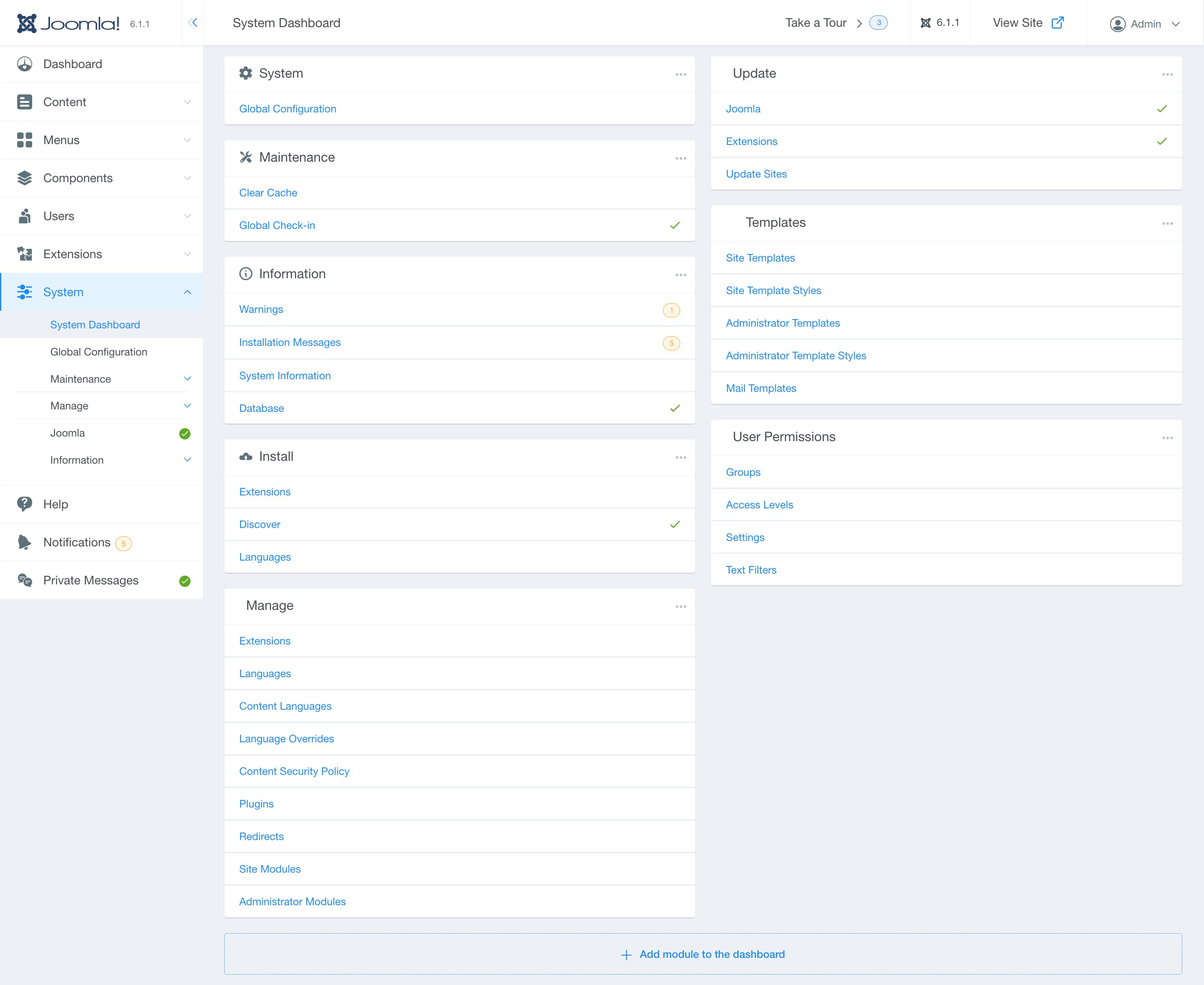
The System Dashboard functions similarly to the default Joomla system settings, enabling you to access and manage global configuration, maintenance, information, installations, updates, templates, and user permissions.
Global Configuration
The Global Configuration option can directly be accessed by expanding the Systems menu, and it allows you to configure the Joomla site with your personal settings. Settings made in global configuration apply to the whole site.
Maintenance
The Maintenance option can be directly accessed by expanding the Systems menu and functions similarly to the default Maintenance settings found in Joomla. You can expand the option to access and control the following additional settings:
Clear Cache
Use this option to clear cache files from the cache folders if enabled under the Global Configuration settings. To avoid any problems caused by out of date cache files, you can delete all of the cache files. You can sort cache files in ascending or descending order based on criteria such as cache group, number of files, and size.
Global Check-in
This setting allows site administrators to perform a global check-in of all currently pending or locked items. You can sort cache files in ascending or descending order based on criteria such as database table and items.
Joomla
The Joomla section enables you to update Joomla directly from the Joomla code repository using the Live Update tab, as well as manually uploading and updating Joomla via the Upload & Update tab.
Information
The Information section allows you to access information regarding your host server environment, including operating system, database, and PHP settings, and directory information.
By expanding the menu, you can access the following additional settings:
Warnings
This setting will display any warnings related to extensions you have installed in your Joomla installation. Warnings about potential installation conflicts or dependency failures will be displayed in this area.
System Information
This section allows you to access detailed information regarding your particular Joomla website, separated in the following tabs:
- System Information
- PHP Settings
- Configuration File
- Folder Permissions
- PHP Information
Database
The database setting allows you to manage and verify that your Joomla program's database table structure is current and offers a way to resolve any identified issues.