Checkout Layout Styles
There are two primary checkout layout styles that you can use and also set as a Menu Item for your eCommerce site.
To change the checkout layout style,
- From your Joomla Dashboard, go to Menus.
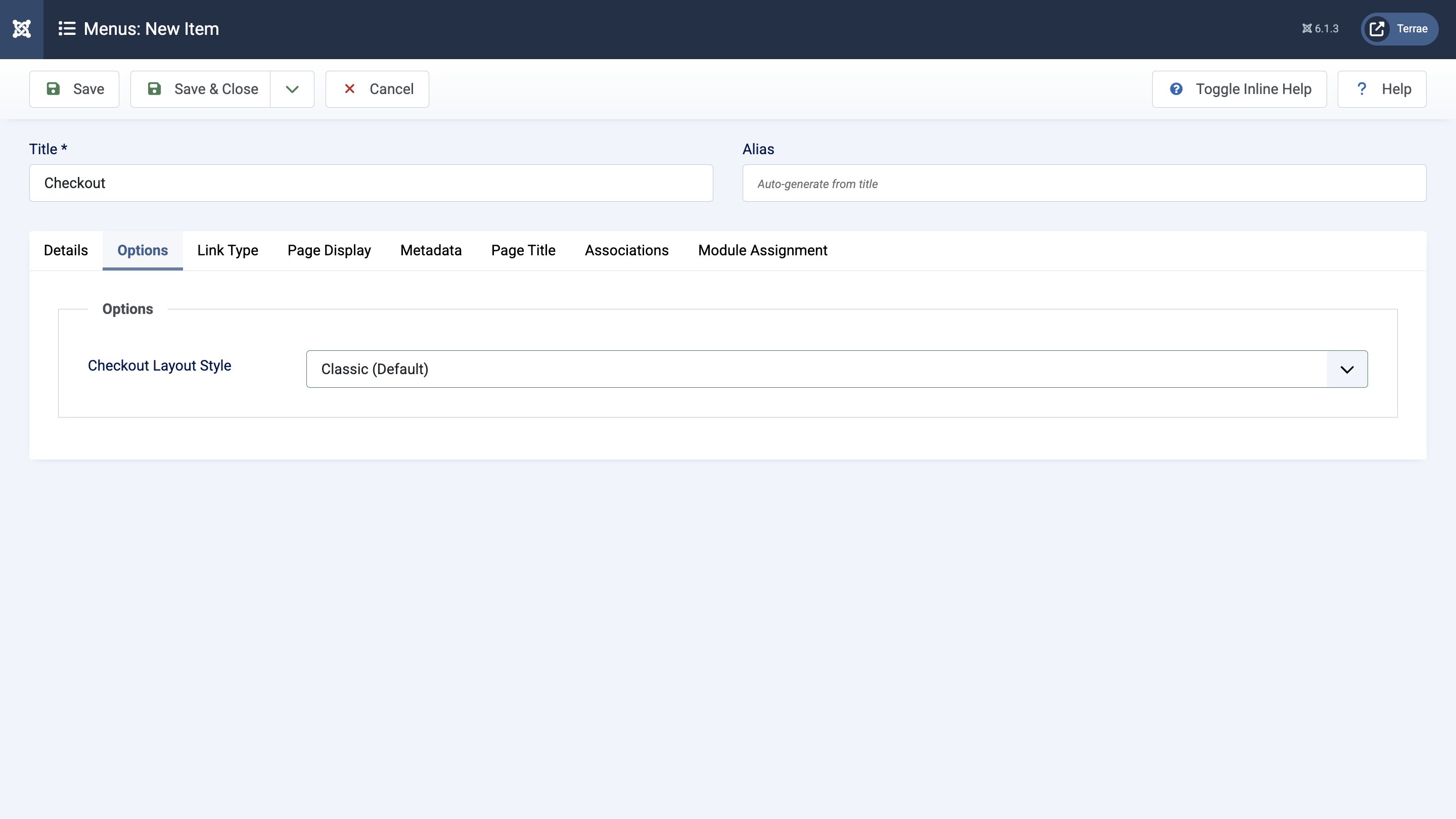
- To set up a Checkout Menu, click + Add and create a new item. Then, choose "EasyStore > Checkout" from the Menu Item Type dropdown.
- Navigate to the Options tab and choose between the “Classic (default)” and “Modern” Checkout Layout Styles.
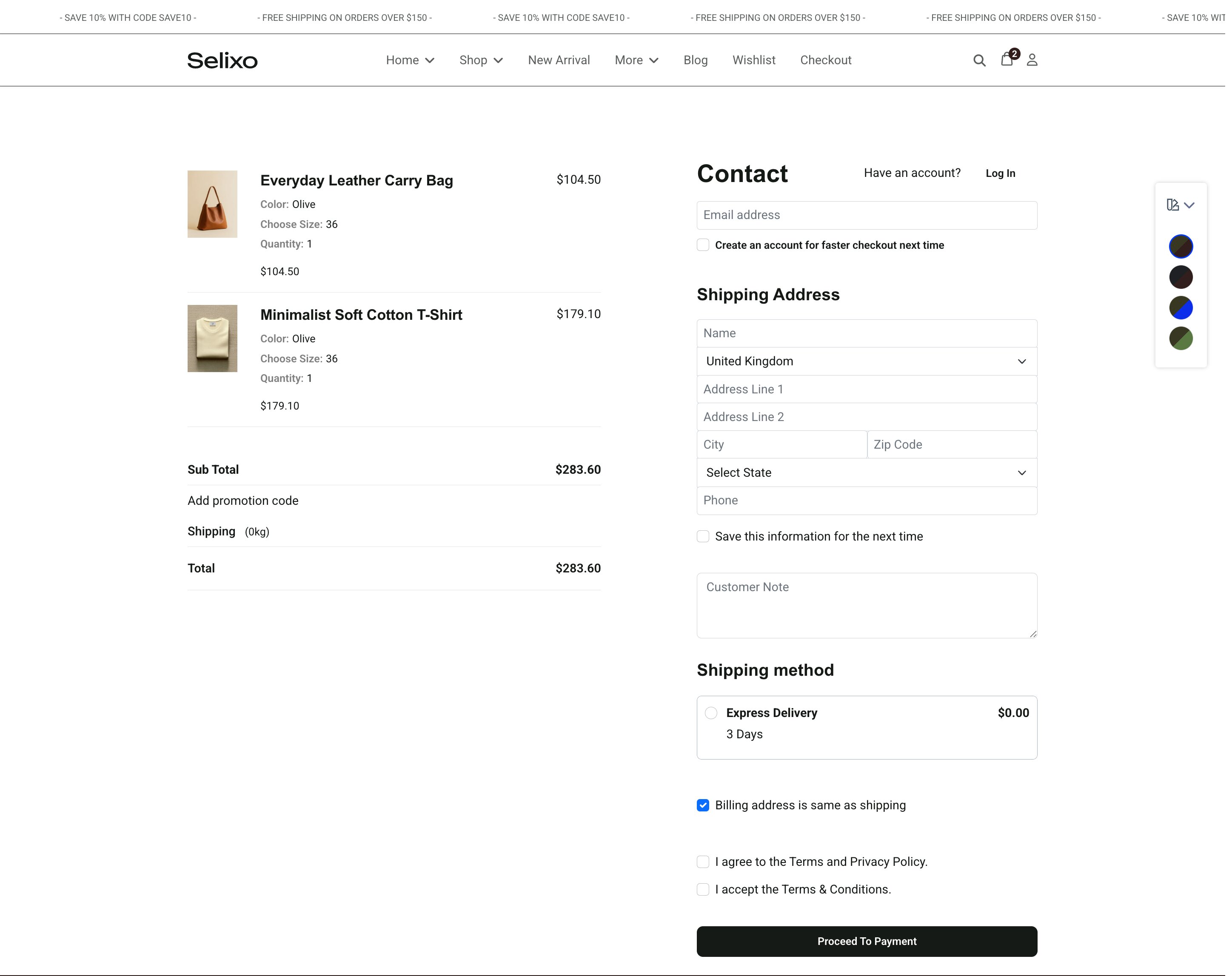
Here is how the checkout page looks in the “Classic (default)” style:
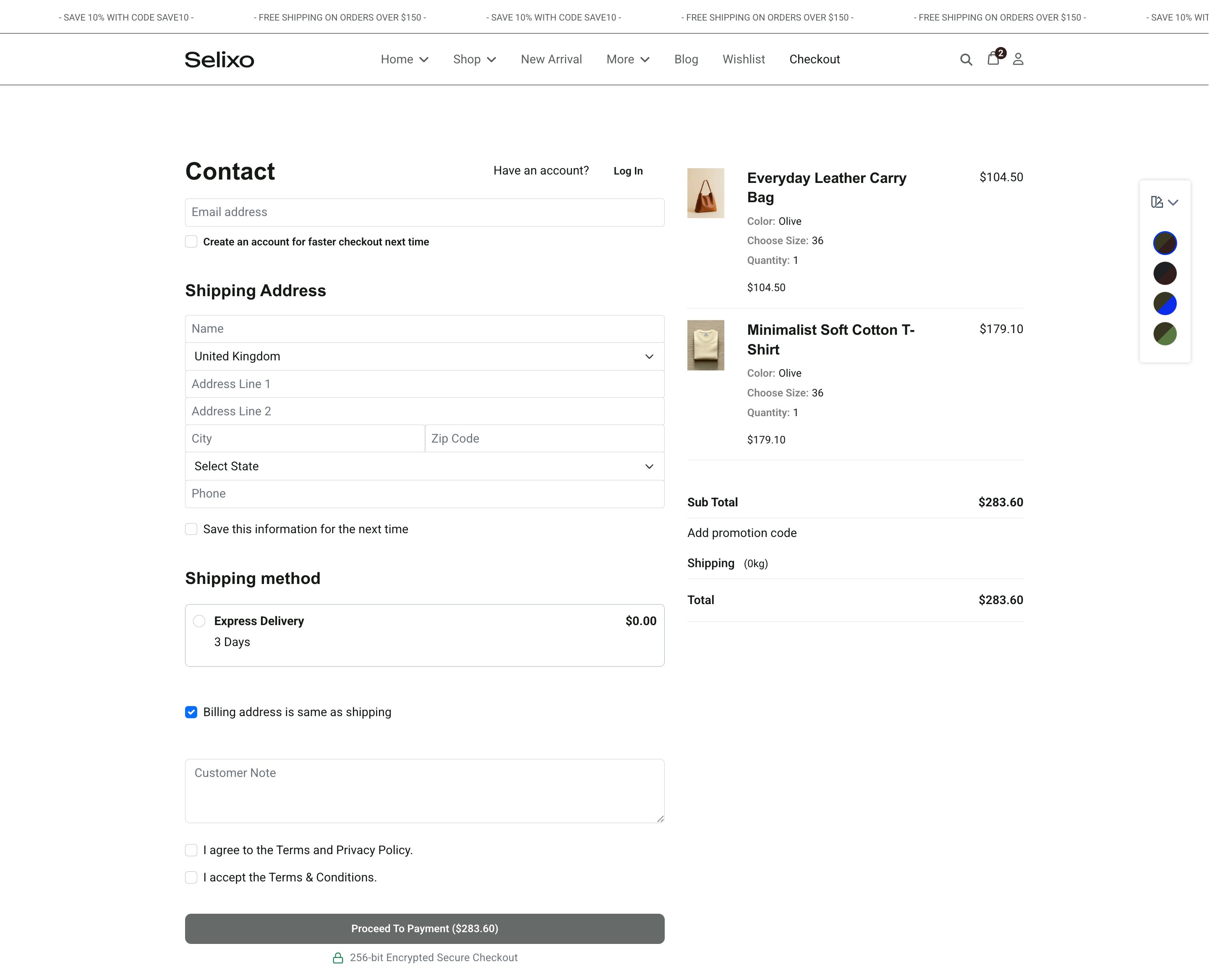
And below is how the same checkout page looks with the “Modern” style selected:
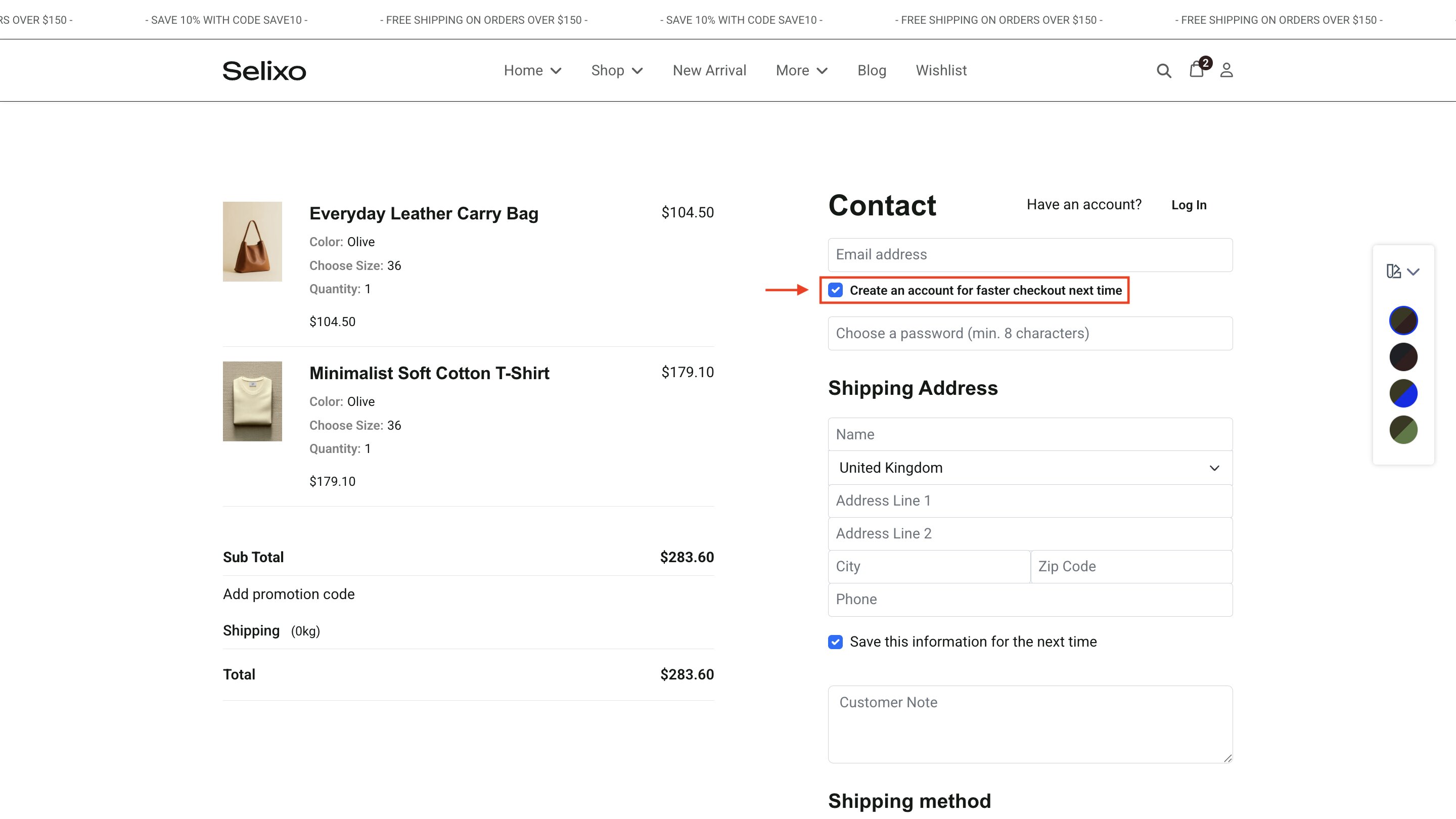
How to Configure Guest Account Creation at Checkout
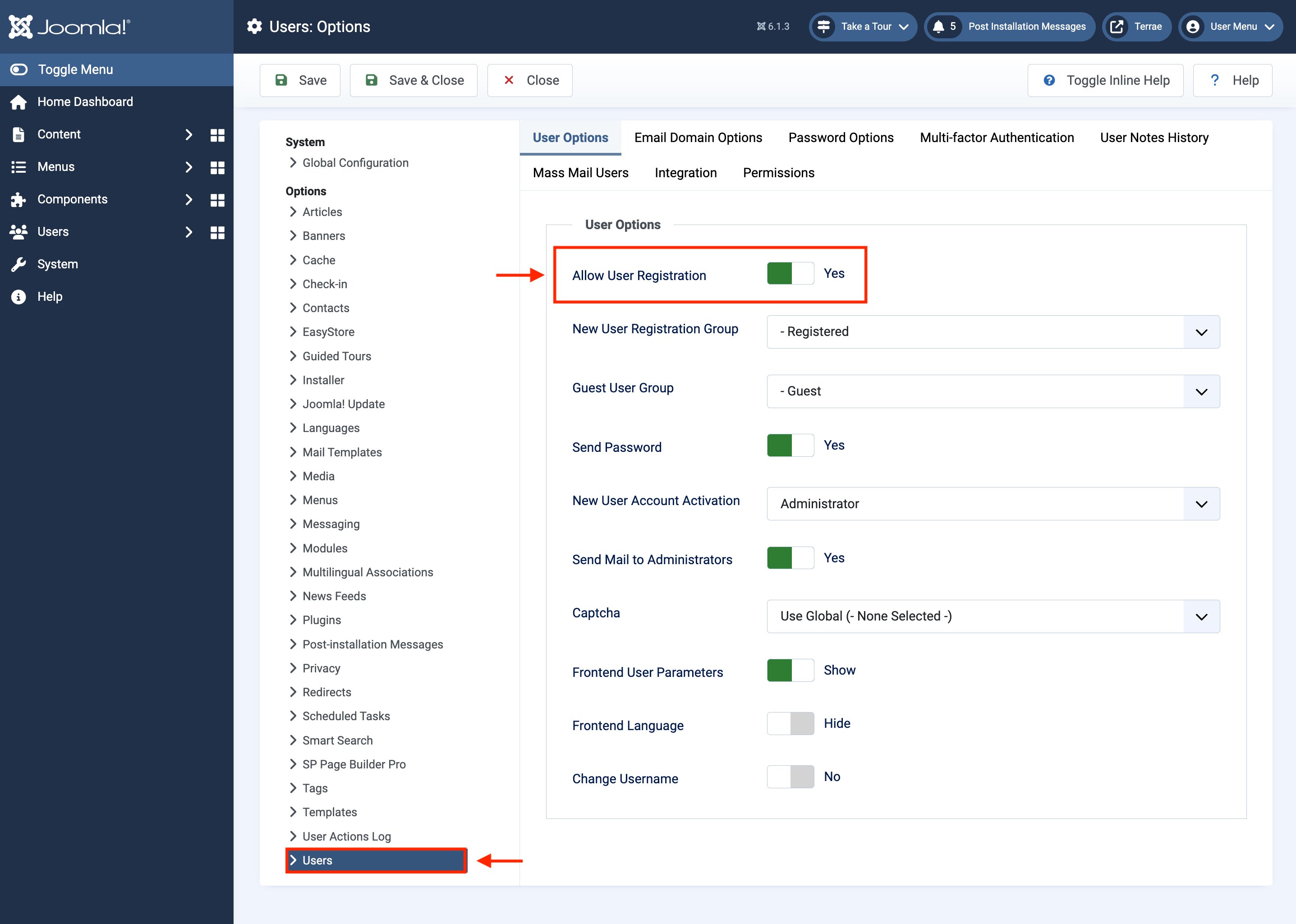
To configure guest account creation at checkout, go to Global Configuration > Users > User Options and enable Allow User Registration.
Guest users can now register for an account as part of the checkout process, rather than needing to do so in advance or at a different time.